
Shopping Cart

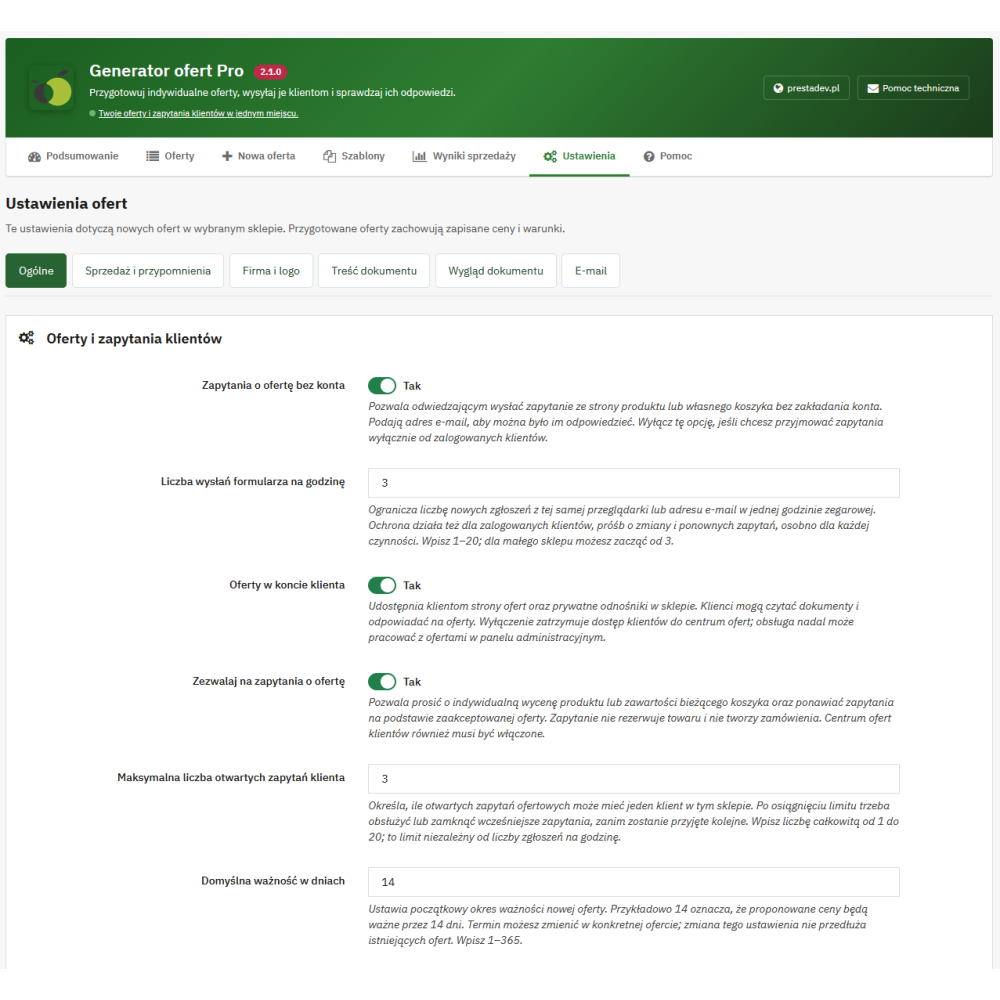
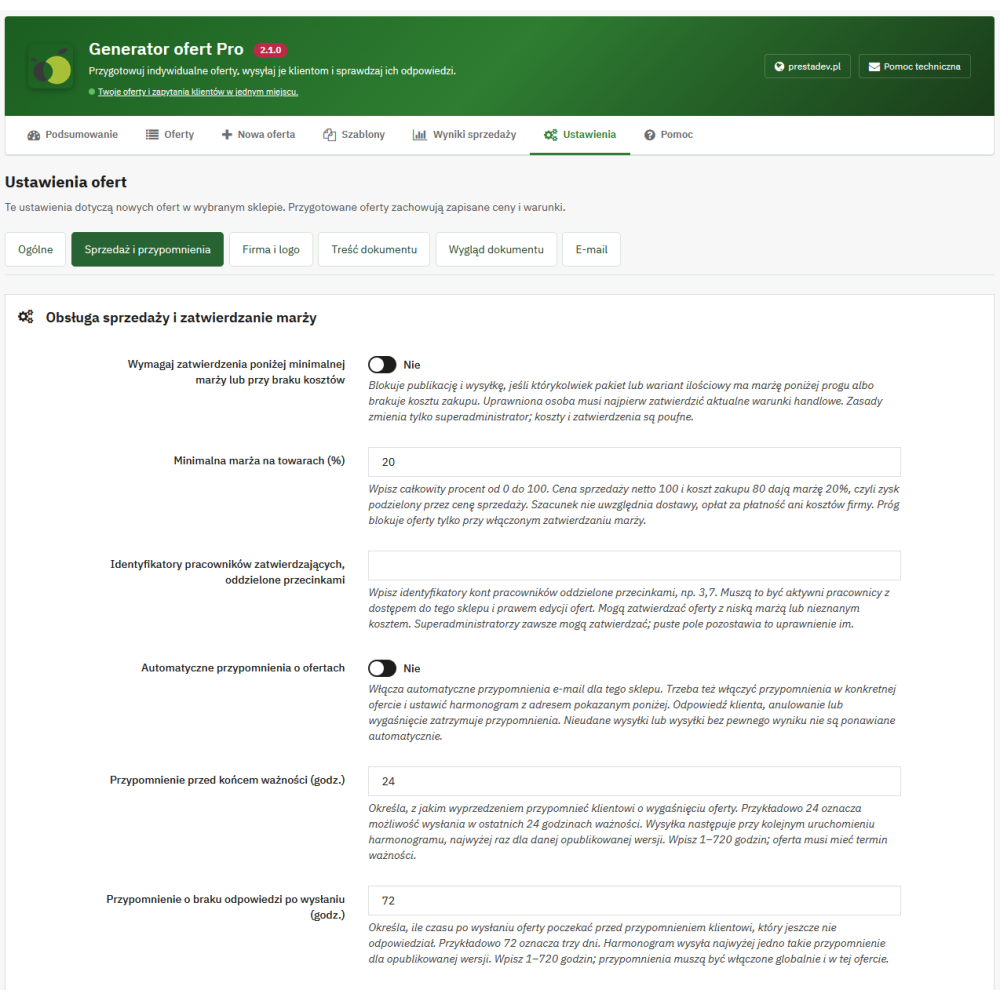
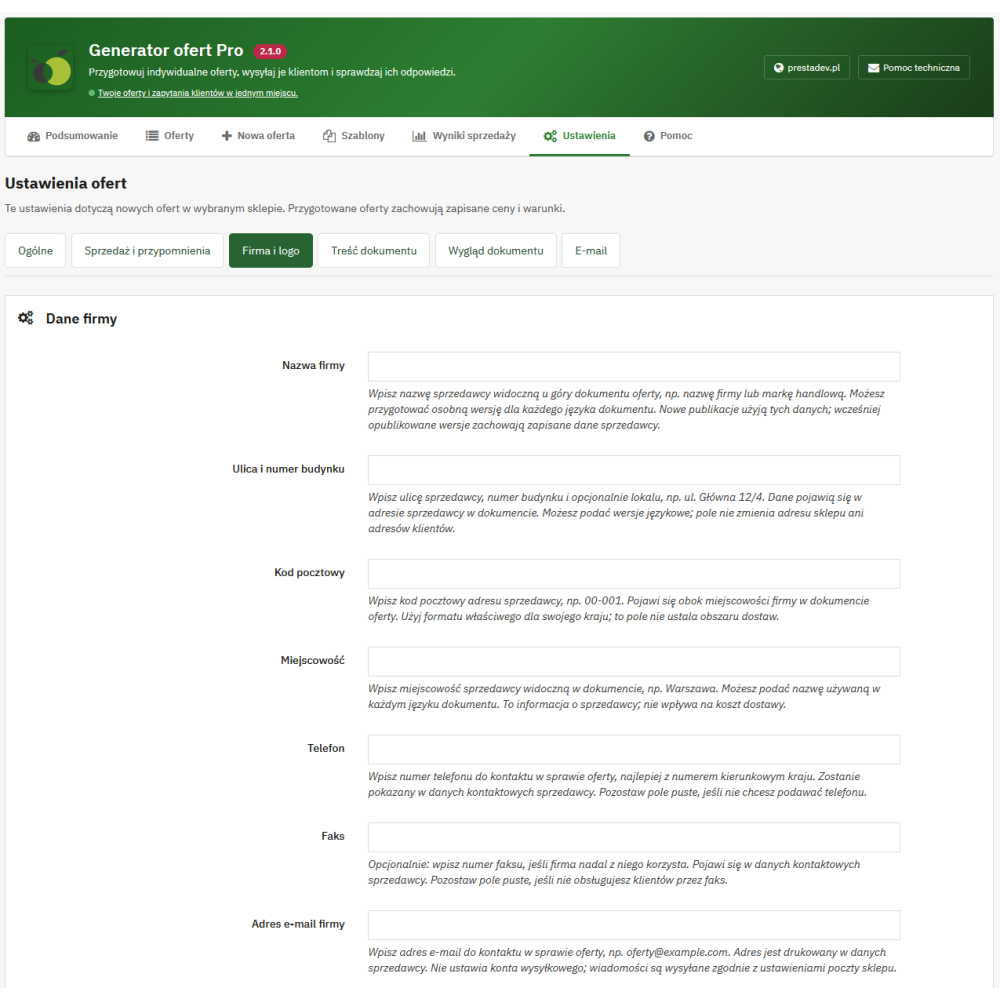
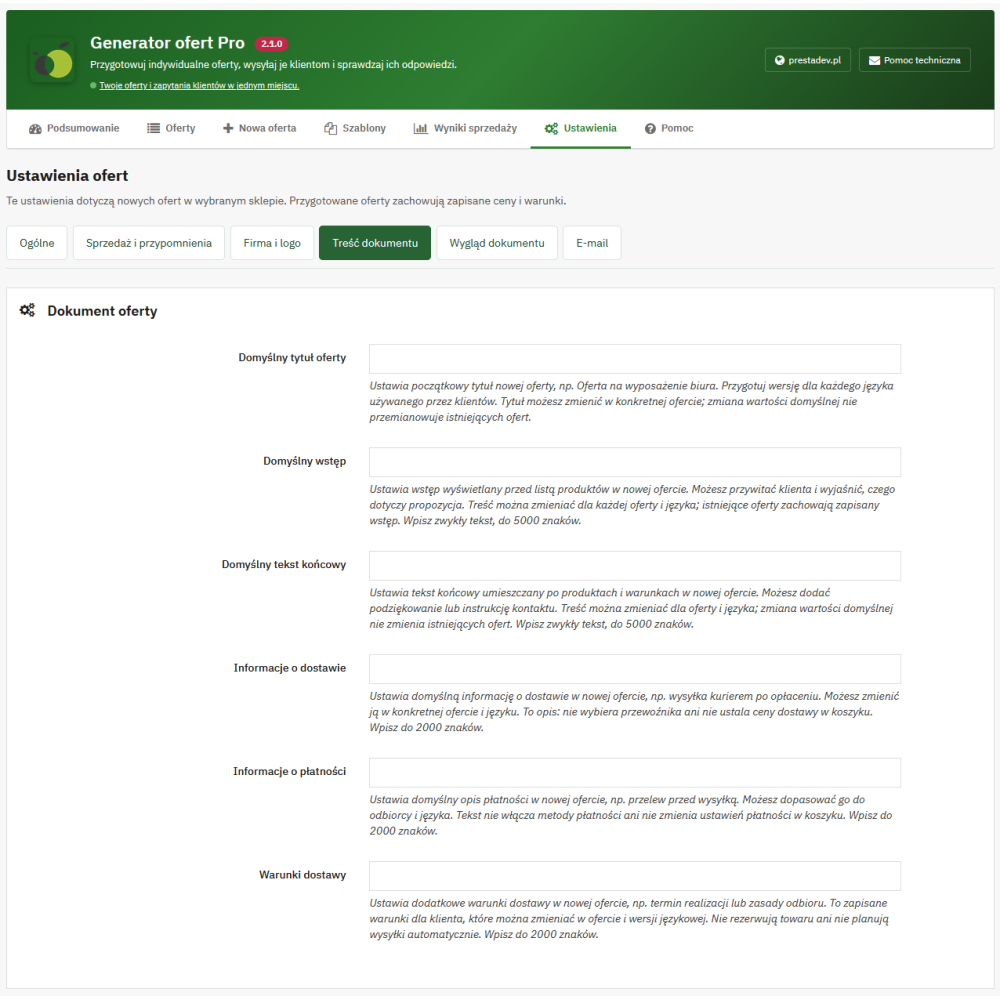



Features of the Quote Generator Pro module
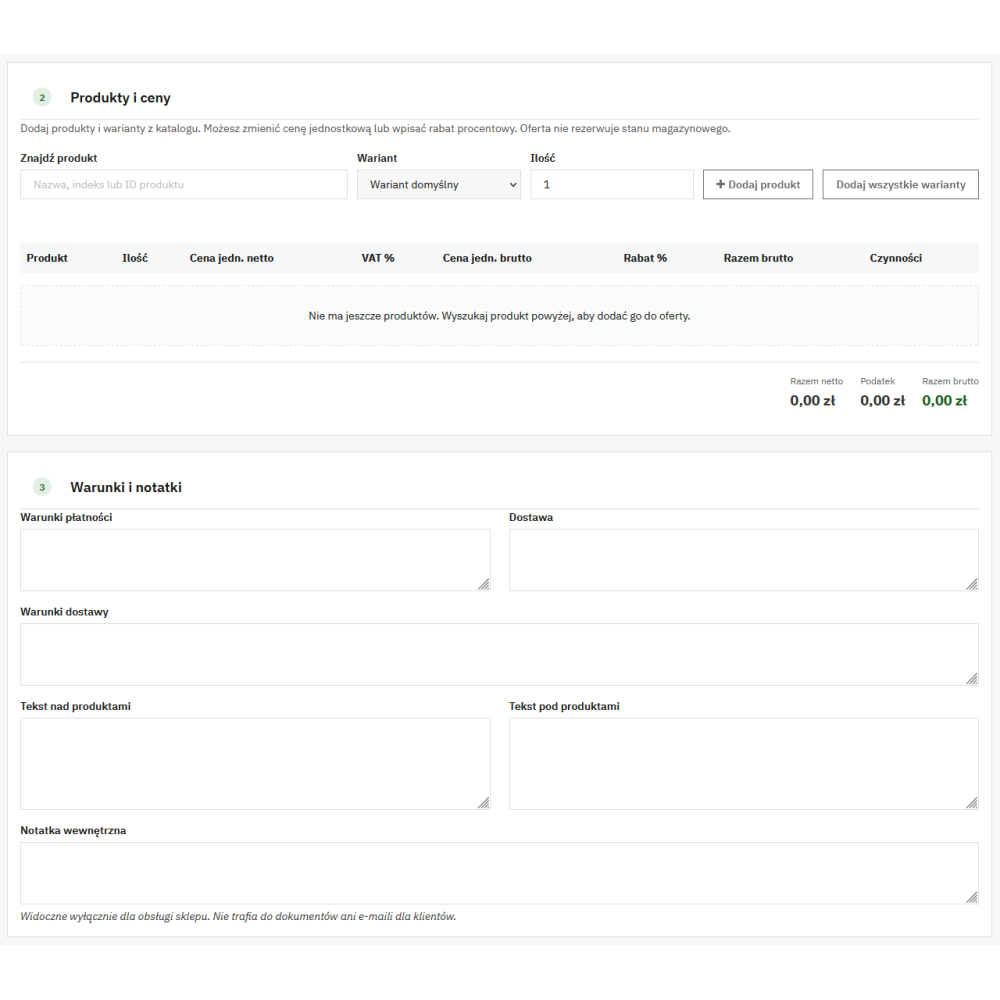
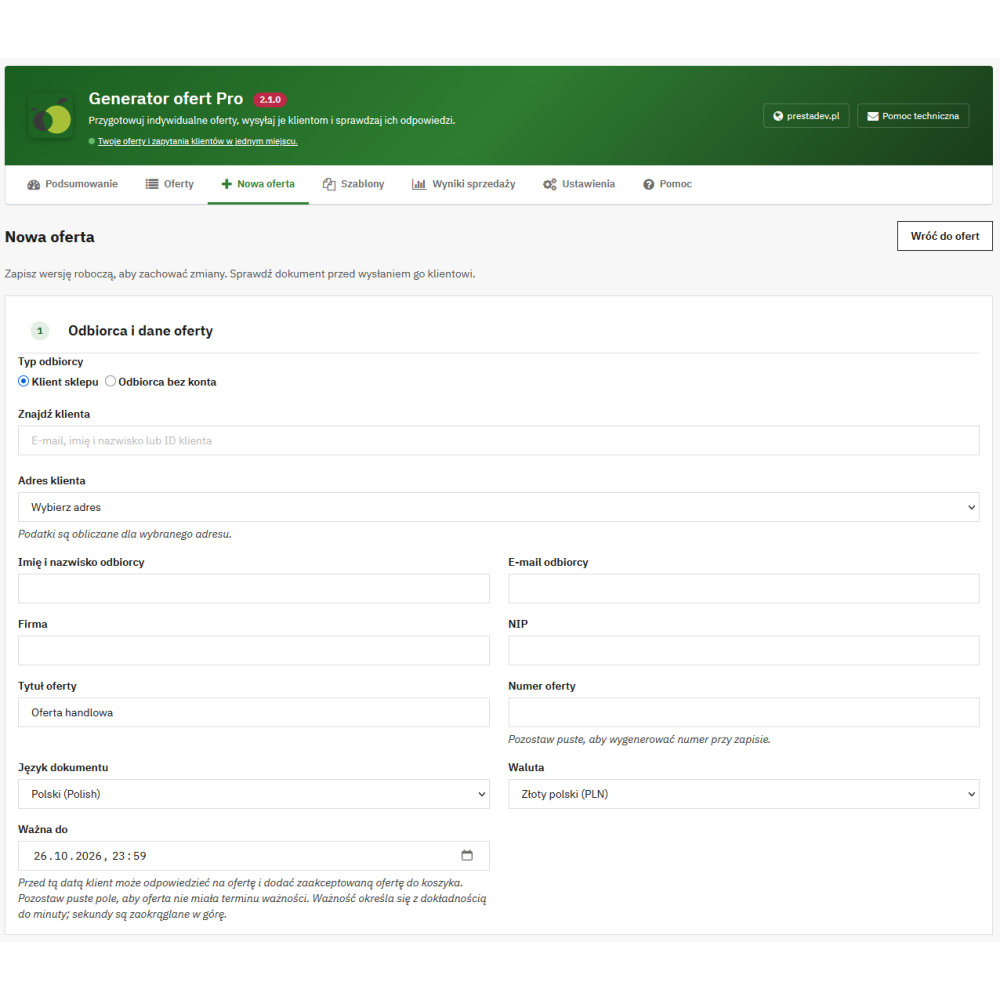
Creating quotes and individual product pricing
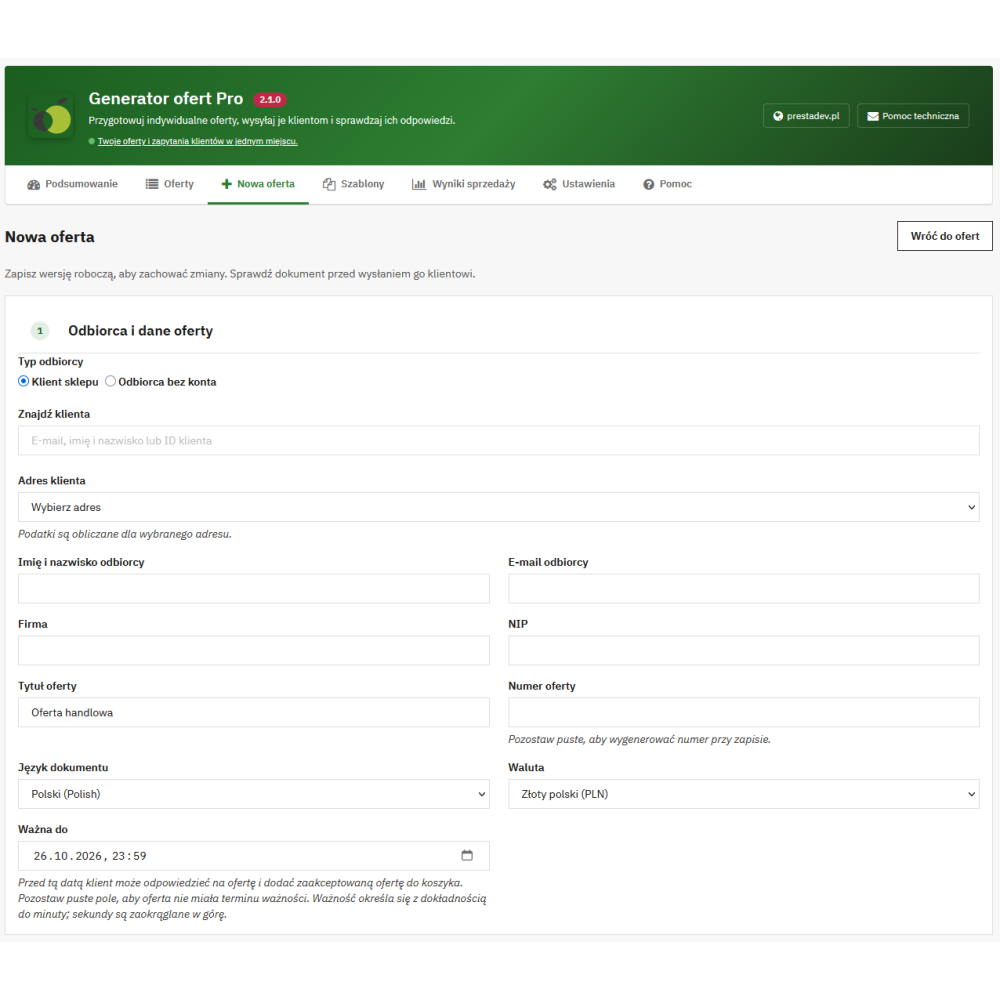
- Quote for a customer or recipient without an account: selecting a customer and their address or entering the recipient's details, including e-mail address, company name, and VAT number.
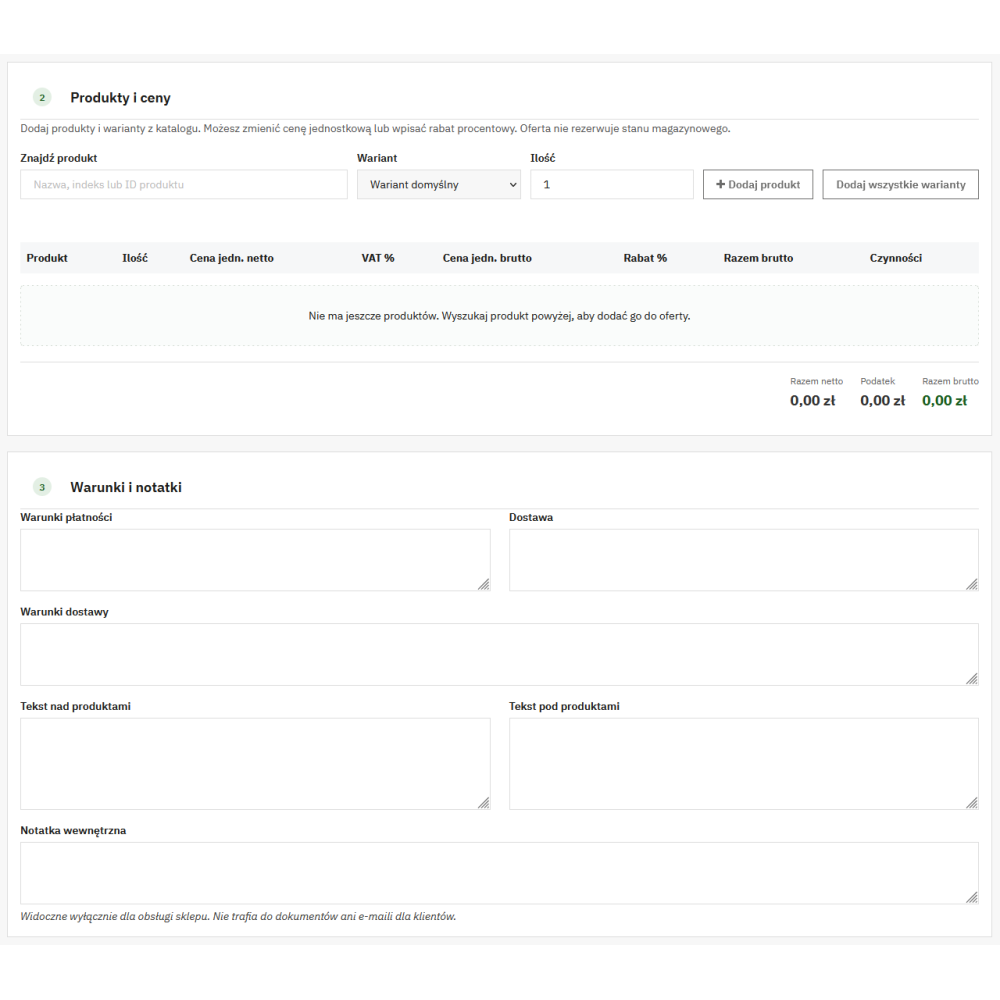
- Products and their variants: searching catalog items and adding specific combinations, with the quantity of each item specified.
- Individual prices: editing the net or gross unit price and recalculating the price based on a percentage discount relative to the saved regular price.
- Currency, language, and taxes: selecting the active store currency and language, with pricing based on the tax address, customer groups, and PrestaShop rounding settings.
- Number and validity period: automatic quote number or custom designation, default validity period, and individual expiration date; the quote can also be left without a deadline.
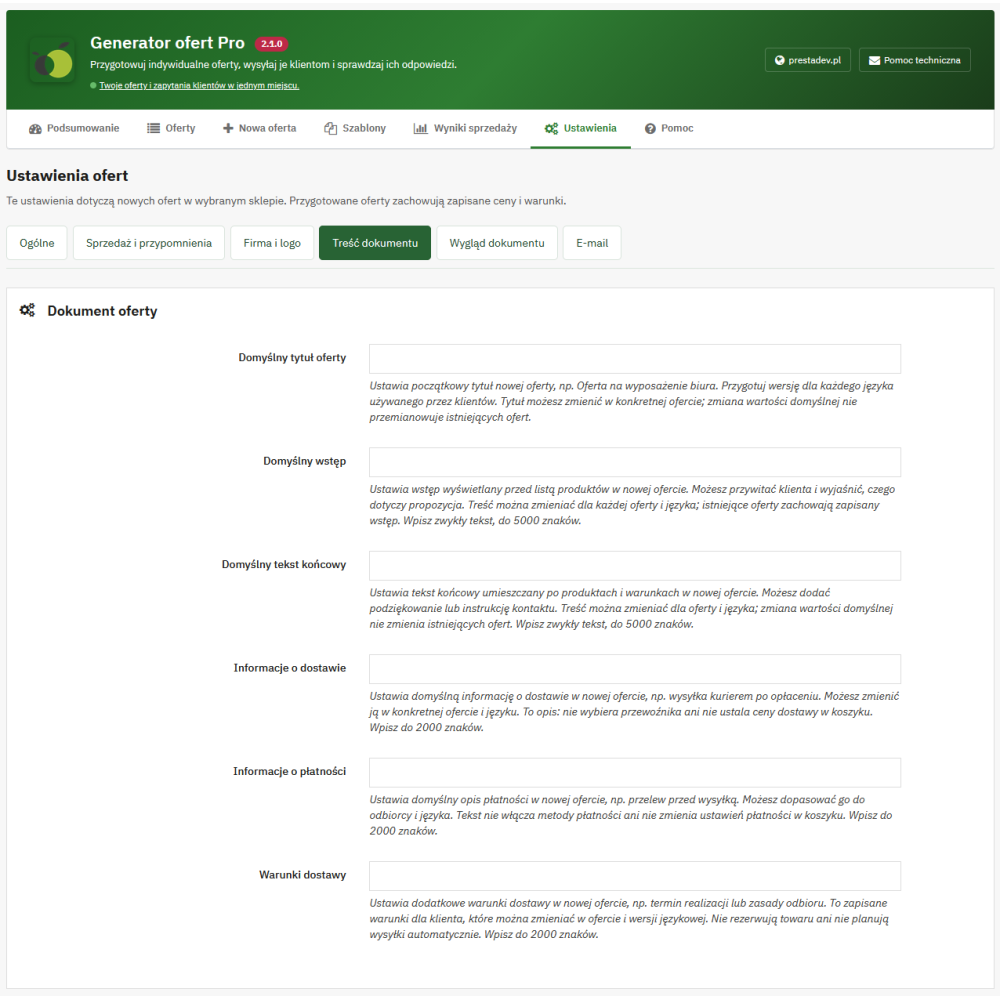
- Commercial terms: separate texts for introduction, closing, payment, delivery, and additional arrangements, as well as an internal note for the store staff.
- Duplication: creating a separate draft based on an existing quote, with a new number and private link.
Packages, optional products, and prices for selected quantities
- Up to three packages: a base package marked as recommended and up to two full alternative packages, each with at least one mandatory product.
- Optional items: the customer can add to the selected package products that the seller has marked as optional.
- Quantity variants: in addition to the base quantity, up to three additional exact quantities and their corresponding net unit prices can be specified for a given item.
- Selection preview: the customer checks the total for the selected package, add-ons, and quantity; the selection is saved upon acceptance or when adding the quote to the cart.
Quantity prices apply to specific variants, for example 10 or 20 units. They are not discount rules for any quantity range. Once the selection is saved, changing the set requires preparing a new quote.
PDF and HTML documents and e-mail sending
- Document download: generating the quote in PDF and HTML format, available to staff and the authorized recipient.
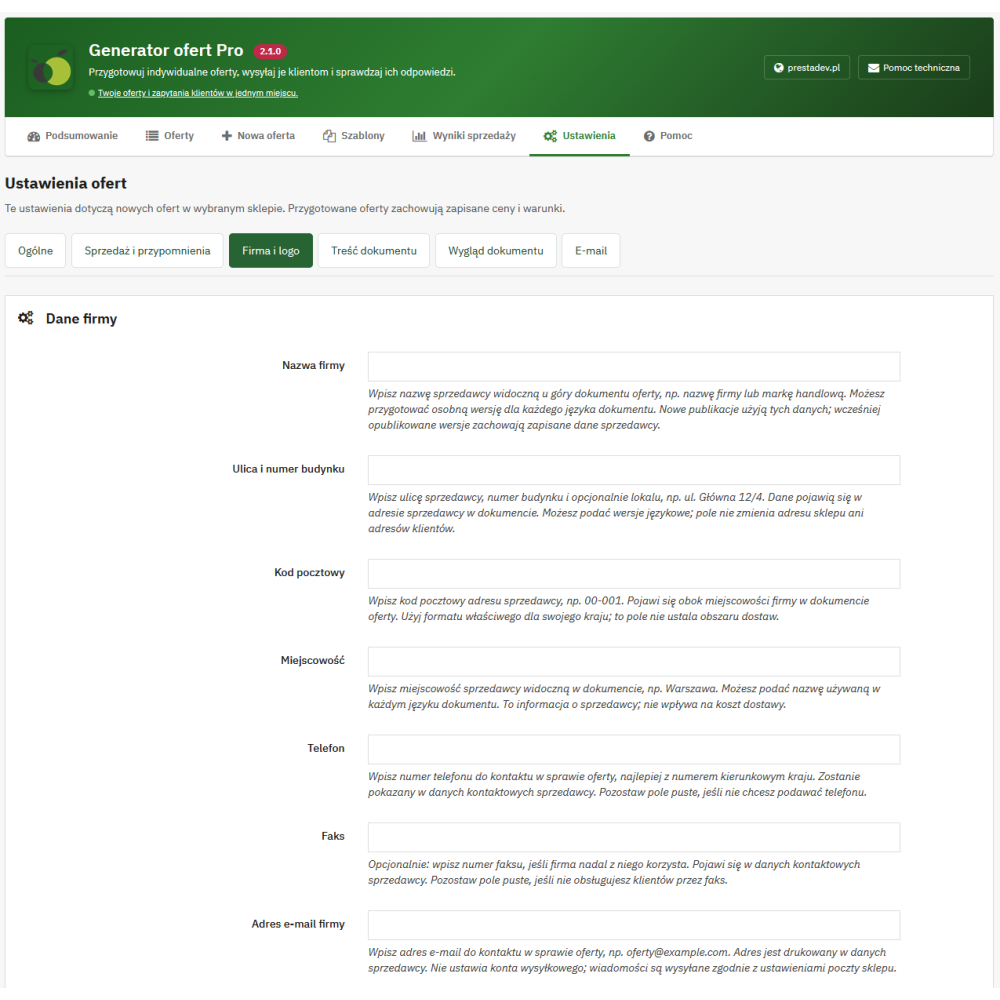
- Company details and logo: configuring the seller's details and adding a custom logo in PNG or JPEG format.
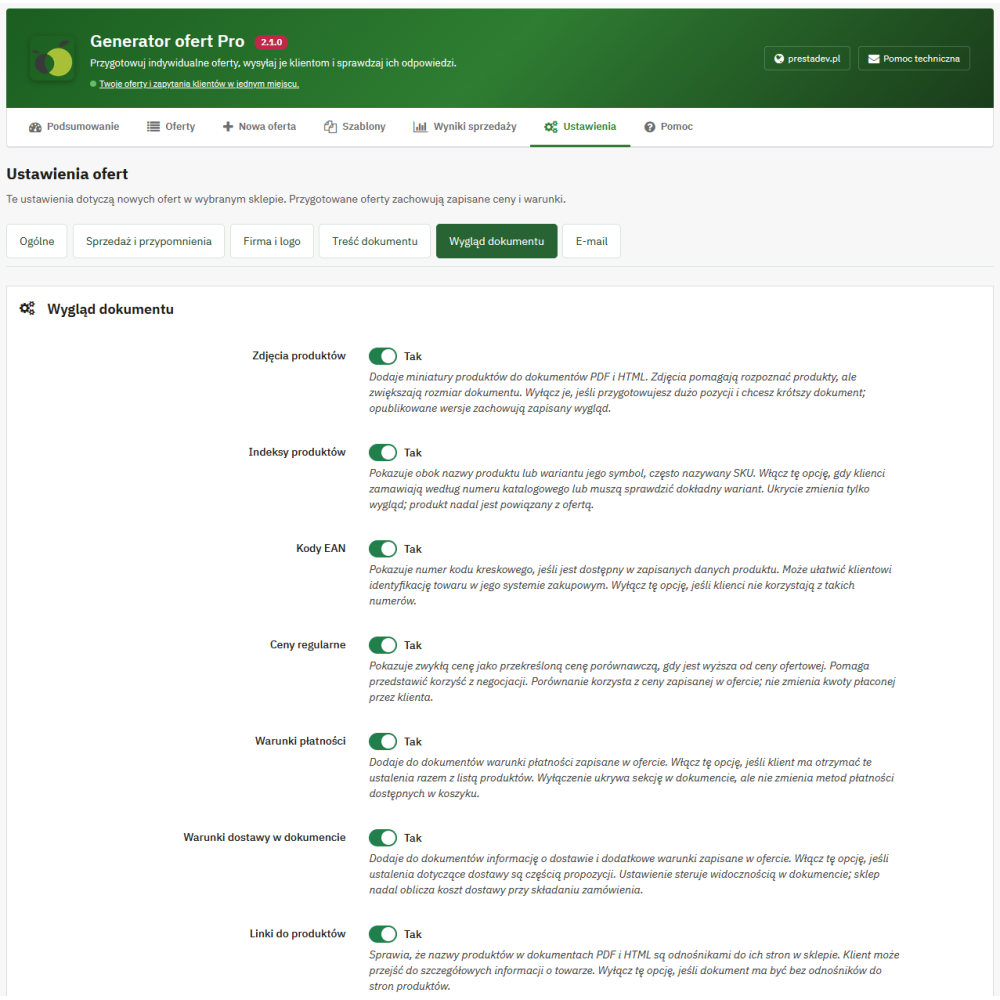
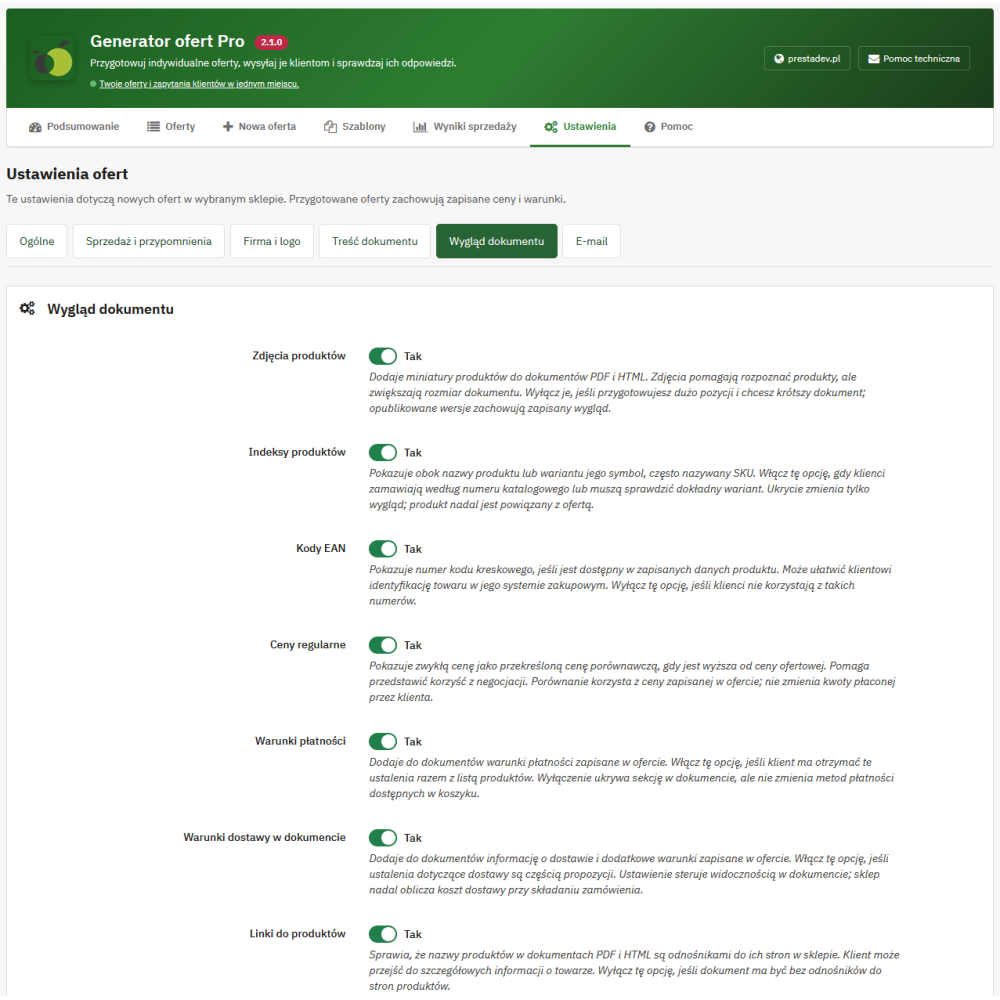
- Document elements: visibility settings for product thumbnails, references, EAN codes, saved regular prices, short and long descriptions, product links, and payment and delivery terms.
- Sending via the store mail system: editable message subject and content, private quote link, and selection of a PDF attachment, HTML attachment, or a message without an attachment.
- Saved commercial versions: publication preserves the content, prices, packages, party details, document settings, and logo; in the panel, documents from two published versions can be compared.
- Separation of information: purchase costs, margin, approvals, and internal notes remain information for the store staff and are not included in documents or customer messages.
Customer inquiries and moving from quote to order
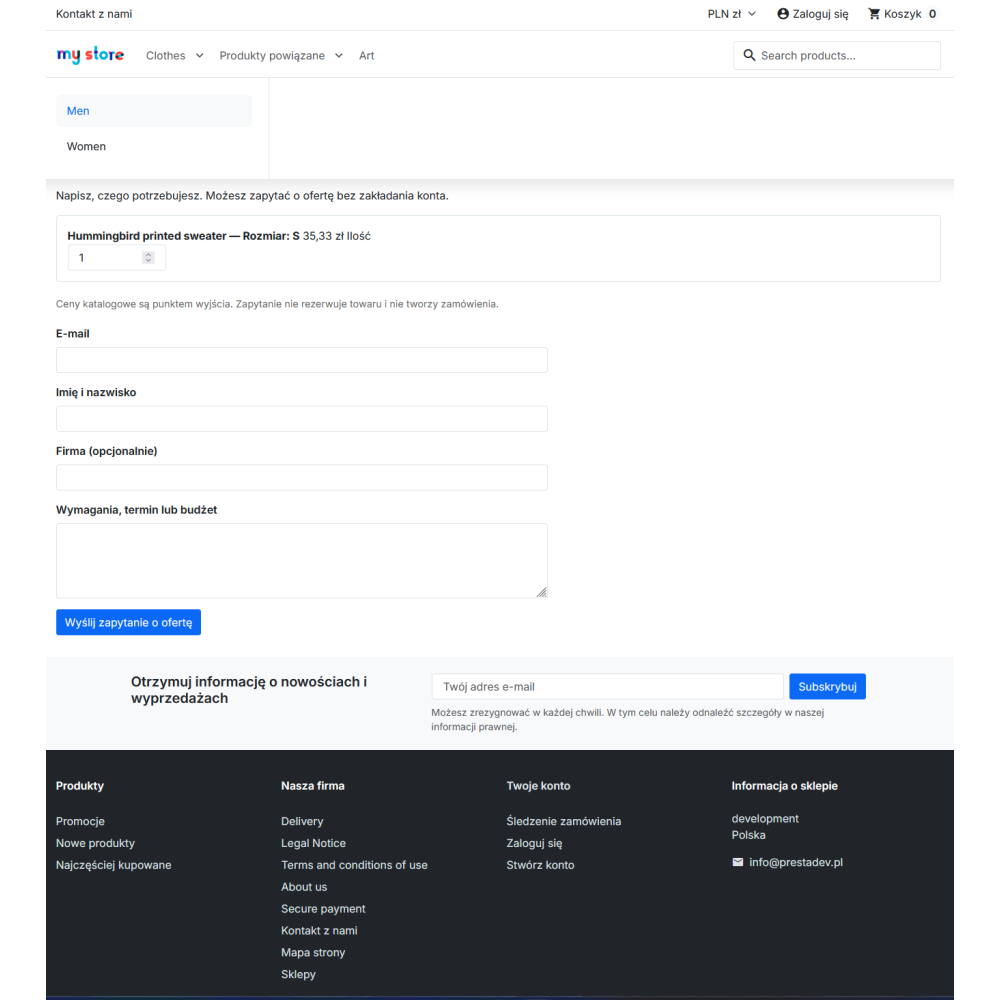
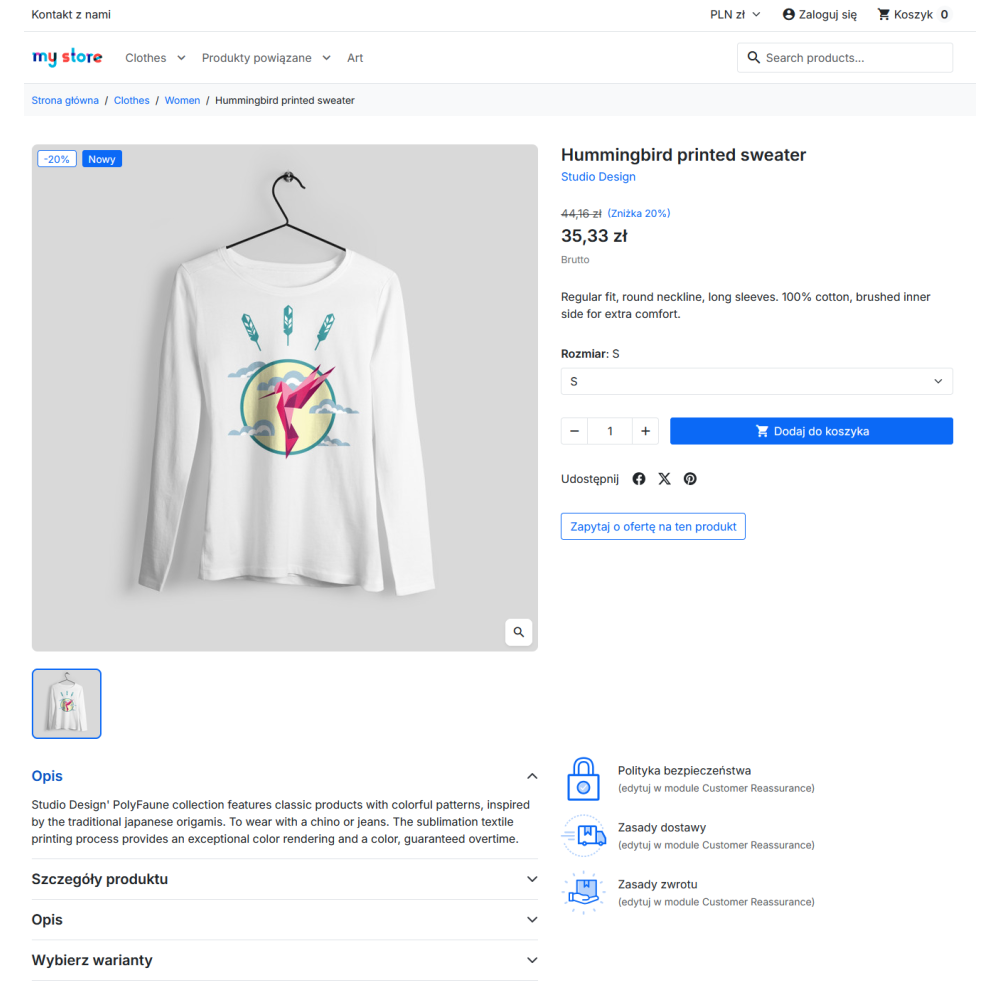
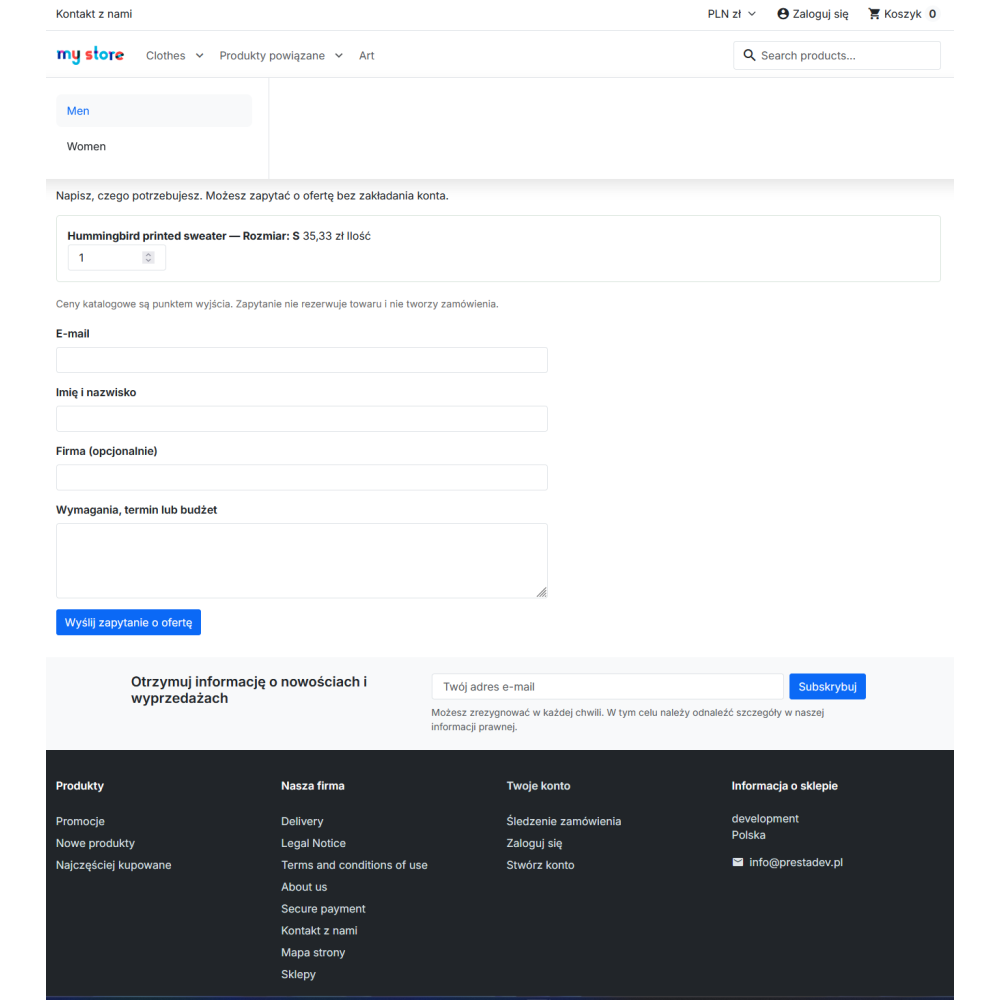
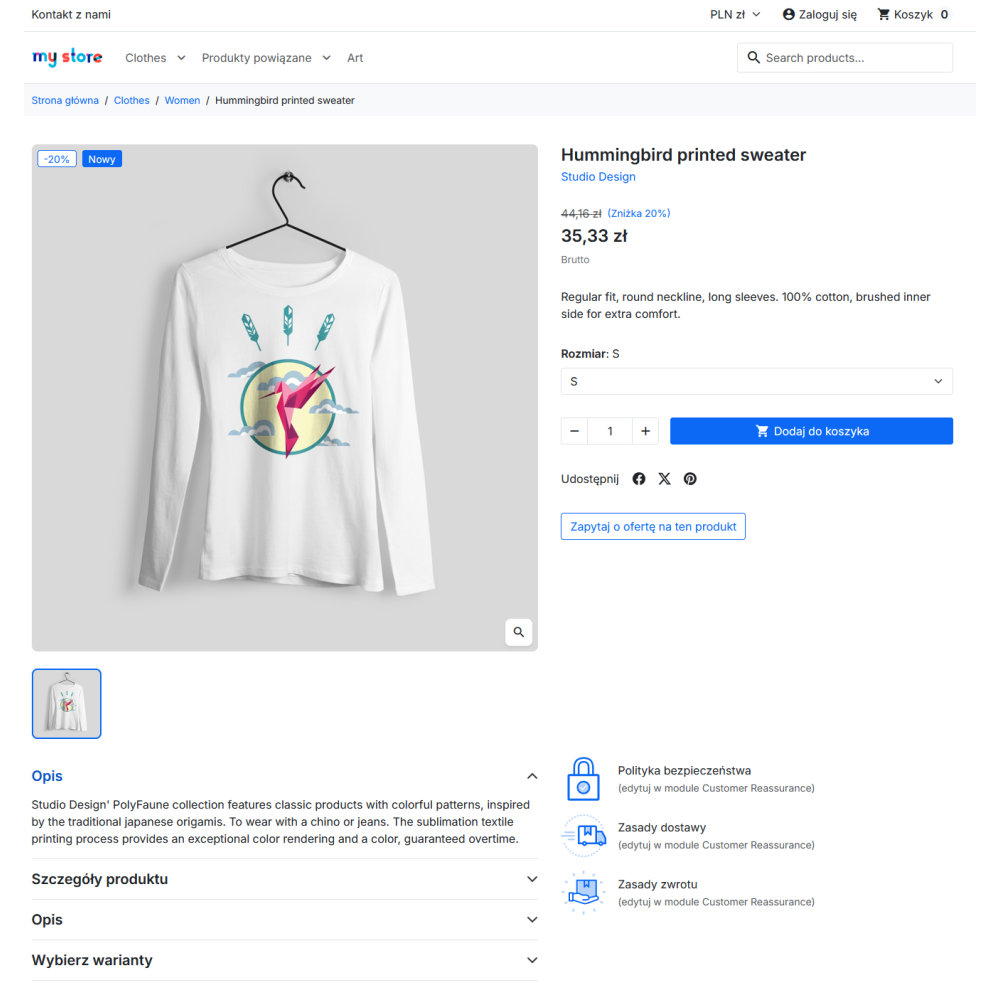
- Inquiry from a product or cart: the customer can request an individual quote for a specific product or the contents of their current cart and add requirements.
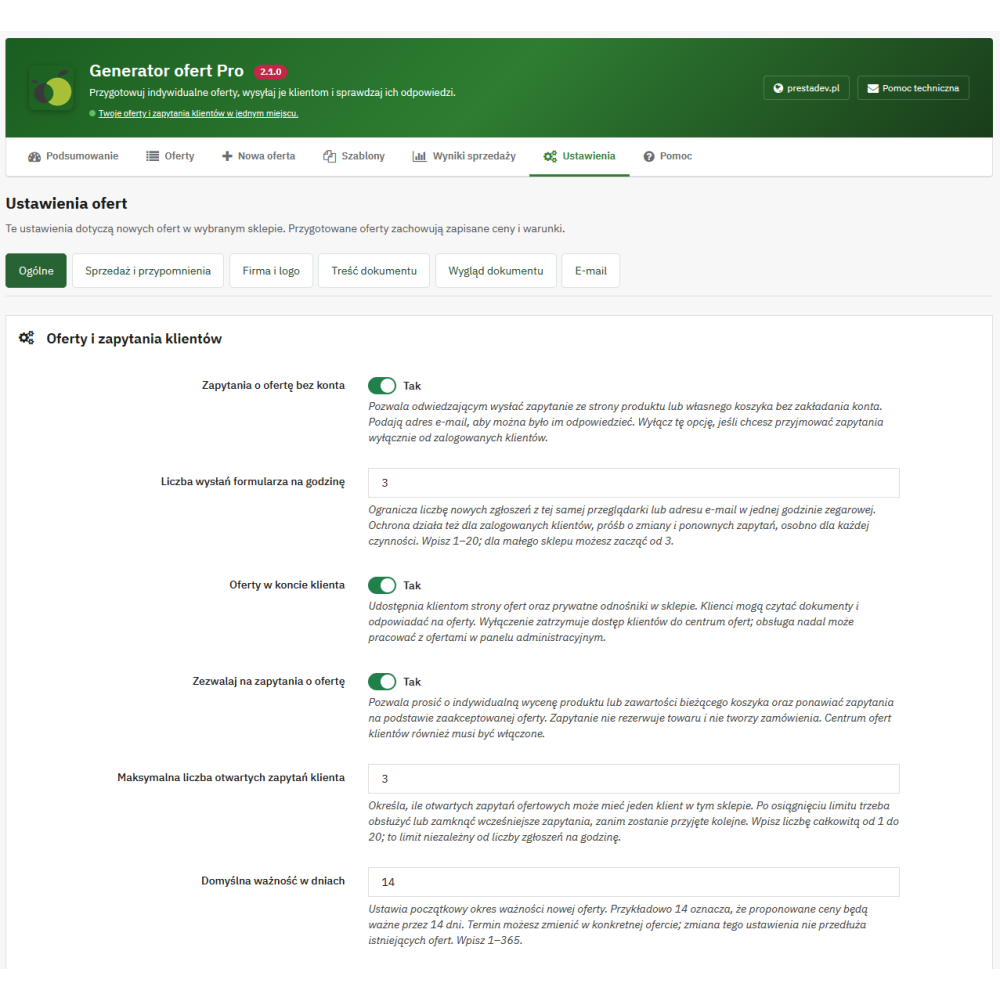
- Form without registration: when this option is enabled, a visitor sends an inquiry by providing recipient details and e-mail; settings include limits for submissions and open inquiries.
- My quotes: a logged-in customer has a list of their quotes in their account, along with statuses, document preview, and available actions.
- Request for change: the recipient describes the required quantities, replacement products, deadline, or budget; staff add a private review note and mark the request as handled.
- Acceptance or rejection: the authorized, logged-in recipient confirms the quote or rejects it by selecting a reason and optionally adding a comment.
- Separate quote cart: the selected set goes to a new cart with quote prices; products from the previous cart are not added to it.
- Link to the order: the module saves orders created from the quote cart in the quote history.
- Repricing: the owner of an accepted quote or a quote completed with an order can send a new inquiry for the saved set, with current catalog prices.
- Preparing a quote on behalf of the recipient: the customer account indicated in the settings can create a quote from its own cart for another e-mail address, with the option to provide a VAT number.
An inquiry and quote acceptance do not automatically create an order or payment. A recipient without an account can view a valid shared quote via a private link, while purchase requires logging in to an authorized account.
Quote templates and pasting items from a spreadsheet
- Named templates: saving products, quantities, packages, options, and terms texts for reuse in future quotes.
- New pricing from a template: using a template creates a draft with current catalog prices, without copying the recipient, previous individual prices, purchase costs, or approvals.
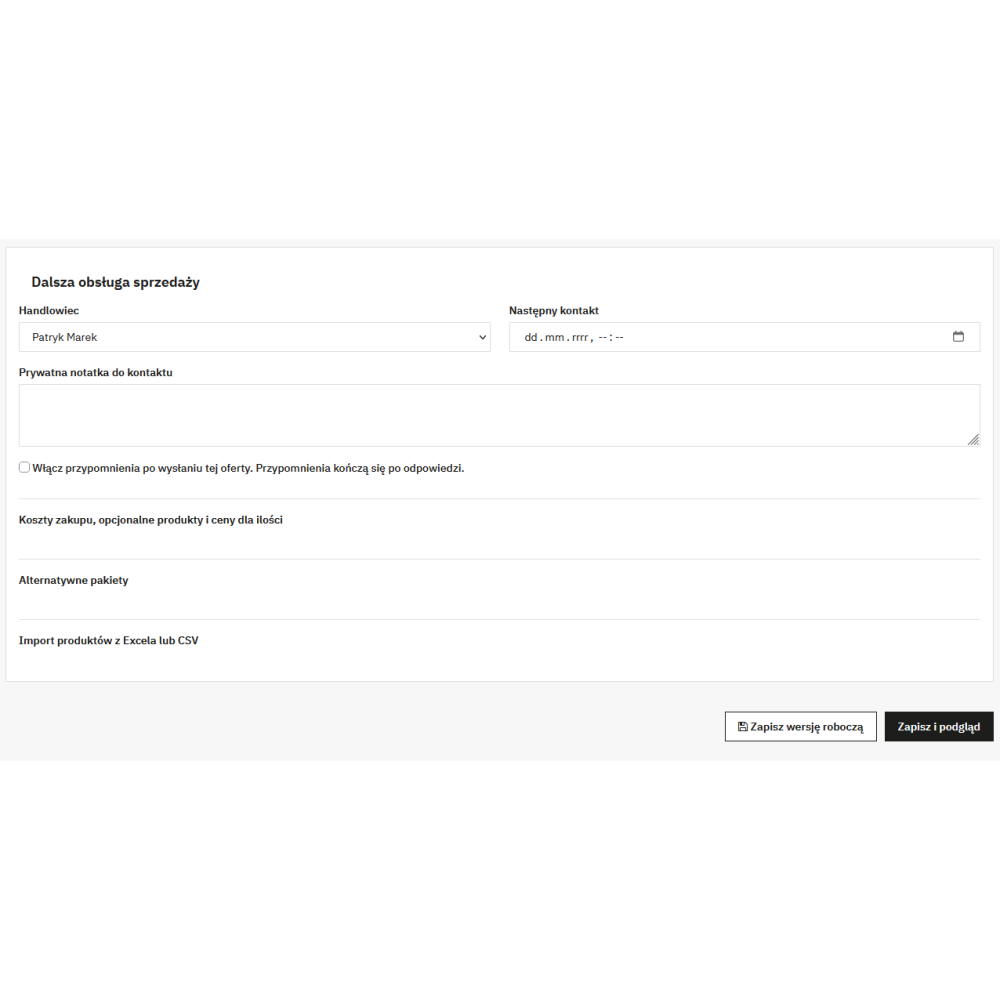
- Items from Excel or CSV: pasting SKU, quantity, and optional net unit price columns, separated by tabs, semicolons, or commas.
- Preview before applying: indicating invalid rows, missing or ambiguous references, and duplicate products; the correct list replaces the current items, and saving the draft preserves the change.
Sales handling, costs, and margin control
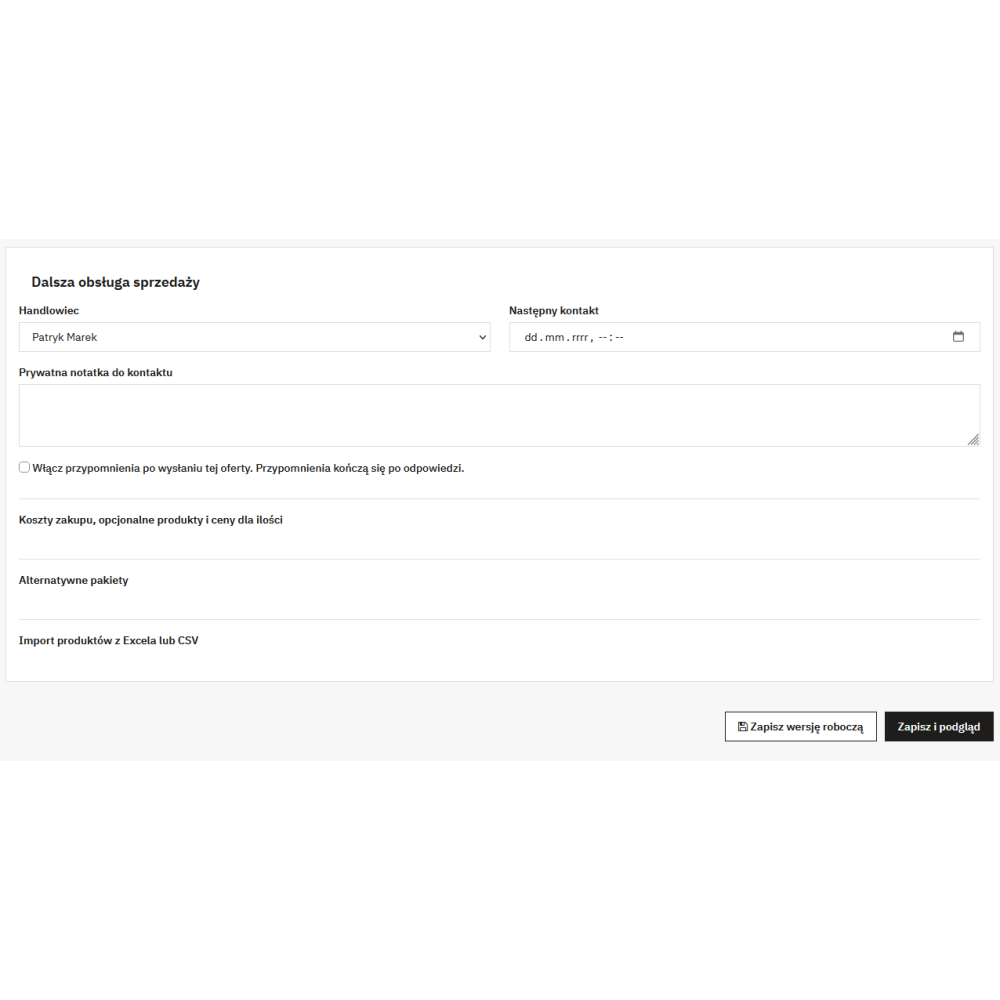
- Quote owner: assigning an employee, next contact date, and private note, as well as filtering contacts for today or overdue ones.
- Statuses and history: distinction between inquiry, draft, ready quote, sent, accepted, rejected, canceled, and completed with order, as well as expiration information.
- Purchase costs: manually entering the unit cost in the quote currency or retrieving costs saved in the product and variant catalog.
- Margin estimation: calculating the result for net products based on the sale price and known purchase costs; an empty cost field remains an unknown cost.
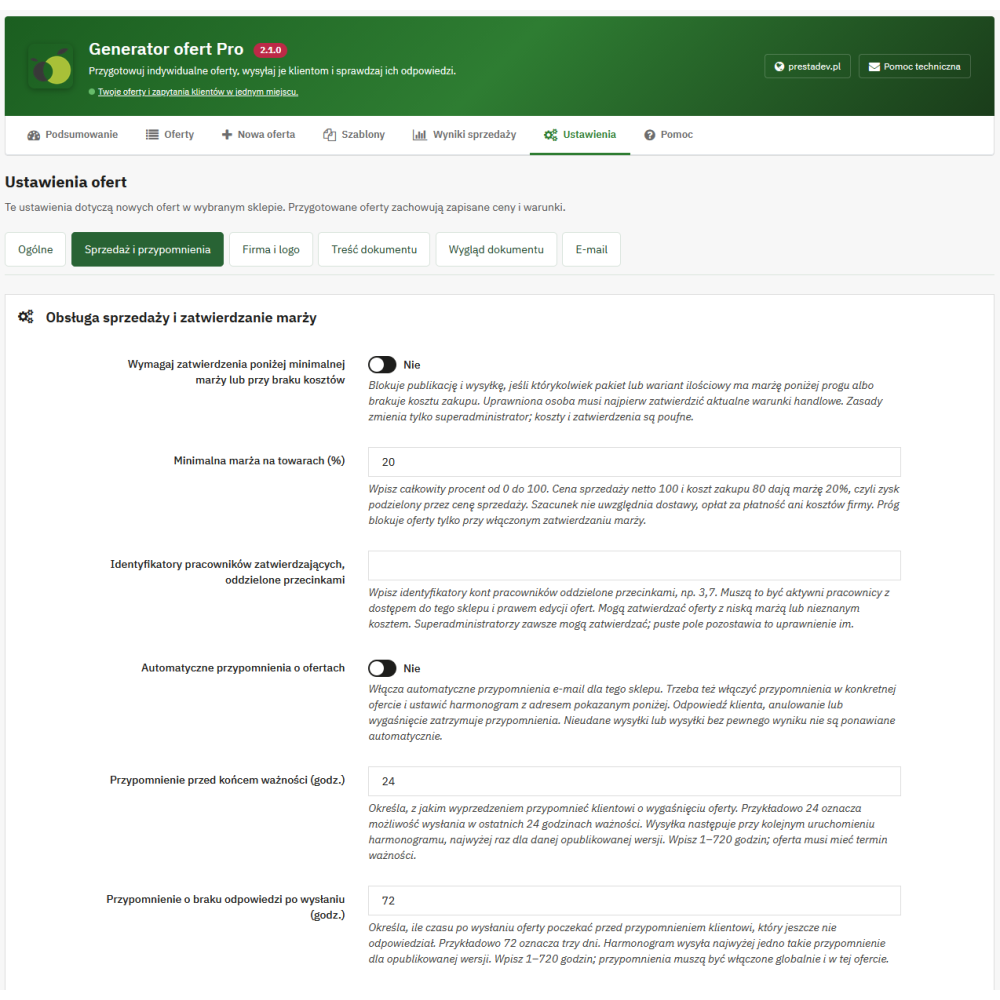
- Optional approval: blocking publication and sending when the proposed set does not meet the minimum margin or costs are missing; approval is granted by an authorized employee or super administrator.
- Terms control: verification includes packages, add-ons, and offered quantities; approval applies to the current terms and must be renewed when changes invalidate it.
Margin is an estimate concerning net products. It does not include delivery, payment fees, or business operating costs; the package summary applies to its mandatory products.
Reminders, reports, and store settings
- E-mail reminders: about the upcoming expiration of a sent quote and about no response after a set time; the function is enabled globally and in a specific quote.
- Server schedule: a private CRON task address triggers sending; each reminder type has at most one attempt for a given publication, and a customer response stops further reminders.
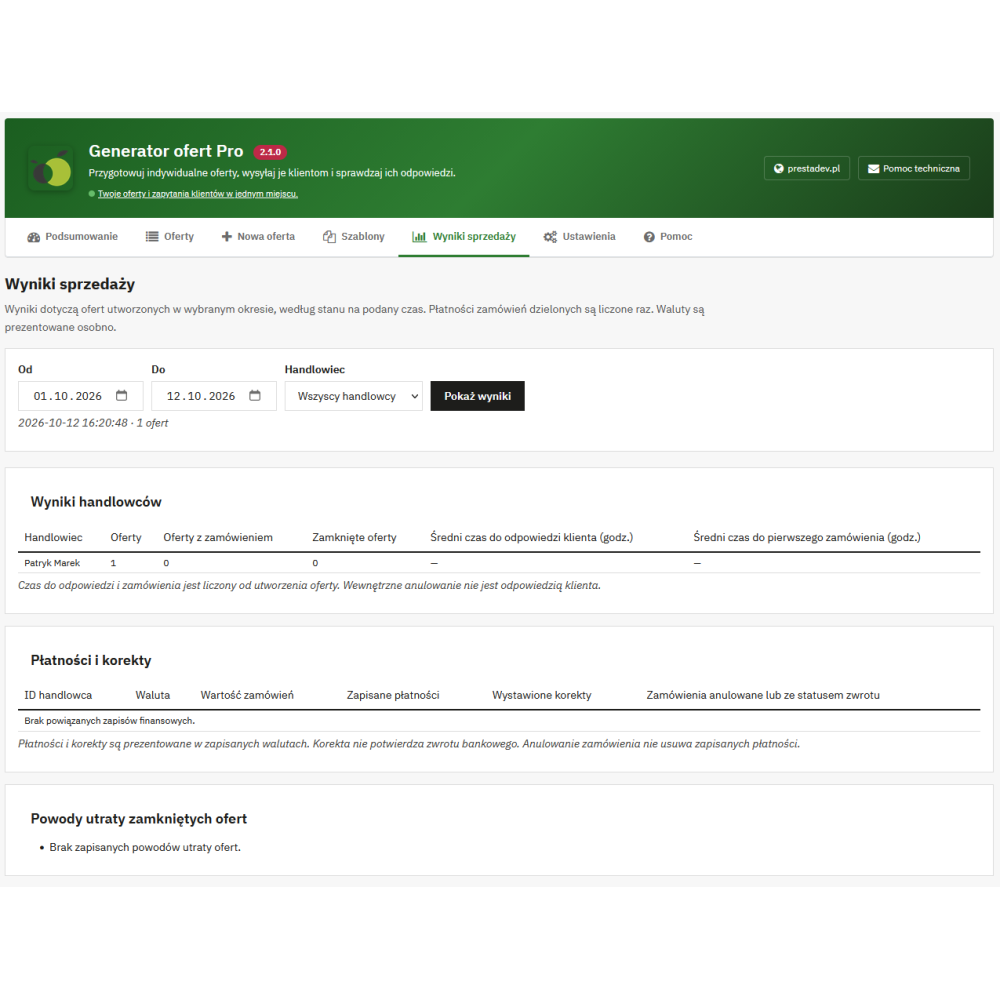
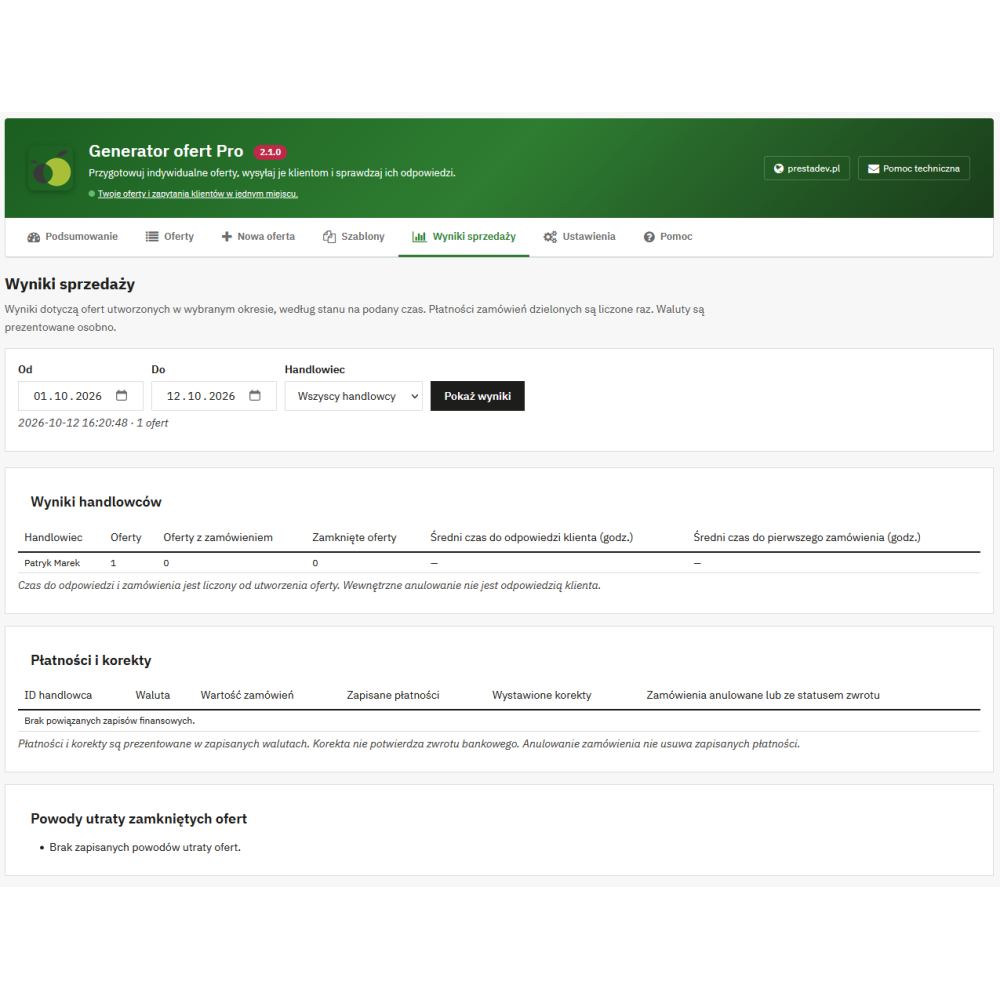
- Reports by owner: number of quotes, quotes completed with an order and closed quotes, as well as the average time from creation to customer response and first order.
- Separate financial data: values of linked orders, saved payments, correction documents, and canceled or return-status orders, broken down by currency.
- Reasons for lost quotes: summary of rejection or cancellation reasons, such as price, deadline, availability, competition, or no response.
- Per-store and per-language settings: quotes, templates, and configuration assigned to the store in multistore, as well as default document and message texts for store languages.
The report selects quotes by their creation date and shows related results at the time of reading. Amounts in different currencies are not summed into one value, and a correction document does not confirm that a refund has been made.
Practical benefits for the store and sales department
- One place to handle pricing: the inquiry, commercial terms, documents, customer response, and linked orders are available with the quote in the PrestaShop panel.
- Individual price without changing the price list for everyone: agreed rates apply to the given customer's quote cart and the indicated products or variants.
- Reuse of prepared sets: templates and duplication help create further proposals, while pasting data from a spreadsheet reduces manual item entry.
- Clear choice for the recipient: packages, optional add-ons, and total preview show the available configurations before acceptance.
- Order in team work: owners, contact dates, private notes, and history make it possible to check the handling status without passing this information to the customer.
How is quote handling carried out in PrestaShop?
- The customer sends an inquiry from a product or cart, or an employee starts a new quote in the store panel.
- The seller selects the recipient, sets products, quantities, prices, packages, and terms, and saves the draft.
- The seller publishes the quote, obtaining margin approval beforehand if required, and then shares the private link or sends a message with the document.
- The recipient reviews the proposal, selects available options, requests a change, or accepts the quote after logging in.
- The customer adds the agreed set to a separate cart and completes the purchase using the delivery and payment methods available in the store.
How the quote cart works
- No stock reservation: the quote does not block stock levels; creating the cart requires product availability and meeting minimum purchase quantities.
- Delivery according to store configuration: product values in the quote do not constitute the final order amount with delivery and any additional fees.
- Fixed agreed set: changing the cart contents or the expiration or cancellation of the quote removes quote prices; the customer should check the current amounts.
- Item limit: the basic quote list and a single import support up to 200 different product or variant items.
- Personalization: products requiring mandatory completion of personalization fields cannot be added through this quote flow.
- PrestaShop mail and PDF: the module uses the store mechanisms and does not require installing additional PHP libraries or Composer; reminders require a configured CRON task.