
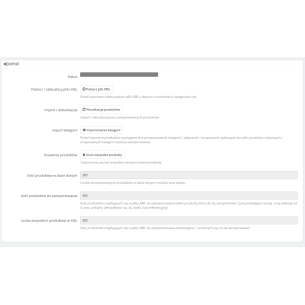
Module description and features
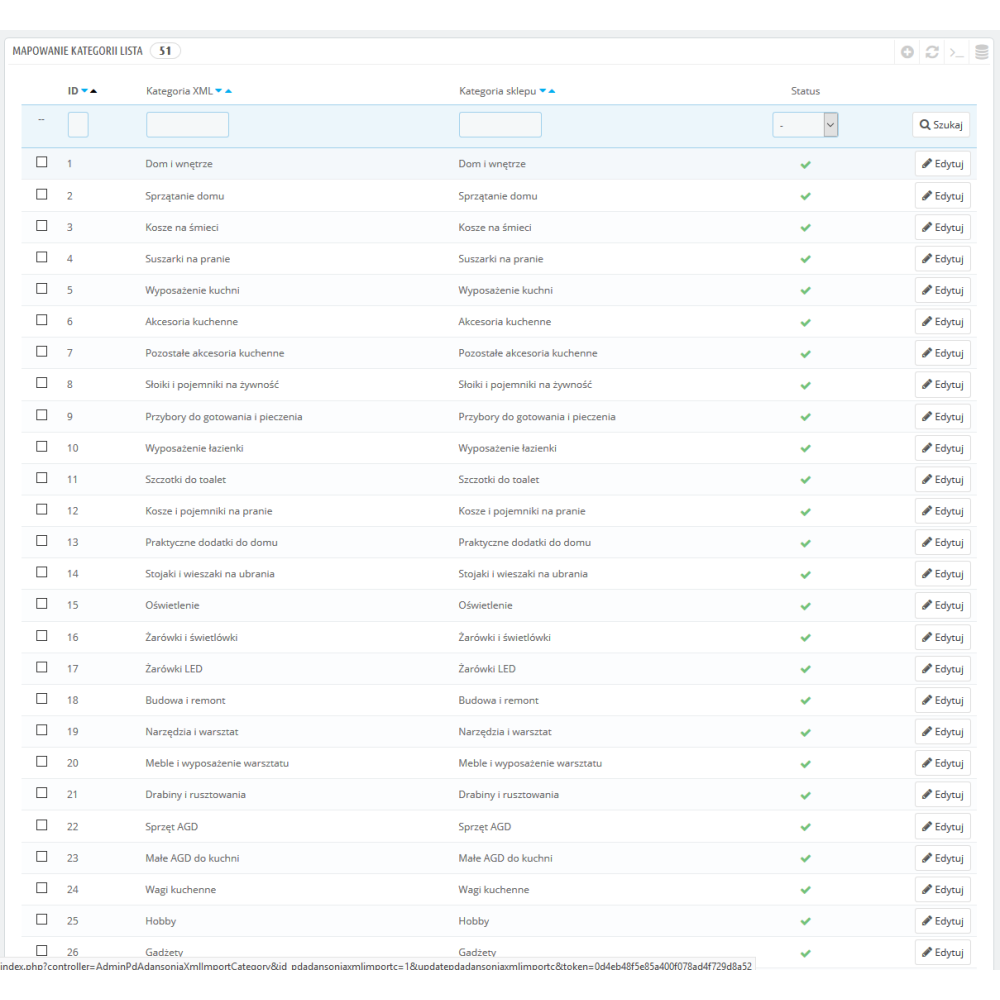
- category selection to be imported
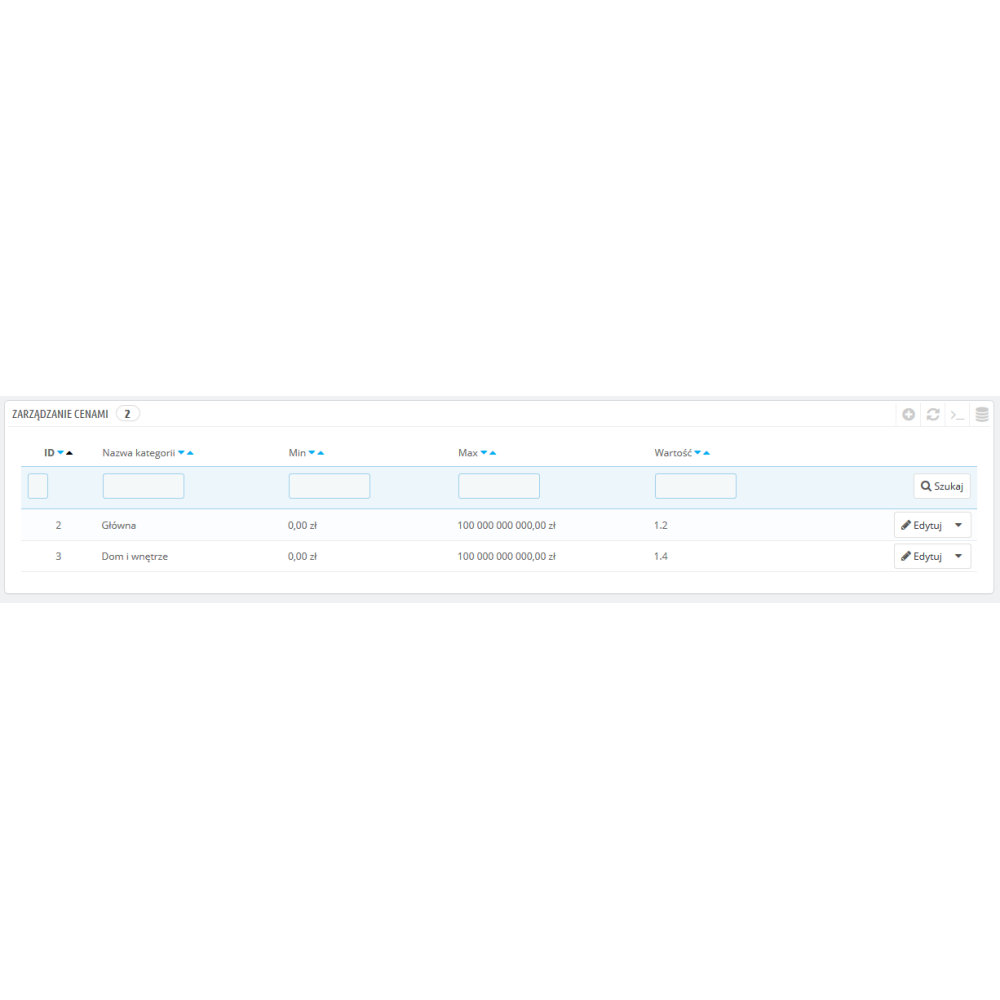
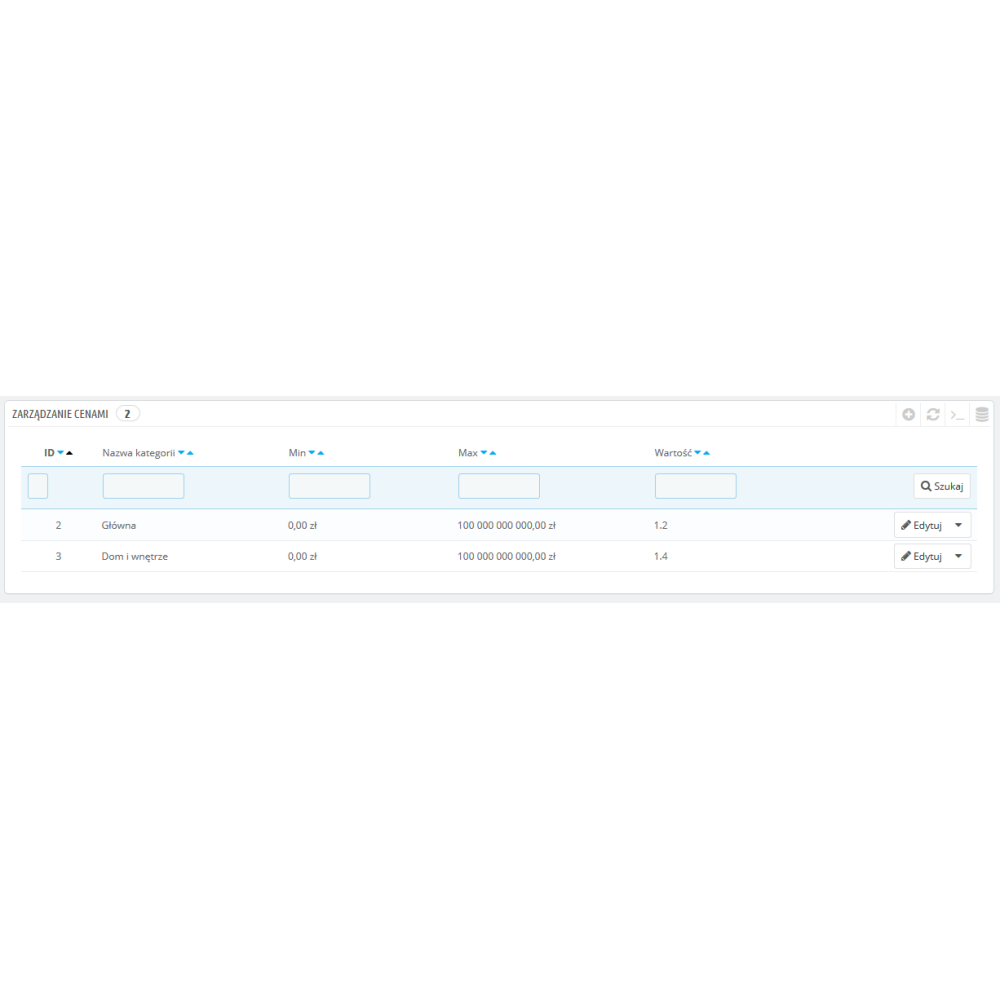
- margin setting option at the category level (price ranges from / to, margin amount in % or a fixed additional amount)
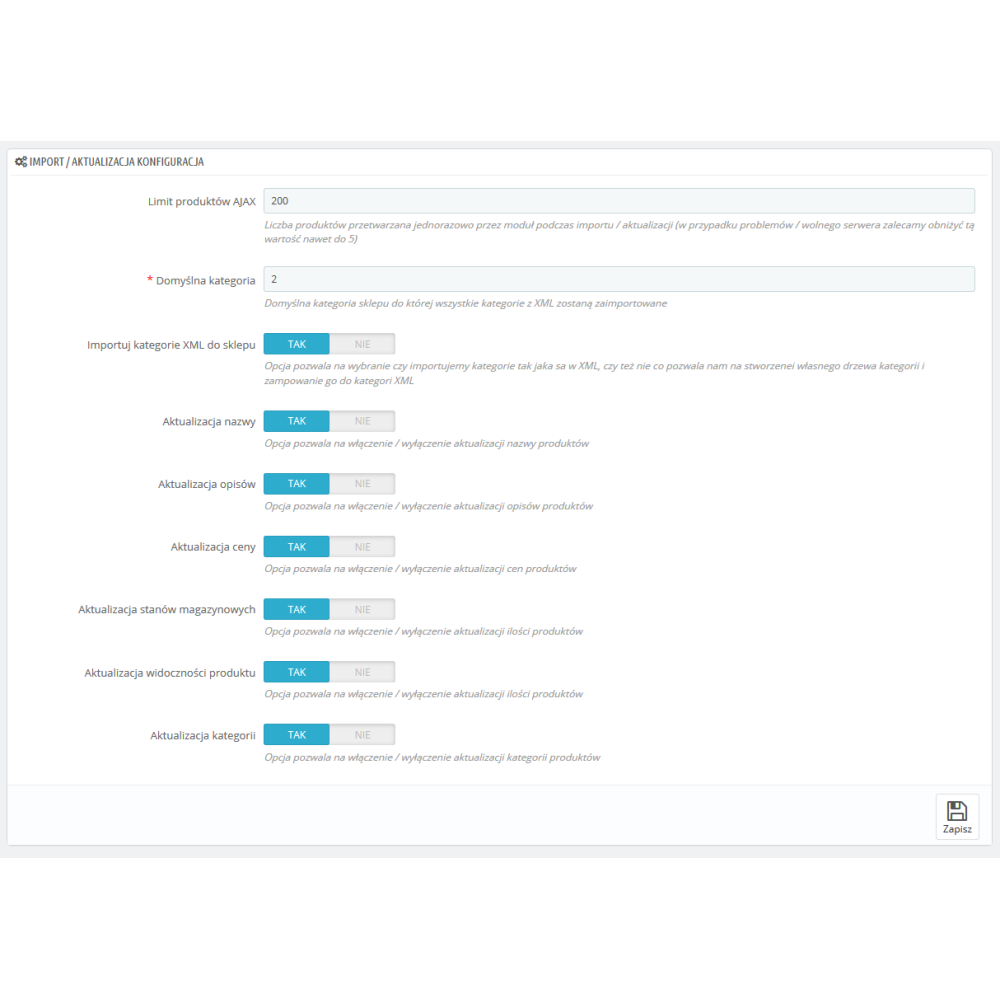
- selection of data to update (i.e. what the module should update, available options are: prices, stock levels, descriptions, names, images, categories, manufacturers, or everything at once)
- option to set up automatic updates via Cron tab
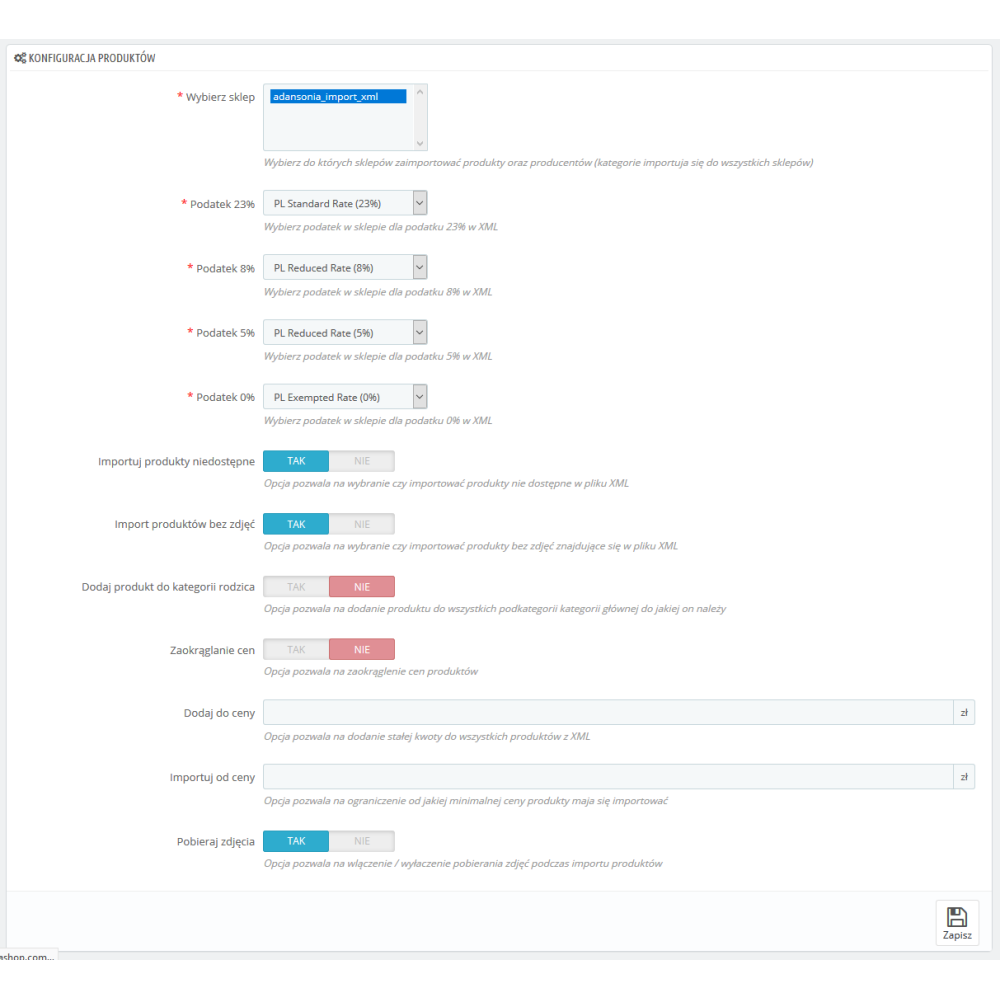
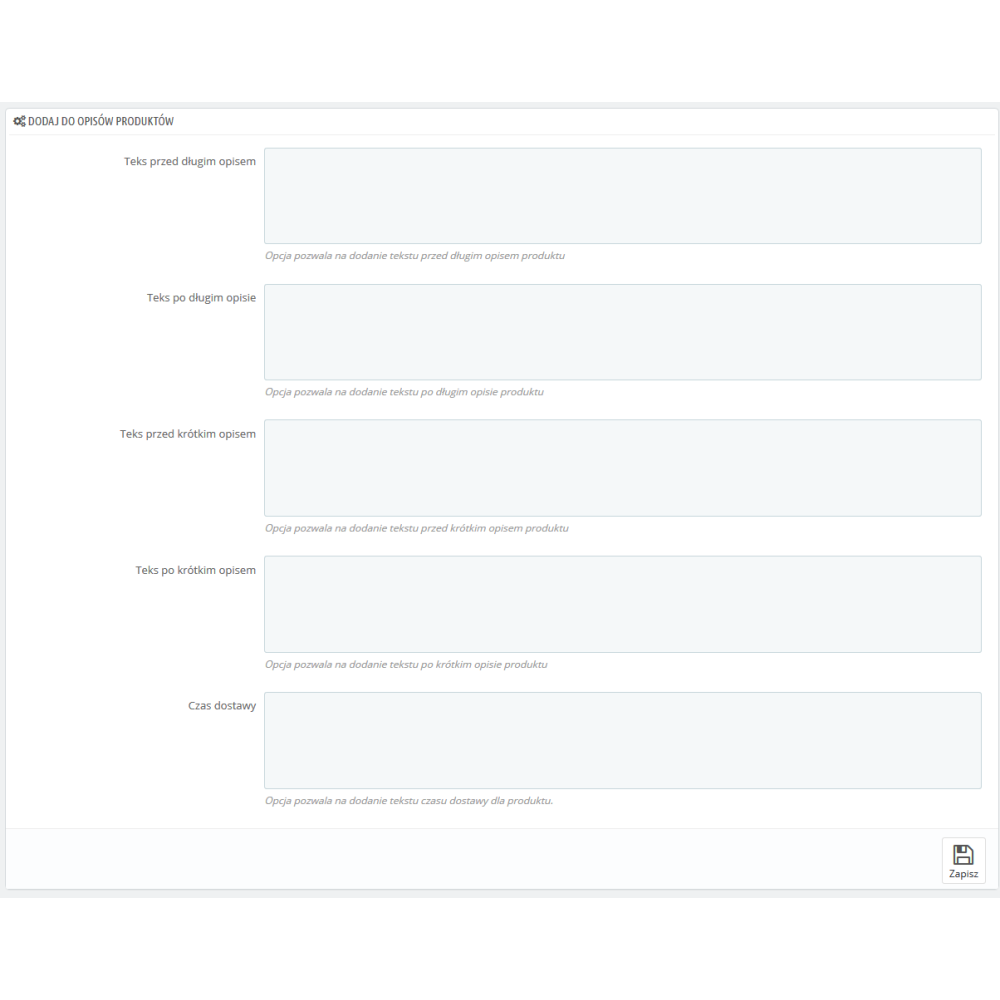
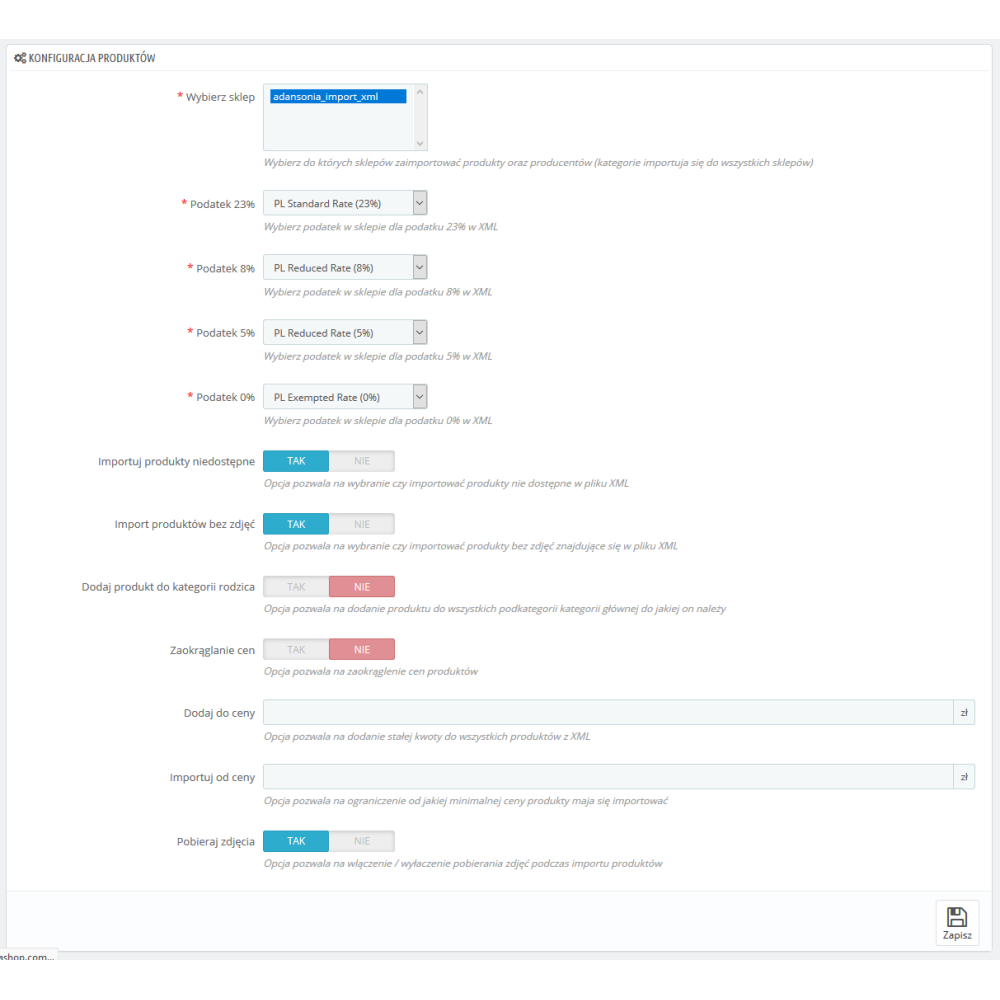
- option to add products to parent categories during import
- option to import unavailable products (quantity 0 in the CSV file)
- option to select product data to update via Cron tab (e.g. at 2 a.m. update only prices, and at 3 a.m. stock levels)
- multistore support (ability to choose which store the products should be imported to)
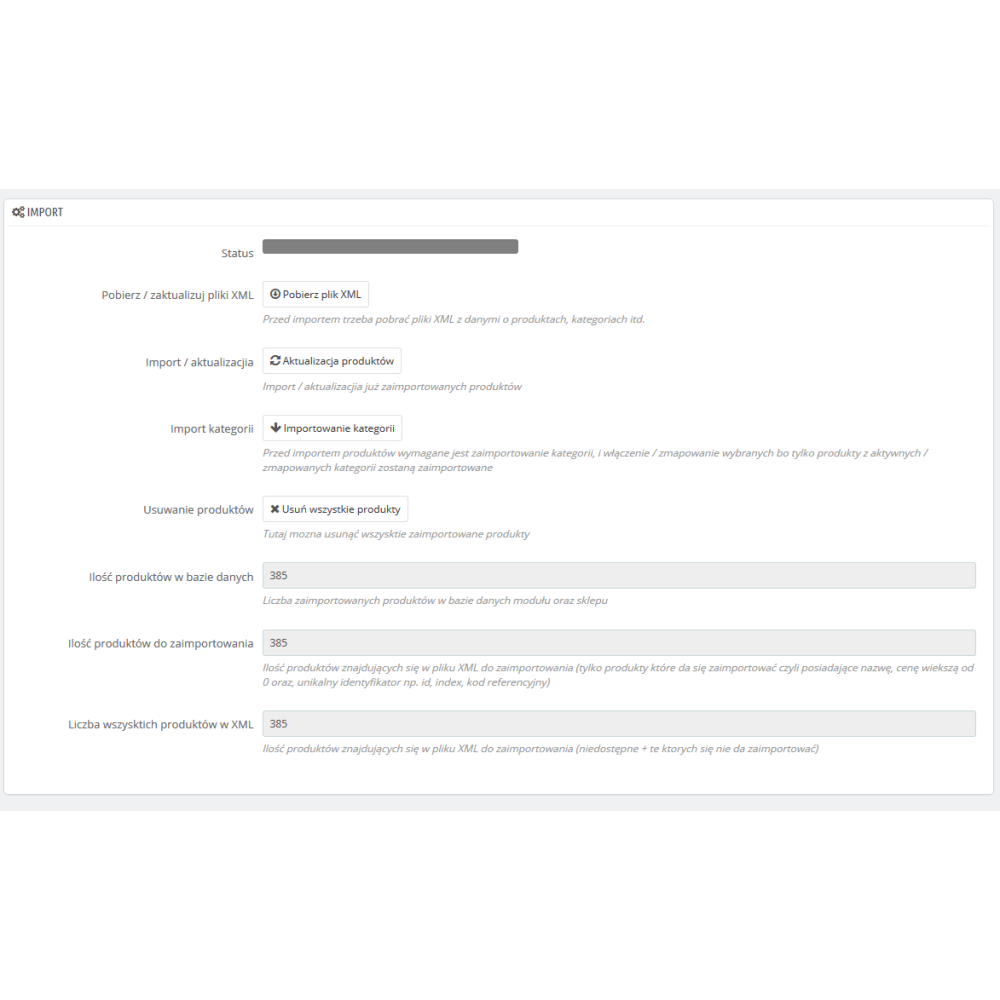
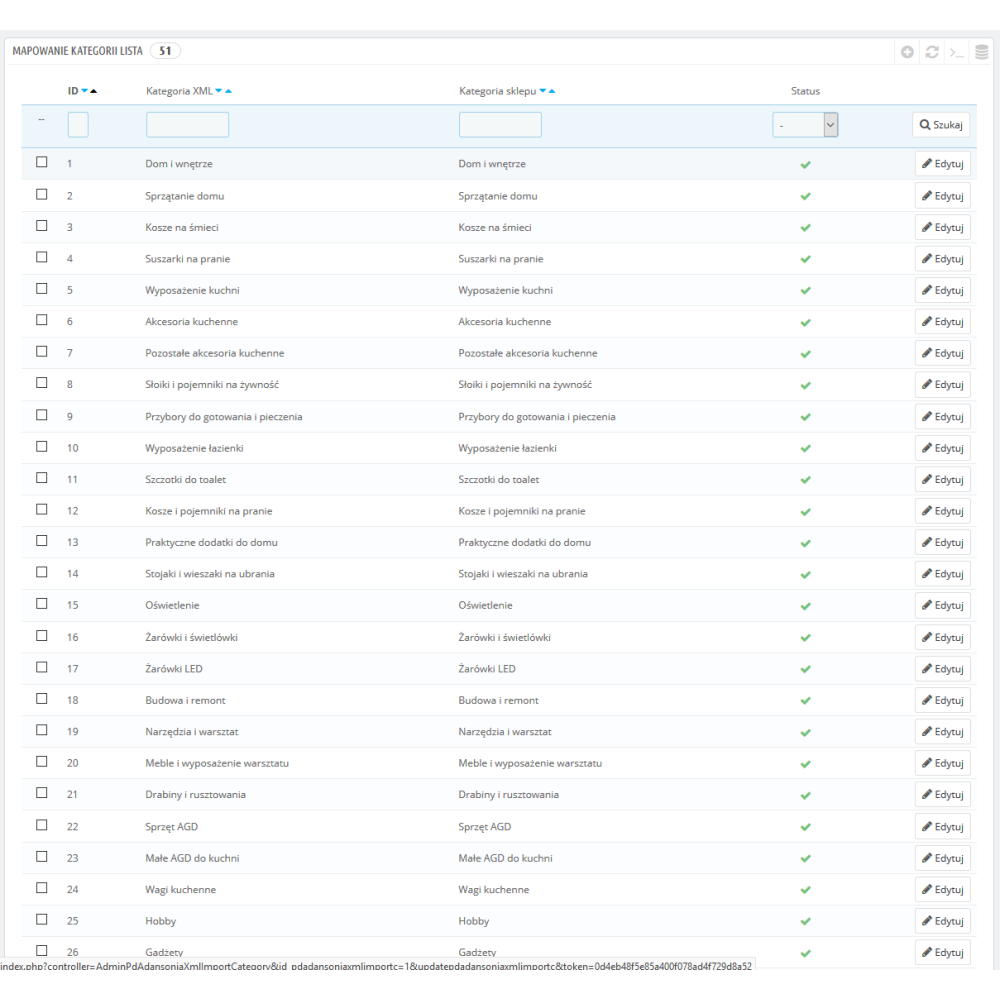
- product selection for import is done using categories, which are loaded into the module configuration during the first import, where you choose which ones should be imported and where the assigned categories should be imported (mapping categories from CSV to categories already existing in the store or newly created ones)
- option to choose the number of images to import (limit of product images imported into the store)