XML sources and matching the catalog to the store
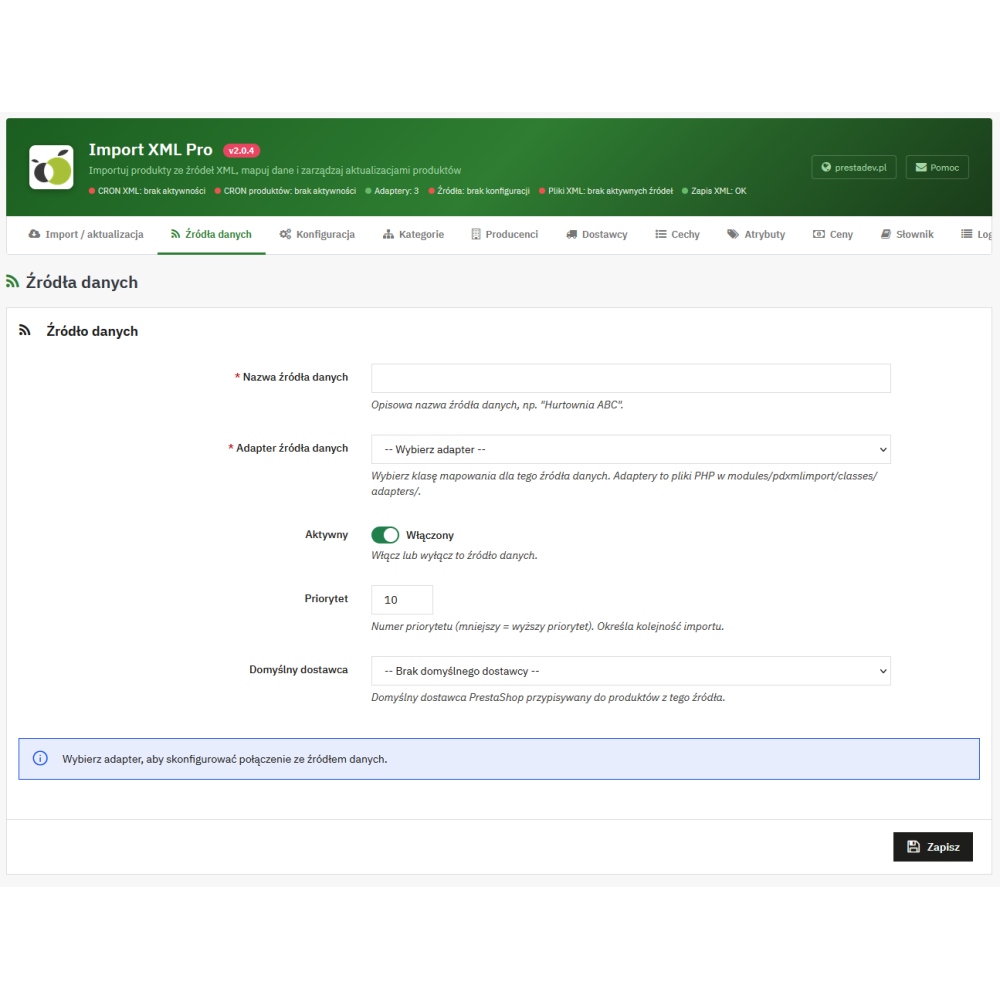
- Multiple data sources: each source has its own name, connection configuration, activity status, and assigned adapter, i.e. the mechanism that reads its XML structure.
- General and individual settings: selected import parameters can be overridden for a specific source, including price range, update rules, image downloading, and the handling of missing products.
- Adding products and updating existing ones: the module saves links between source products and product pages in PrestaShop and uses them during subsequent imports.
- Matching to your own catalog: existing products can be identified by the selected field: product reference, EAN-13, UPC, or MPN, provided that the given field is available in the store version in use. Matching effectiveness depends on the consistency and uniqueness of the identifiers.
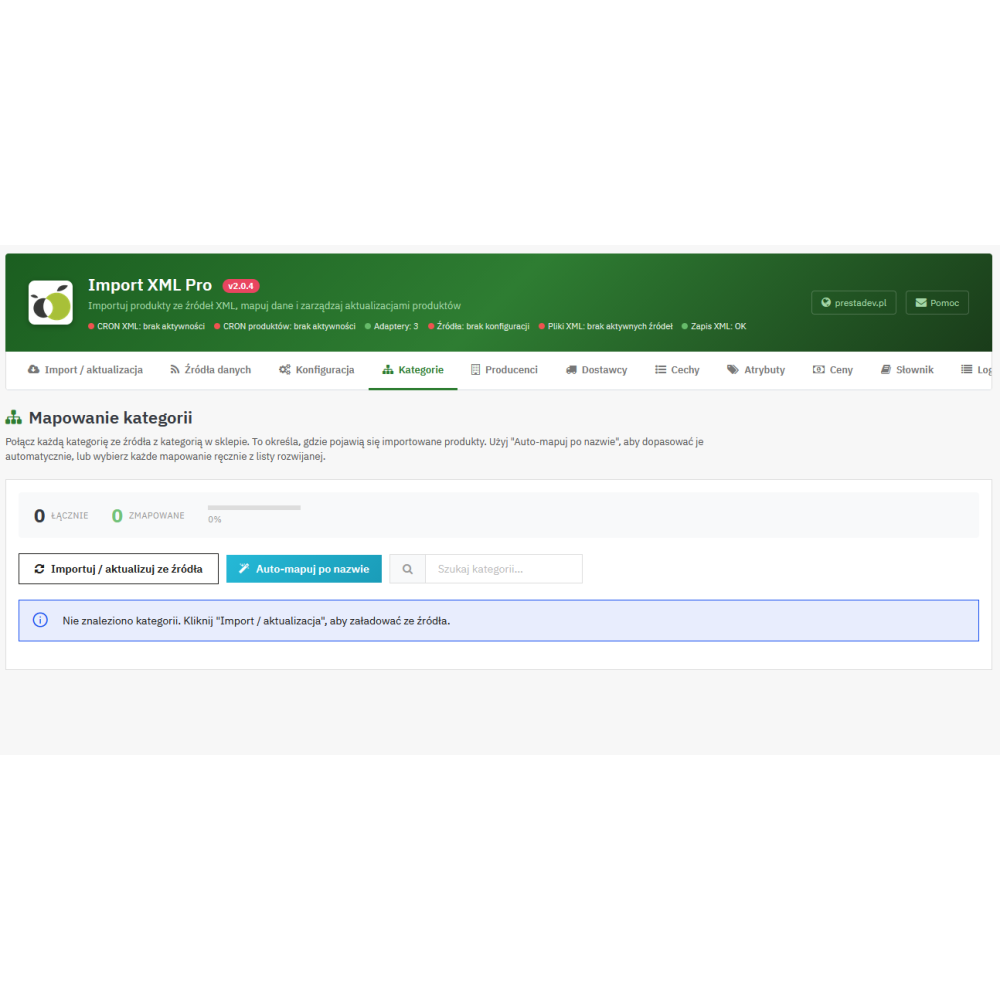
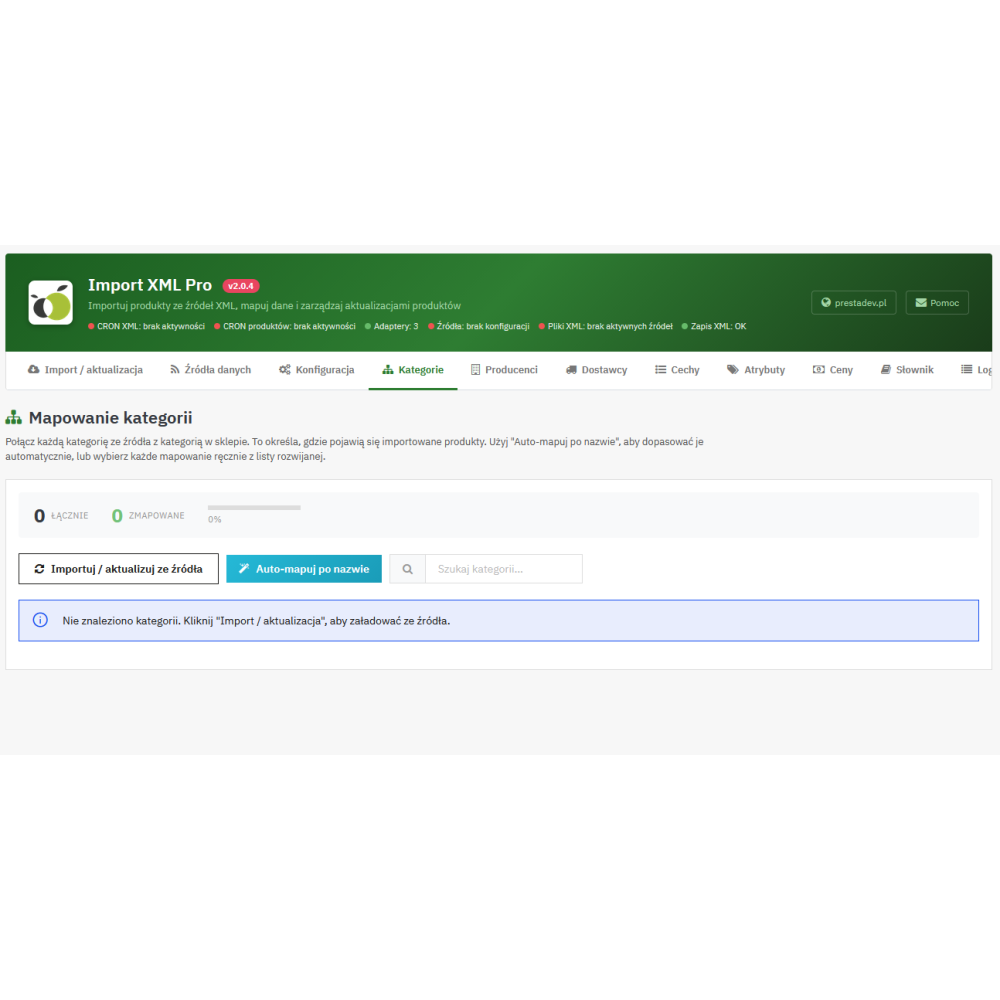
- Category mapping: source categories can be linked to store categories or created during import. The configuration includes the default category and the activity status of the links.
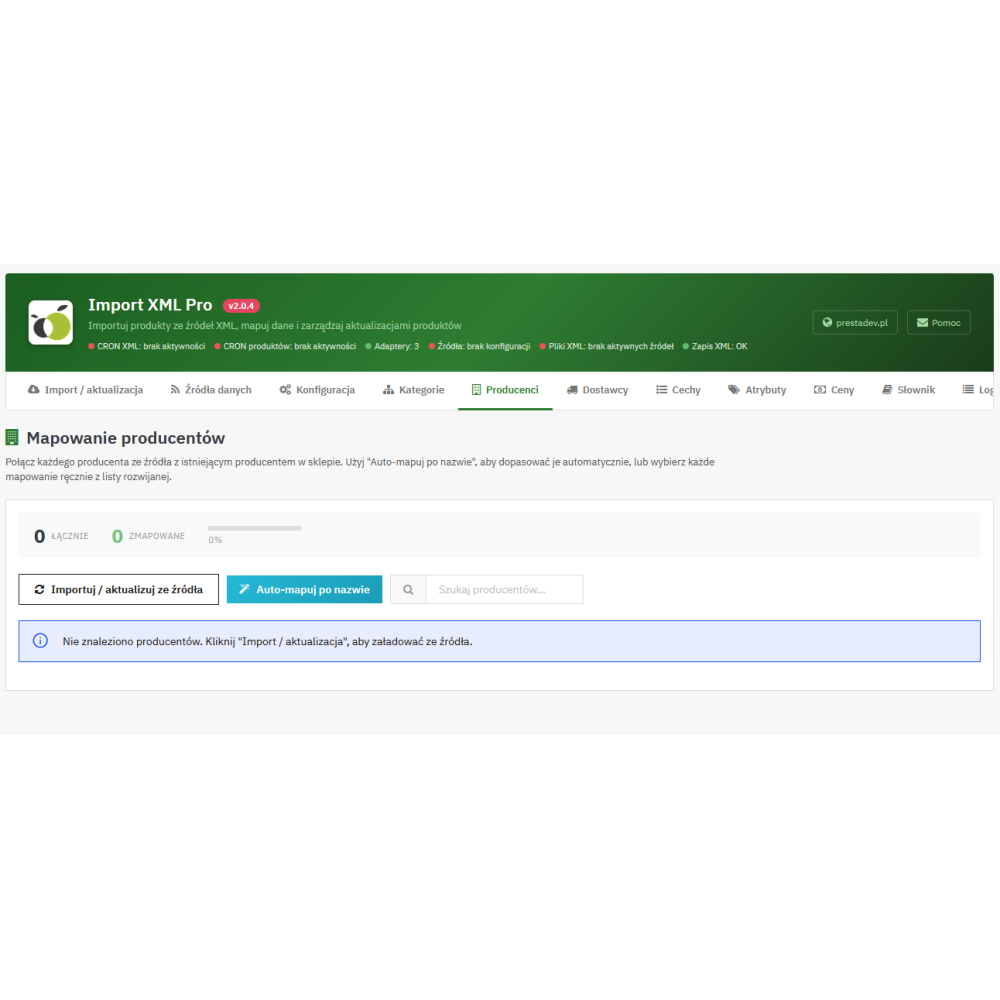
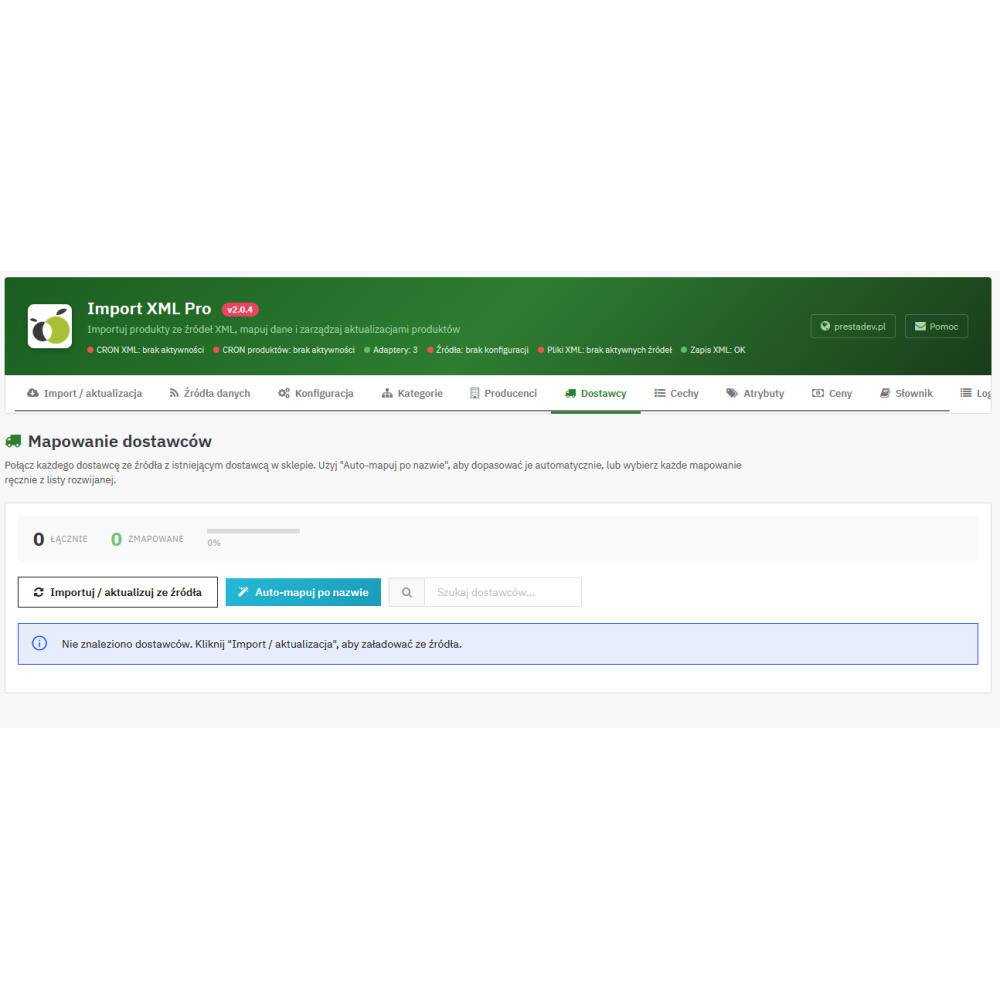
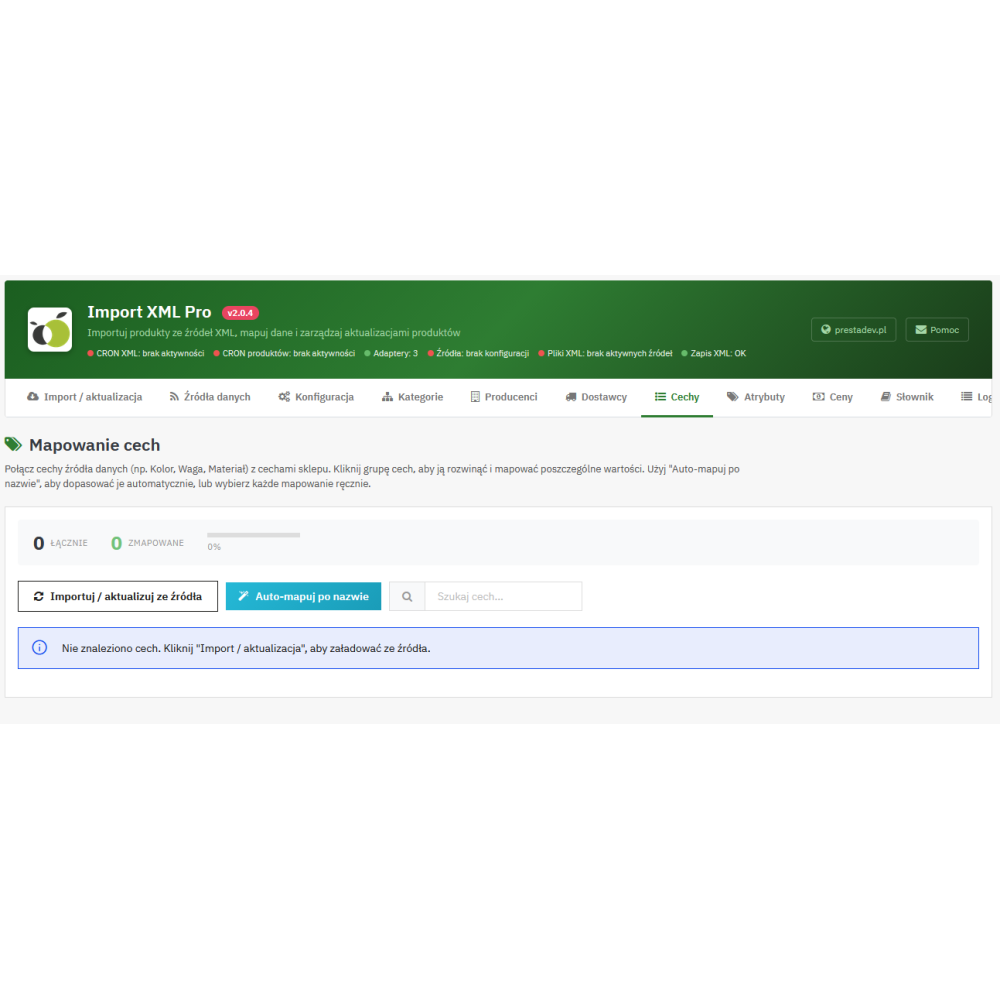
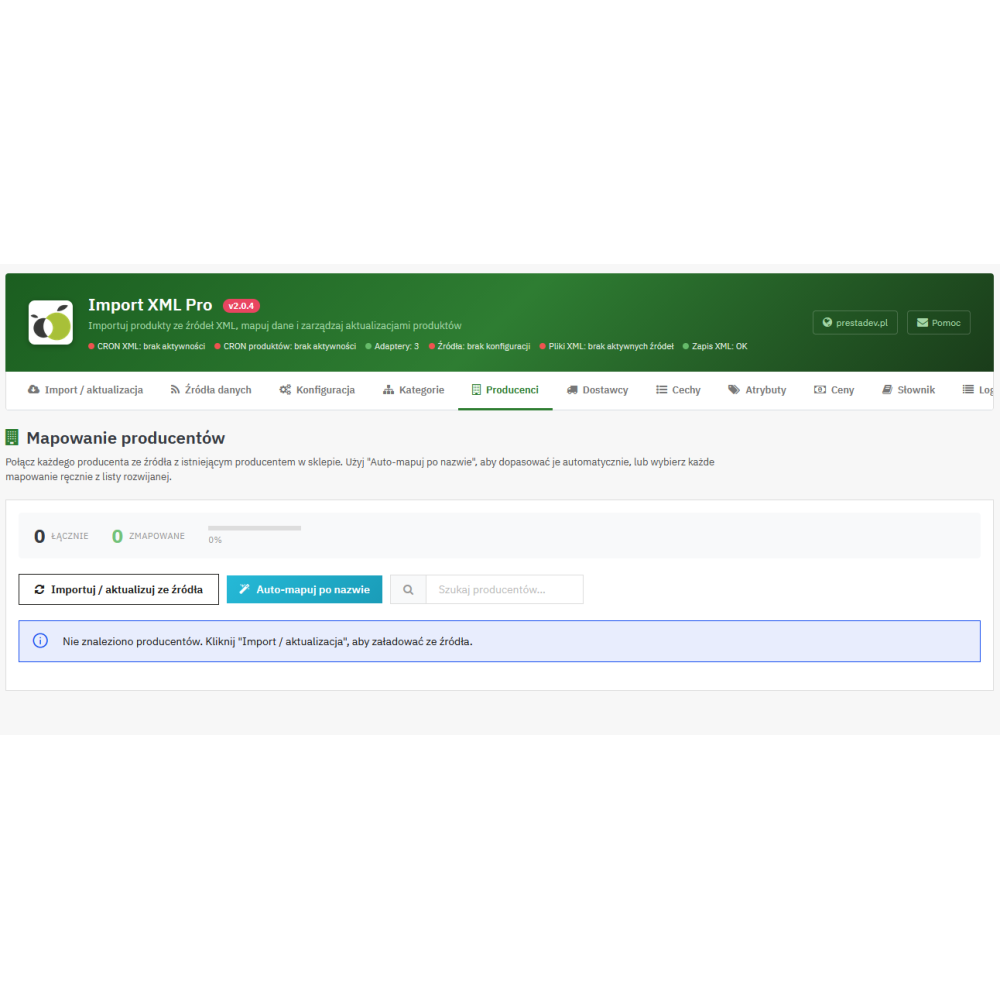
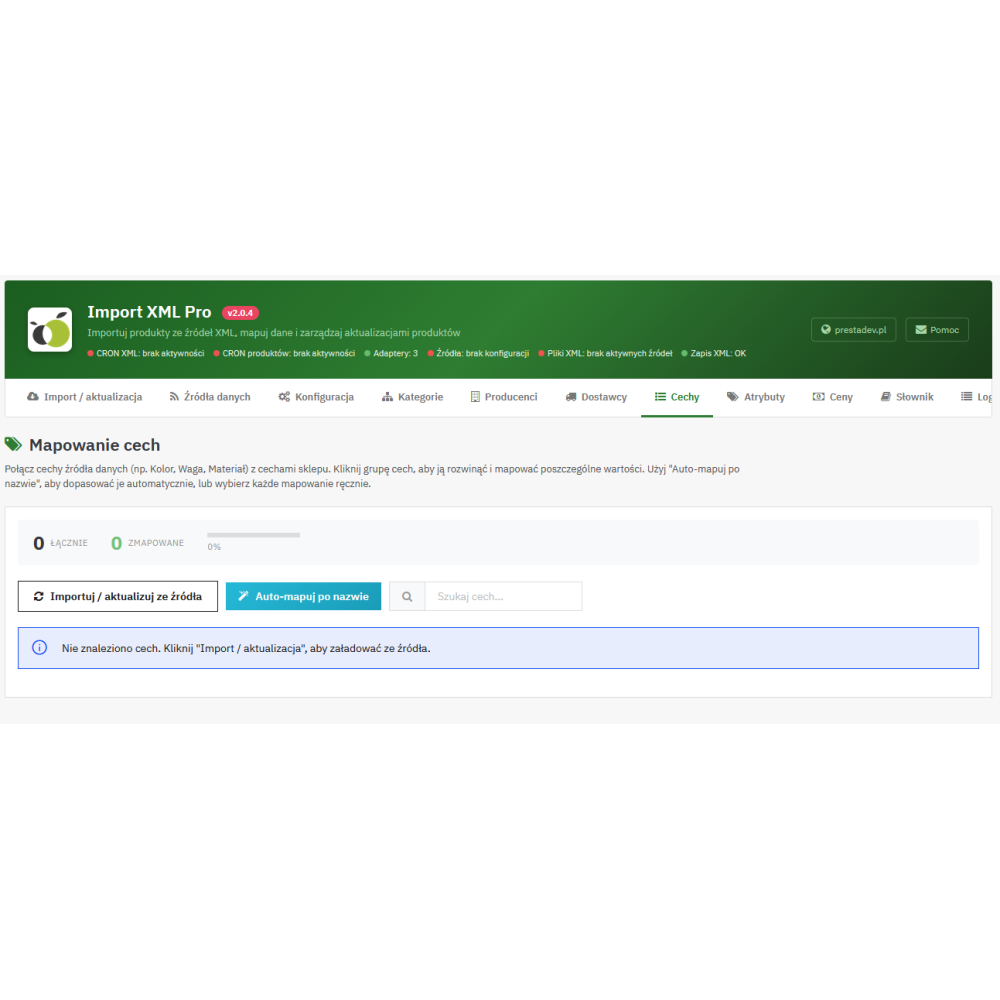
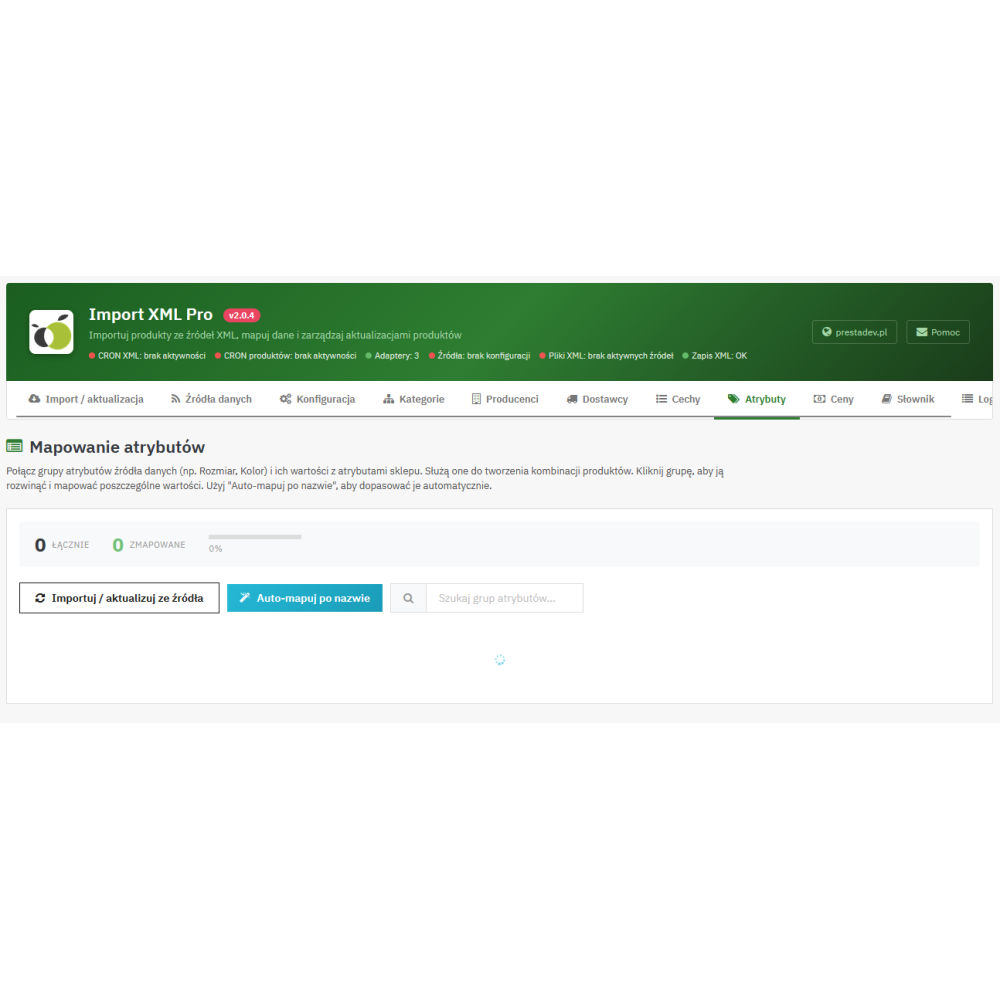
- Mapping manufacturers, suppliers, features, and attributes: separate screens help assign source data to the appropriate elements of the PrestaShop catalog. Automatic matching operations by name are also available.
Product data import and update control
- Names and descriptions: import of the name, full description, and short description, with separate switches for updating them. The data must be provided by the source and supported by its adapter.
- Identifiers and physical parameters: support for reference, EAN-13, UPC, MPN, weight, and product dimensions, depending on the source data and the availability of fields in PrestaShop.
- Prices and availability: updating the sale price, purchase price, quantity, and product activity status within the scope supported by the source. The module also allows you to configure availability texts and delivery time messages.
- Product images: downloading images from addresses provided in the data, with the option to disable downloading and limit the number of imported images. Image updates can be controlled separately for imported products and products matched to the existing catalog.
- Technical features: assigning features to products and choosing between replacing their set or merging. Merging updates the features present in the import and leaves the remaining product features unchanged.
- Product combinations: full import can create and update variants based on the supported combination structure, their attributes, identifiers, quantities, and impact on price and weight.
- Separate rules for matched products: different update settings can be applied to pages created by the importer, and different ones to products identified in the existing catalog by identifier.
When updating combinations, the module matches variants by attribute sets, adds new ones, and can remove existing variants not present in the provided set. There is also an option to remove existing combinations during the first product match. The choice of these settings matters for stores that maintain their own variants.
Pricing rules and selection of imported assortment
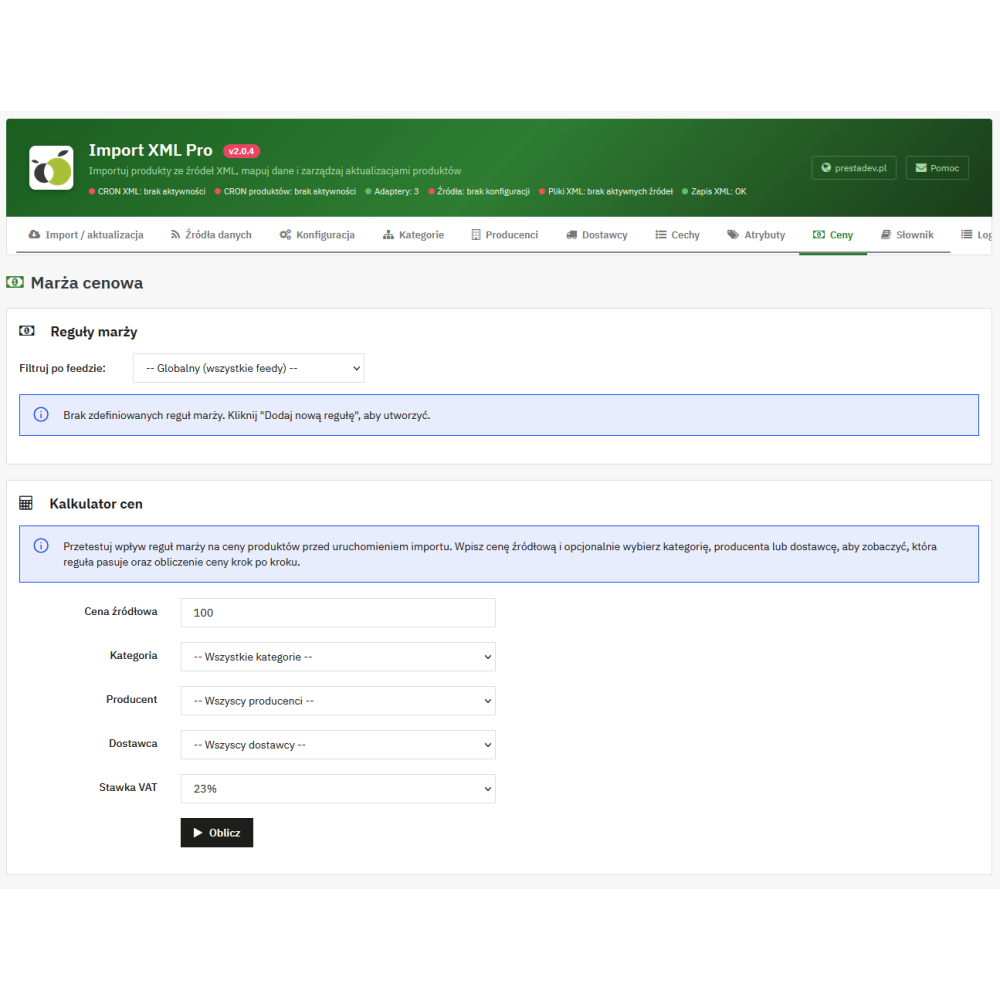
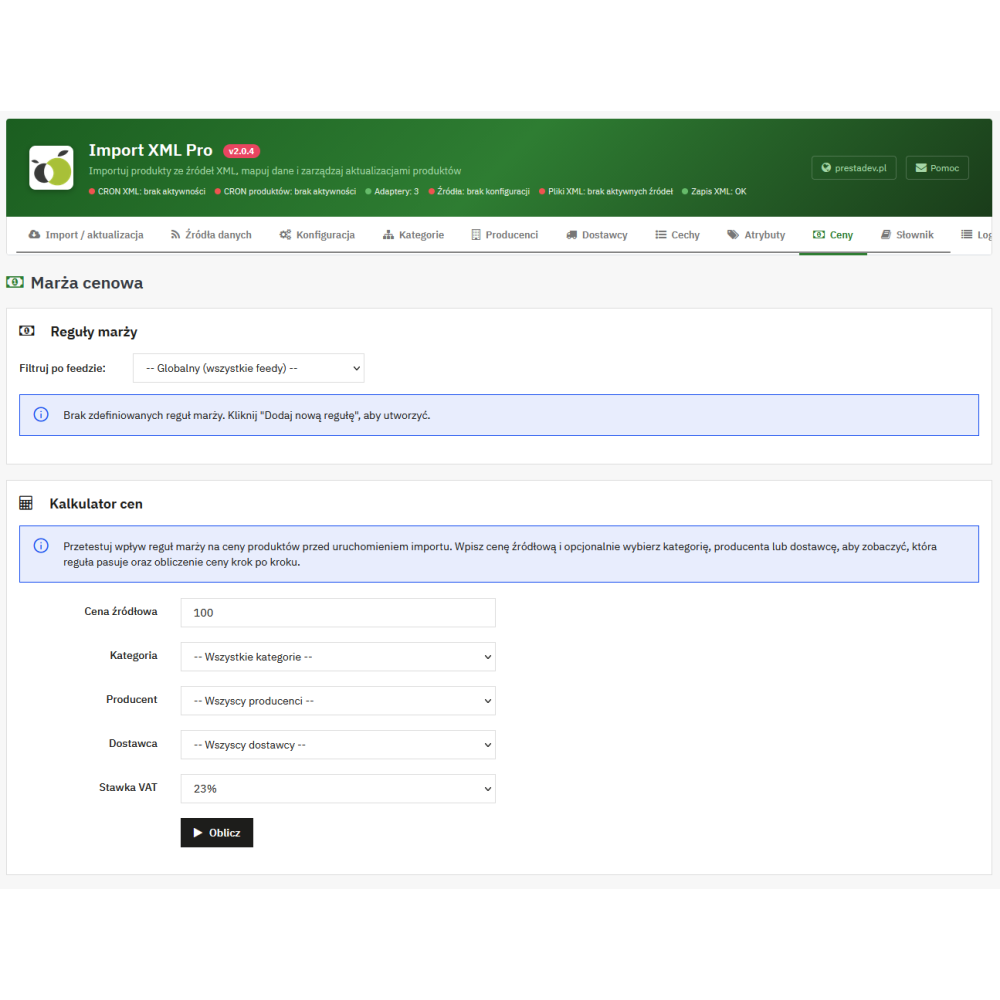
- Price recalculation: the rules support adding and subtracting an amount, multiplication, and increasing or decreasing the price by a percentage. Increasing by a percentage means adding a markup to the source price.
- Rule conditions: the price can depend on the input price range, category, manufacturer, and supplier. Rules can be general or assigned to a specific source.
- Priorities: the importer selects one matching pricing rule according to priority, and in the case of equal priority, it takes into account the specificity of its conditions.
- Surcharge and rounding: after applying the rule, a configured amount can be added, and finally the net or gross price can be rounded to a whole unit.
- Linking rates with store taxes: the configuration allows supported VAT rates from the source data to be assigned to tax rule groups existing in PrestaShop.
- Import filters: a lower and upper source price threshold are available, as well as settings for importing products without images and with a quantity equal to zero.
- Products disappearing from XML: after completing a full import, they can be left unchanged, disabled, the base product quantity can be set to zero, or disabling can be combined with zeroing that quantity.
Preparing content and product SEO fields
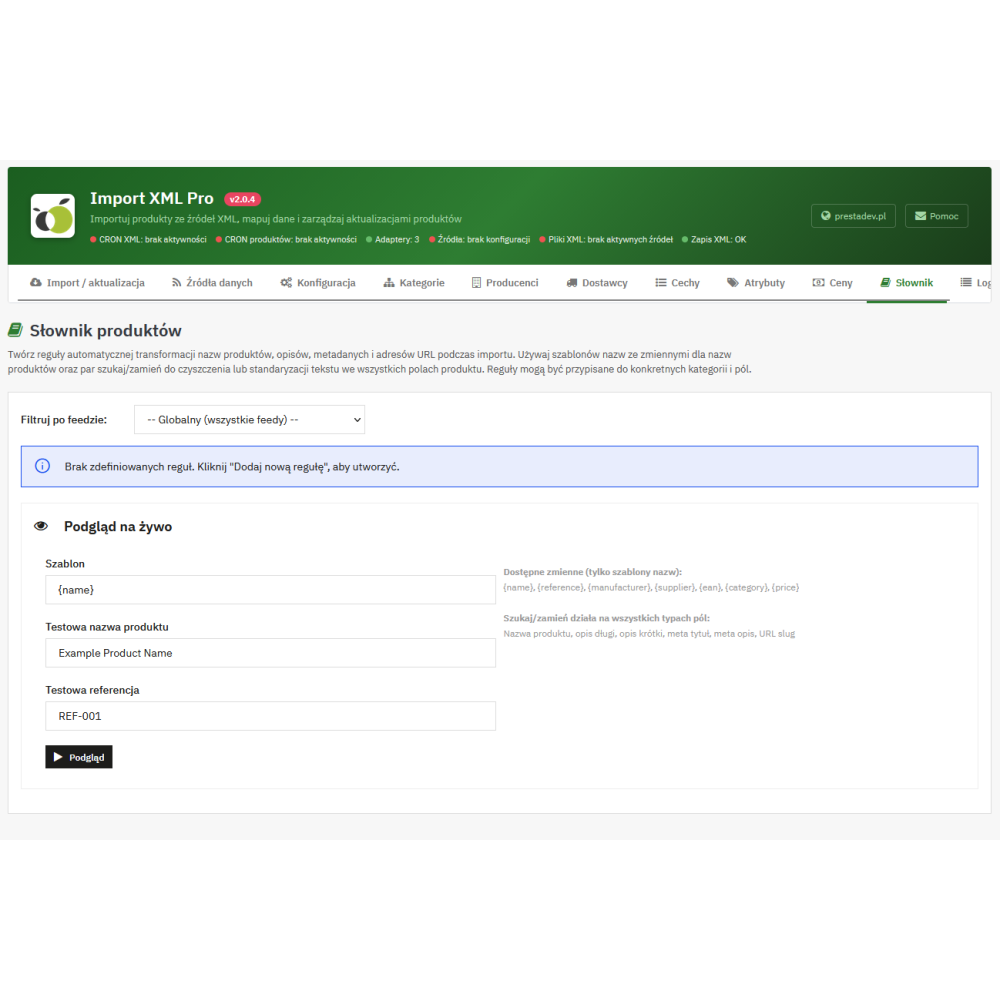
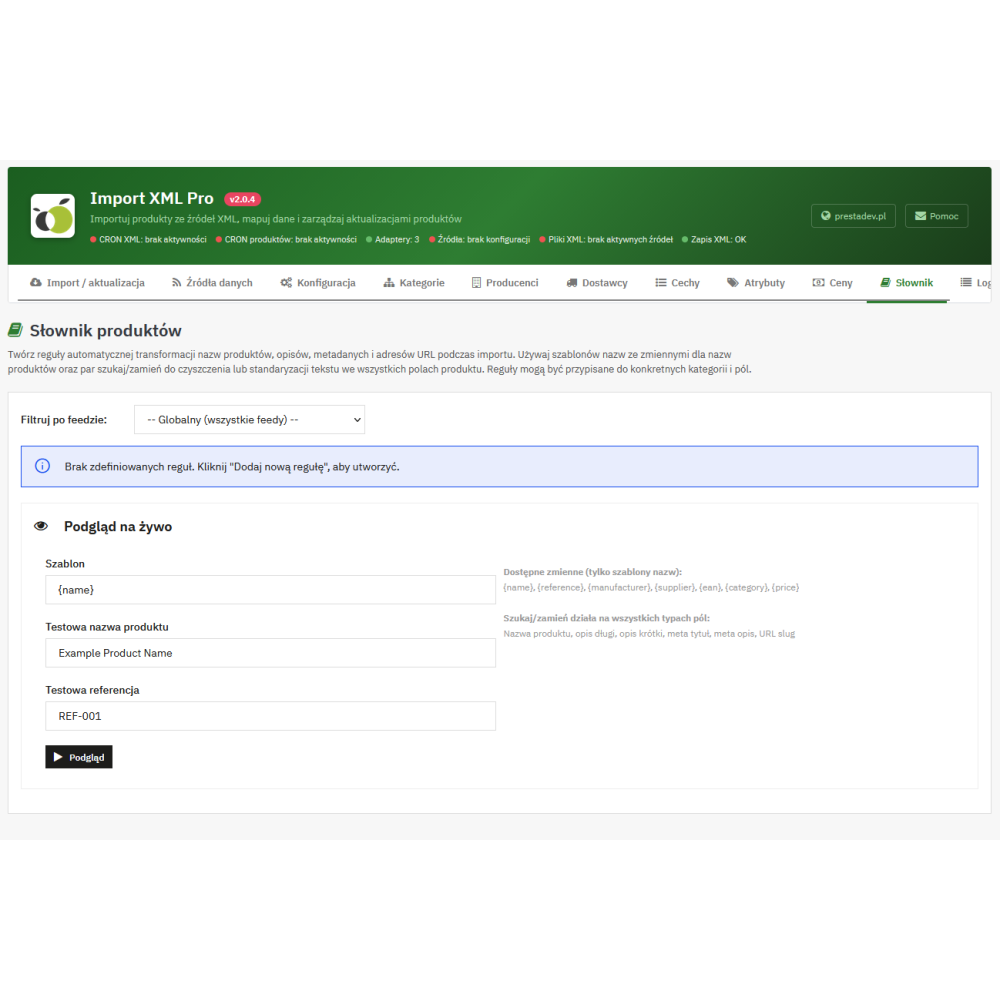
- Text change dictionary: replacing specific fragments in names, full and short descriptions, and meta title and meta description fields. Rules can use simple replacements or regular expressions.
- Name templates: the configuration allows names to be built from available data such as source name, reference, manufacturer, supplier, or EAN. The dictionary provides a preview of the transformation on sample text.
- Custom description fragments: the ability to add content before and after the full or short description, with language settings and individual settings for the source.
- SEO fields: support for the meta title and meta description provided by the adapter, as well as creating a friendly product URL fragment based on the name. When updating existing products, SEO fields are linked to the name update setting.
- Multilingual data: the import can use language versions provided by the source and adapter. If they are missing, the mechanism can duplicate available content into other languages; it does not perform automatic translation.
Import automation and operation monitoring
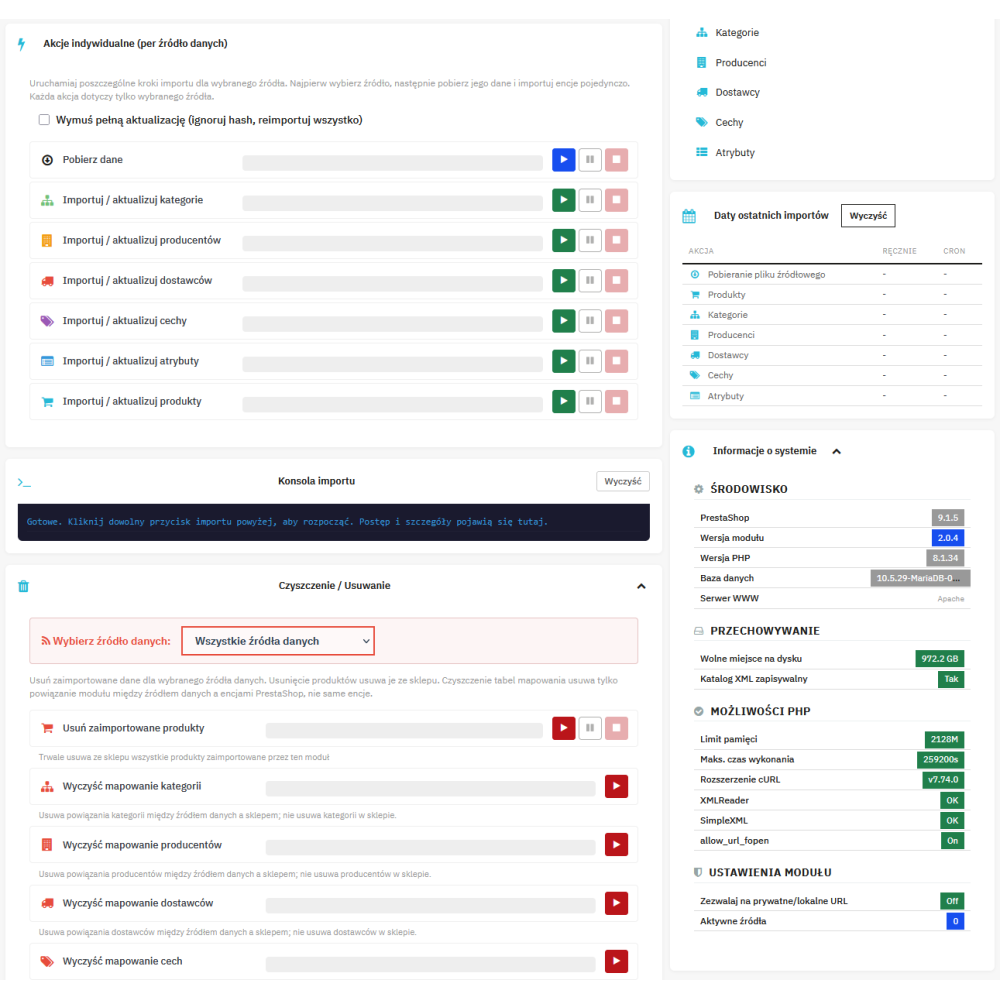
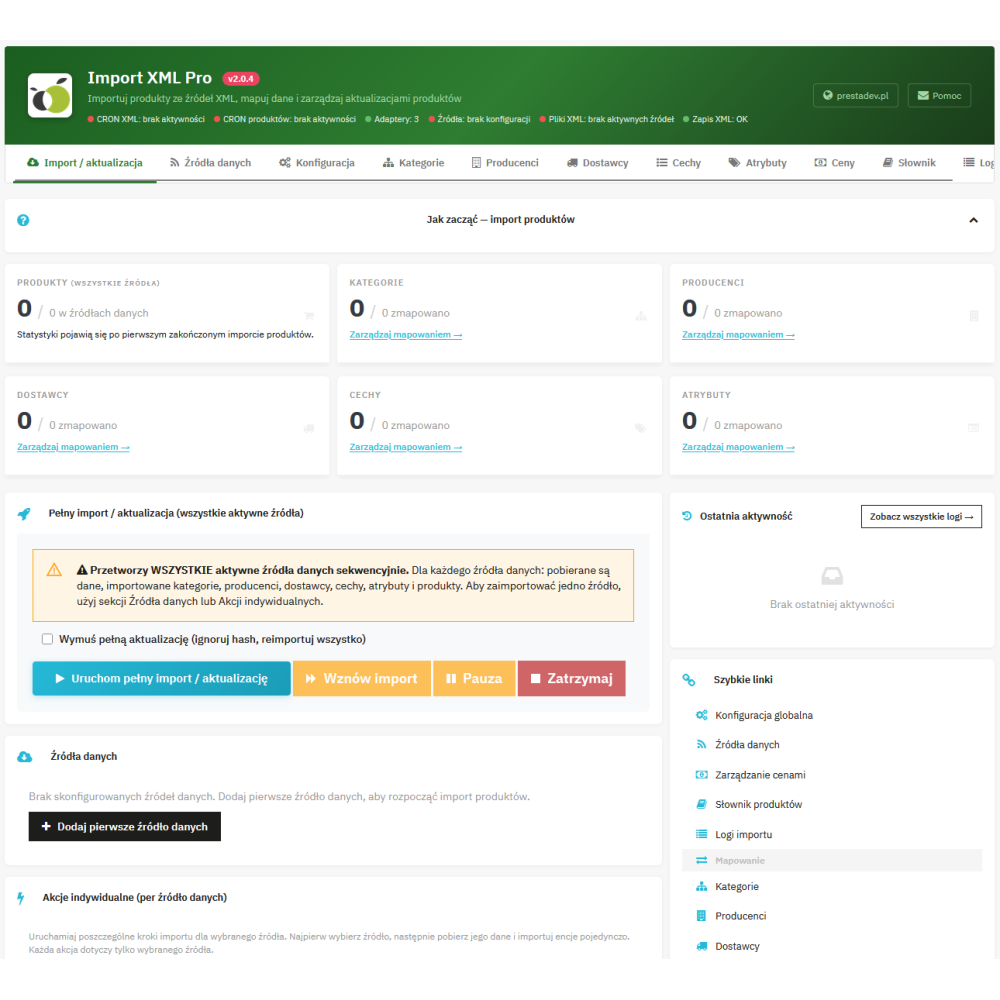
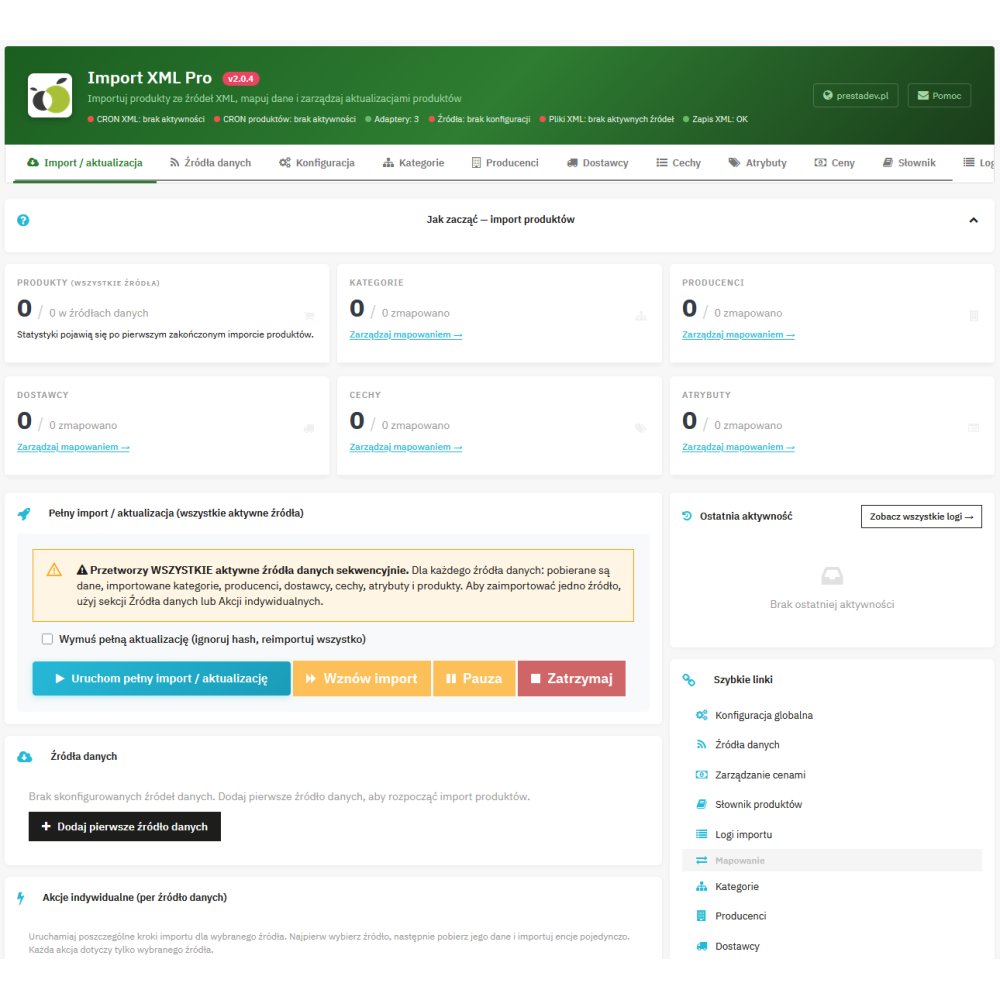
- Step-by-step import in the panel: separate operations for downloading XML, preparing categories, manufacturers, suppliers, features, and attributes, and importing products.
- Batch processing: configurable number of products per batch and record reading via XMLReader. This makes it possible to adjust the import process to server resources; execution time also depends on images and data size.
- Progress, pause, and resume: the panel shows progress and operation counters. Pause allows the current batch to finish and then stops the next ones; saved progress makes it possible to resume work.
- Skipping unchanged records: the importer compares product data hashes. Forced update allows records to be processed again also after changing settings, despite unchanged XML.
- Quick update: a separate operation downloads data via the adapter and updates prices and quantities of base products already linked to the given source. It does not create new product pages or update descriptions, images, and stock levels of individual combinations.
- CRON: call URLs with an access key allow operations to be run for the indicated source. The schedule must be configured on the server or in an external service, taking into account data downloading and processing of subsequent batches.
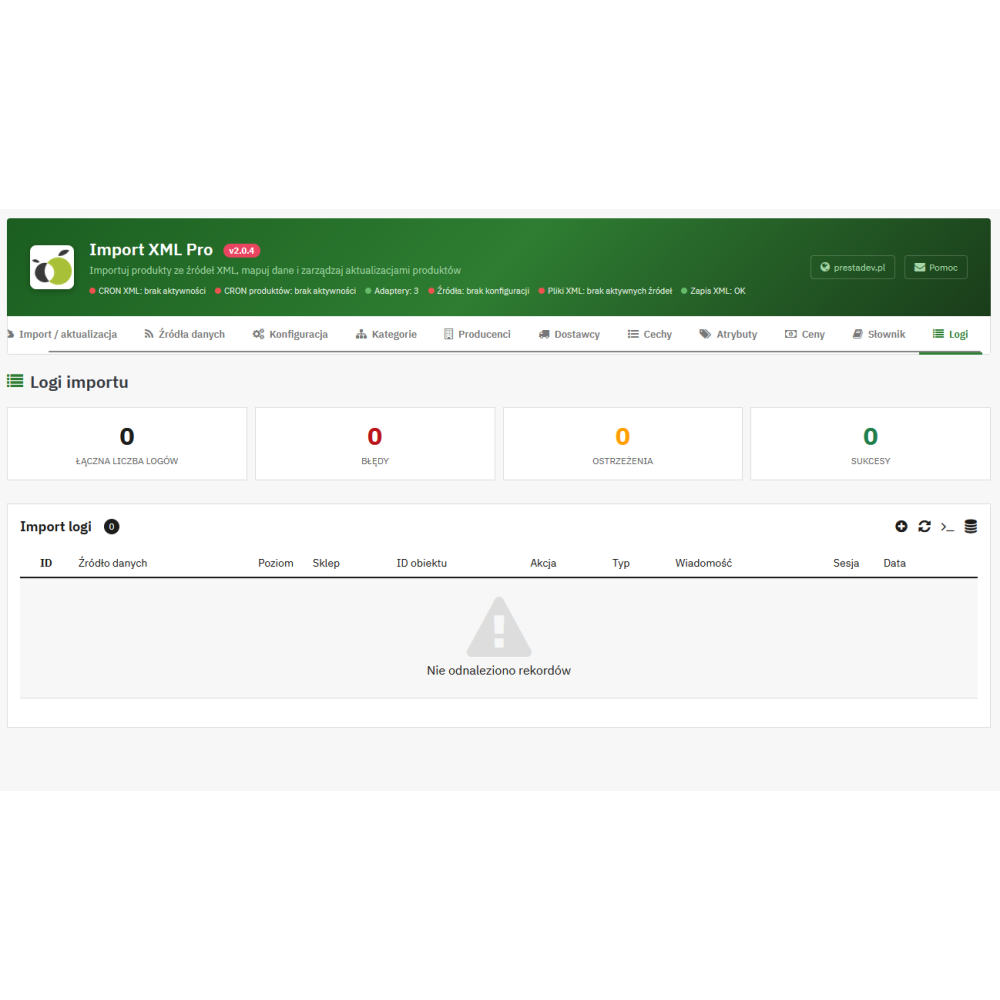
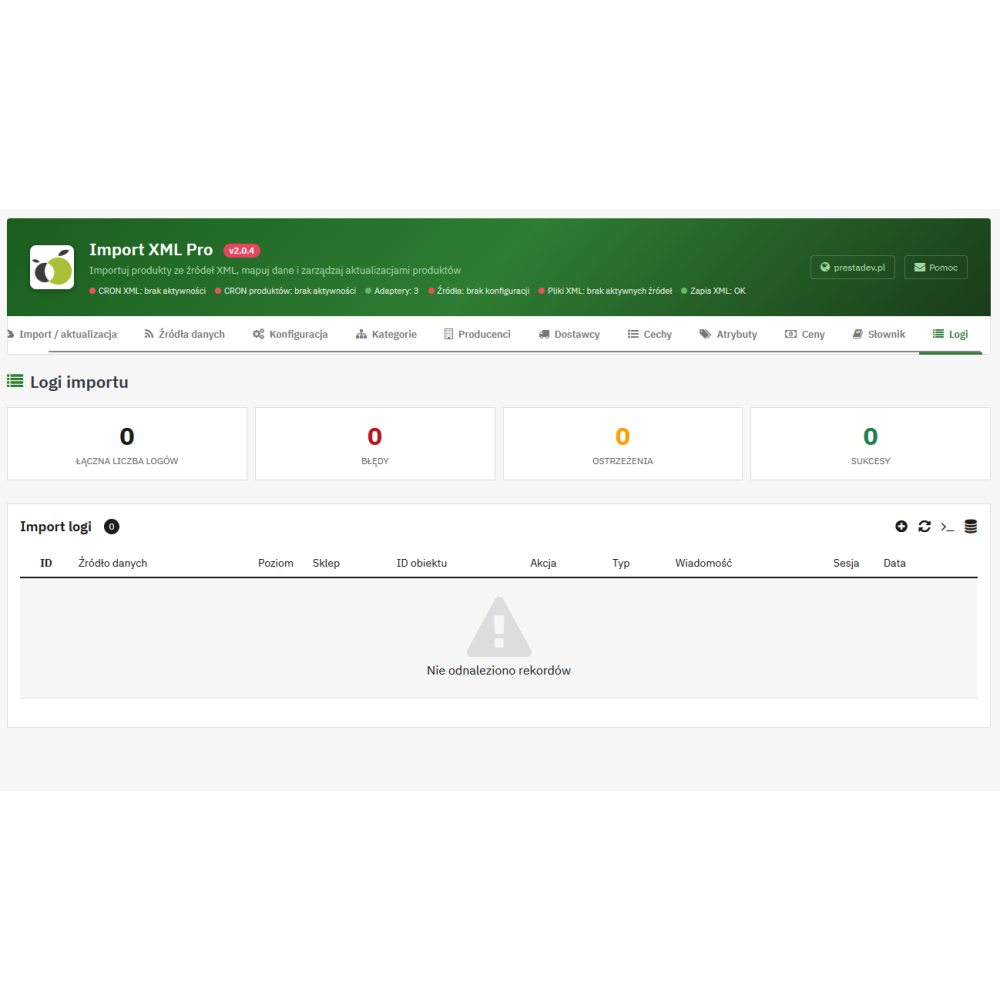
- History and log export: session records, operation summaries, warnings and errors, entry filtering, and CSV log export.
- Selection of target stores: the configuration allows you to indicate the stores in a multistore installation to which products should be sent. Some product data and settings remain shared according to their scope in PrestaShop and the module.
Benefits for store management
- Less manual rewriting: catalog data, images, and availability are transferred to product pages as part of the configured import.
- Control over your own content: disabling name or description updates allows selected materials prepared in the store to be preserved during a full import.
- Repeatable pricing rules: the same price calculation configuration can be used for subsequent source updates.
- Easier identification of problem causes: progress, summaries, and logs help distinguish added, updated, and skipped records and check import errors.
How to prepare XML import for PrestaShop?
- Prepare access to the XML and confirm that its structure and required fields are supported by the source adapter.
- Create a source, set up the connection, and indicate the target stores.
- Download the data and prepare links for categories, manufacturers, suppliers, features, and attributes needed for the given catalog.
- Set pricing rules, filters, and the scope of data overwriting, then run the product import.
- Check the result on product pages and in the logs, then configure recurring calls of the appropriate CRON operations.
Scope of operation and requirements
The source structure requires matching. The XML extension alone does not mean the file is compatible with the importer. A different data layout may require preparing or changing the adapter; the import scope depends on the fields actually provided by the source. The module is not an importer for XLSX spreadsheets or CSV files.
Full import and quick update have different scopes. Field overwrite switches apply to the full import path. Quick update via the adapter saves the price and quantity of the base product regardless of those switches. Support for multiple sources does not mean automatic summing of their stock levels or selecting the cheapest offer.
The module feeds the product catalog; it does not send orders to the wholesaler and does not reserve goods with the supplier. Data freshness depends on XML publication and the frequency of running the import. Descriptions and meta fields are processed according to data and rules, without AI-generated content.
Link to the module demo:
Admin panel demo:
https://moduly-prestashop.eu/pdxmlimport/admin-dev
Front office demo:
https://moduly-prestashop.eu/pdxmlimport