

XML Import Hurtowania/PrestaShop
Elum24 – lighting integration with PrestaShop | PrestaDev

XML import for the elum24.pl wholesaler / PrestaShop

Product data updated: 09/13/2026 11:55:44


XML import from elum24.pl to PrestaShop is a module for creating and updating products based on this supplier's XML file. Assortment: LED lighting and traditional lighting. It allows you to manage multiple data sources, with separate settings and mapping for each of them. Depending on the file content and support for its structure, the import may include names, descriptions, prices, stock levels, images, categories, manufacturers, suppliers, features, and product combinations. Separate update settings help preserve selected store-specific data, including names and descriptions. Pricing rules allow source prices to be recalculated according to price ranges, category, manufacturer, or supplier. The import can be launched from the administration panel, and recurring operations can be performed via an external CRON scheduler. A progress panel, operation history, and error messages make it easier to monitor the store catalog feed.

After placing the order, please send the current XML file or access details to it so that we can confirm and adapt the integration to the data structure in use.

License type / update
zł 307.50
zł 250.00no tax
Price history:

Description

XML sources and catalog matching to the store

  • Multiple data sources: each source has its own name, connection configuration, activity status, and assigned adapter, i.e. the mechanism that reads its XML structure.
  • General and individual settings: selected import parameters can be overridden for a specific source, including price range, update rules, image downloading, and the handling of missing products.
  • Adding products and updating existing ones: the module saves links between source products and product cards in PrestaShop and uses them during subsequent imports.
  • Matching to your own catalog: existing products can be identified by the selected field: product reference, EAN-13, UPC, or MPN, provided that the given field is available in the store version in use. Matching effectiveness depends on the consistency and uniqueness of the identifiers.
  • Category mapping: source categories can be linked to store categories or created during import. The configuration includes the default category and the activity status of the links.
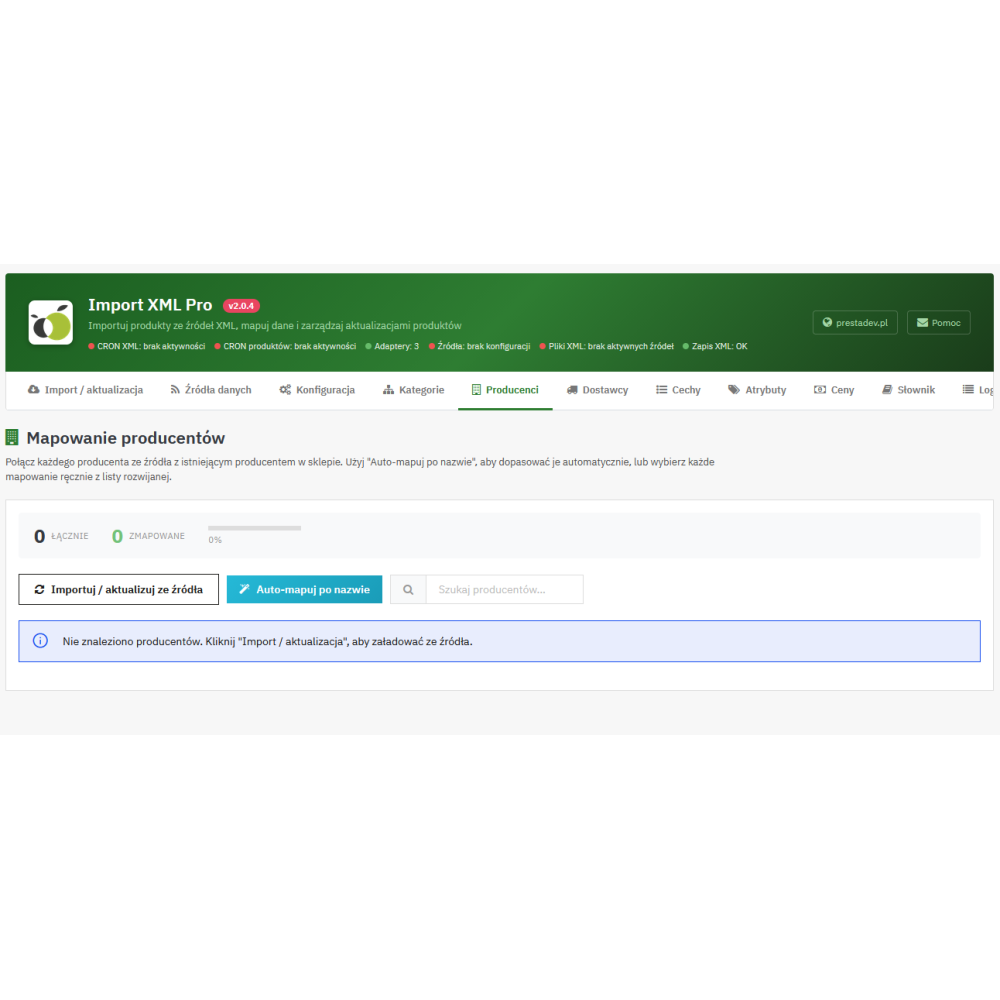
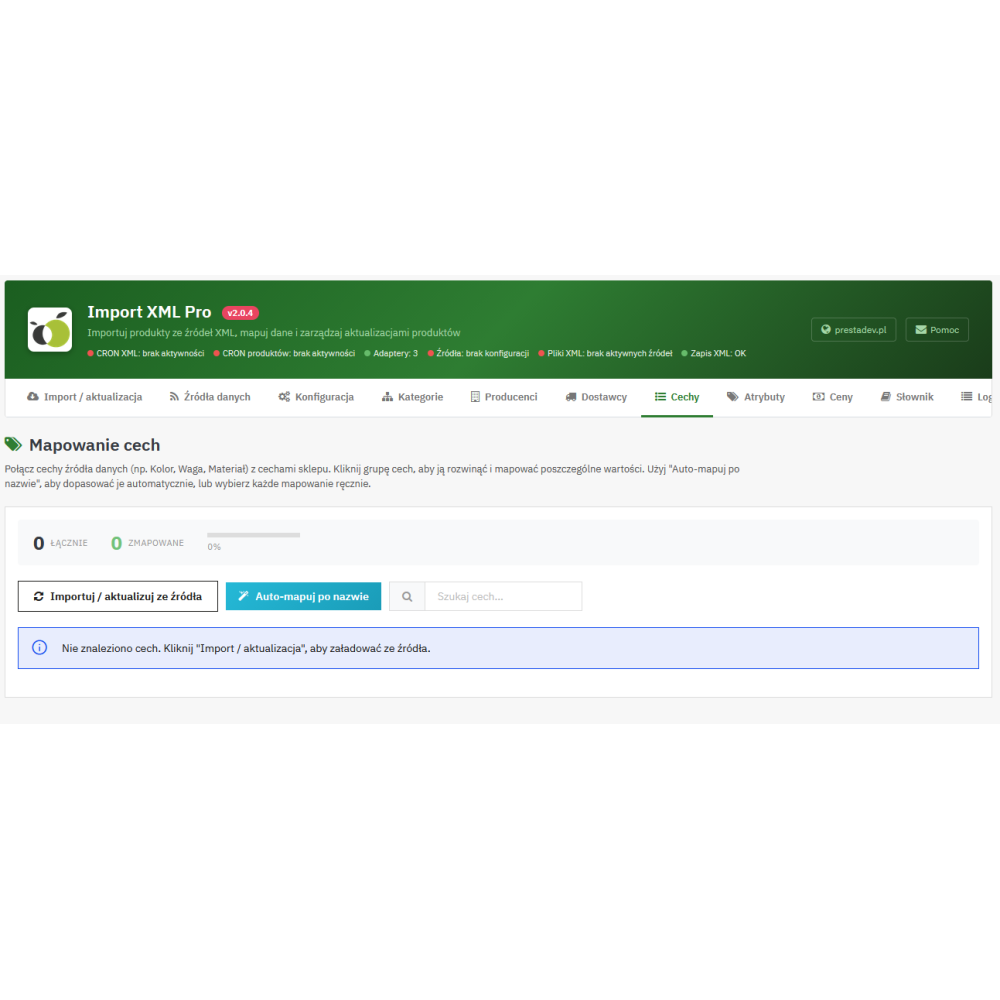
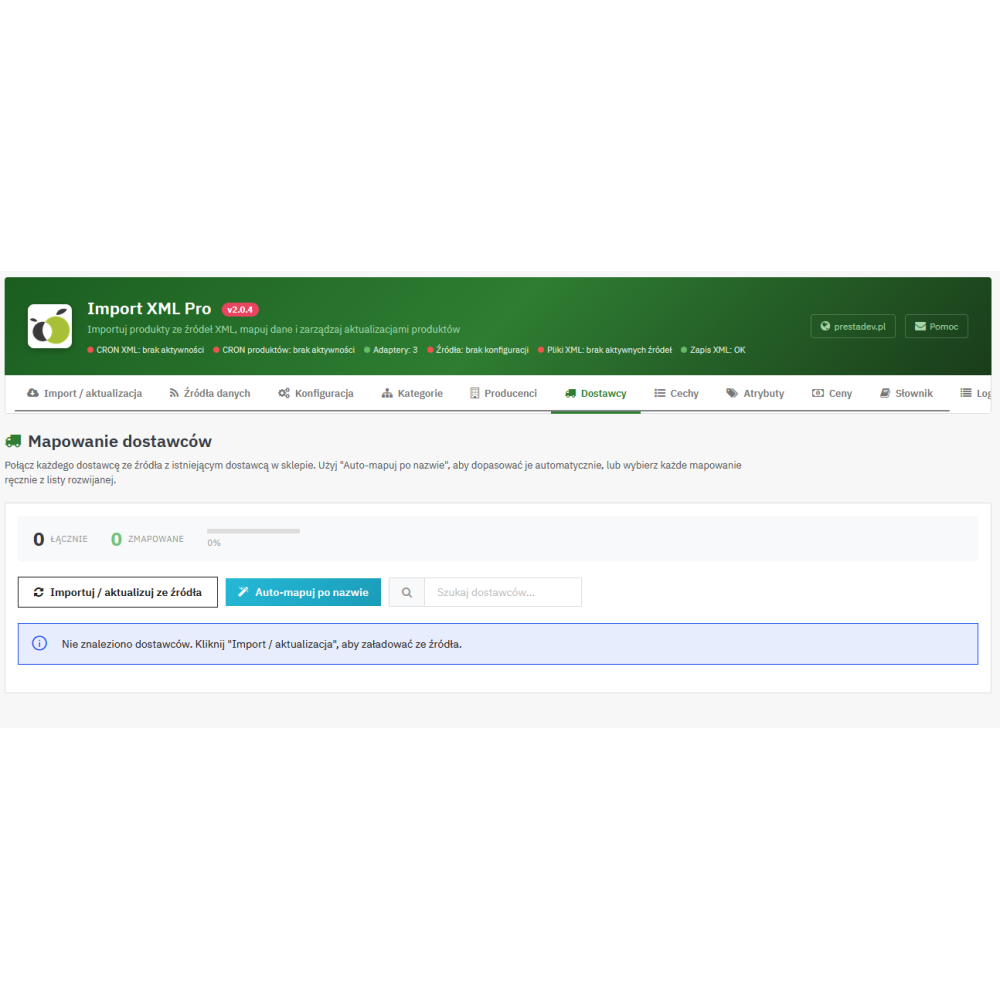
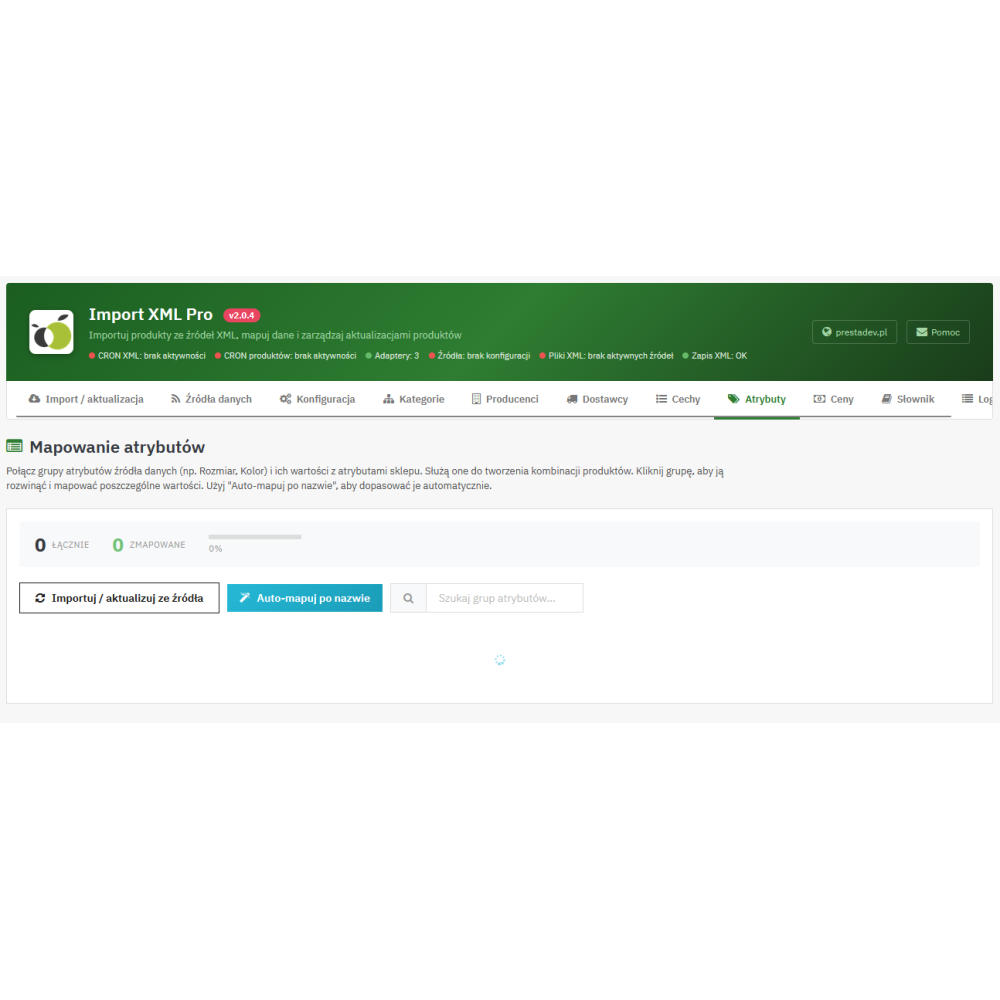
  • Mapping manufacturers, suppliers, features, and attributes: separate screens help assign source data to the appropriate elements of the PrestaShop catalog. Automatic matching operations by name are also available.

Product data import and update control

  • Names and descriptions: import of the name, full description, and short description, with separate switches for updating them. The data must be provided by the source and supported by its adapter.
  • Identifiers and physical parameters: support for reference, EAN-13, UPC, MPN, weight, and product dimensions, depending on the source data and the availability of fields in PrestaShop.
  • Prices and availability: updating the sale price, purchase price, quantity, and product activity status within the scope supported by the source. The module also allows you to configure availability texts and delivery time messages.
  • Product images: downloading images from addresses provided in the data, with the option to disable downloading and limit the number of imported images. Image updates can be controlled separately for imported products and for products matched to the existing catalog.
  • Technical features: assigning features to products and choosing between replacing their set or merging it. Merging updates the features present in the import and leaves the remaining product features unchanged.
  • Product combinations: full import can create and update variants based on the supported combination structure, their attributes, identifiers, quantities, and impact on price and weight.
  • Separate rules for matched products: different update settings can be applied to cards created by the importer, and different ones to products identified in the existing catalog by identifier.

When updating combinations, the module matches variants by attribute sets, adds new ones, and can remove existing variants not present in the provided set. There is also an option to remove existing combinations during the first product match. The choice of these settings matters for stores that maintain their own variants.

Pricing rules and selection of imported assortment

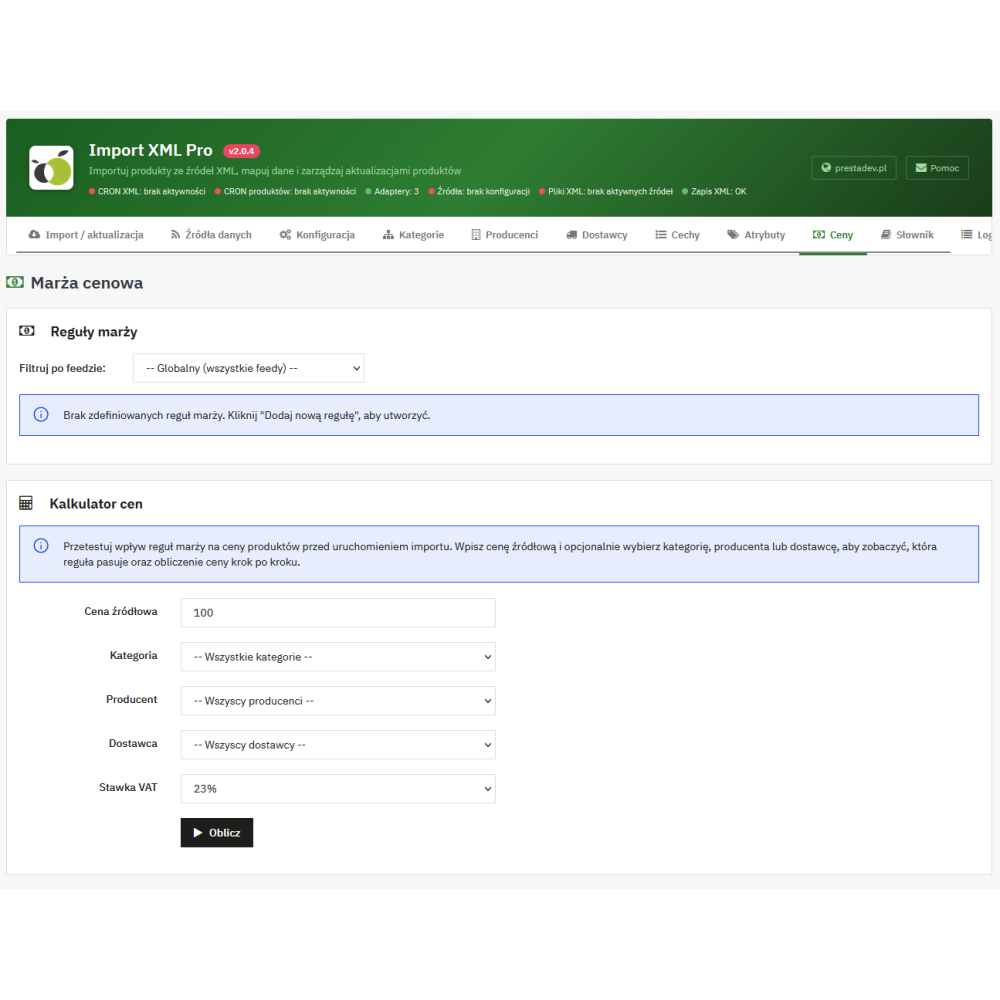
  • Price recalculation: the rules support adding and subtracting an amount, multiplication, and increasing or decreasing the price by a percentage. An increase by percentage means a markup on the source price.
  • Rule conditions: the price can depend on the input price range, category, manufacturer, and supplier. Rules can be general or assigned to a specific source.
  • Priorities: the importer selects one matching pricing rule according to priority, and in the case of equal priority, it takes into account the specificity of its conditions.
  • Surcharge and rounding: after applying the rule, a configured amount can be added, and finally the net or gross price can be rounded to a whole unit.
  • Linking rates with store taxes: the configuration allows supported VAT rates from the source data to be assigned to tax rule groups existing in PrestaShop.
  • Import filters: lower and upper source price thresholds are available, as well as settings for importing products without images and with quantity equal to zero.
  • Products disappearing from XML: after a full import is completed, they can be left unchanged, disabled, the base product quantity can be set to zero, or disabling can be combined with zeroing that quantity.

Preparing product content and SEO fields

  • Text change dictionary: replacement of specified fragments in names, full and short descriptions, and meta title and meta description fields. Rules can use simple replacements or regular expressions.
  • Name templates: the configuration allows names to be built from available data, such as source name, reference, manufacturer, supplier, or EAN. The dictionary provides a preview of the transformation on sample text.
  • Custom description fragments: the ability to add content before and after the full or short description, with language settings and individual settings for the source.
  • SEO fields: support for the meta title and description provided by the adapter, and creation of a friendly product URL fragment based on the name. When updating existing products, SEO fields are linked to the name update setting.
  • Multilingual data: the import can use language versions provided by the source and adapter. If they are missing, the mechanism can duplicate available content into other languages; it does not perform automatic translation.

Import automation and operation monitoring

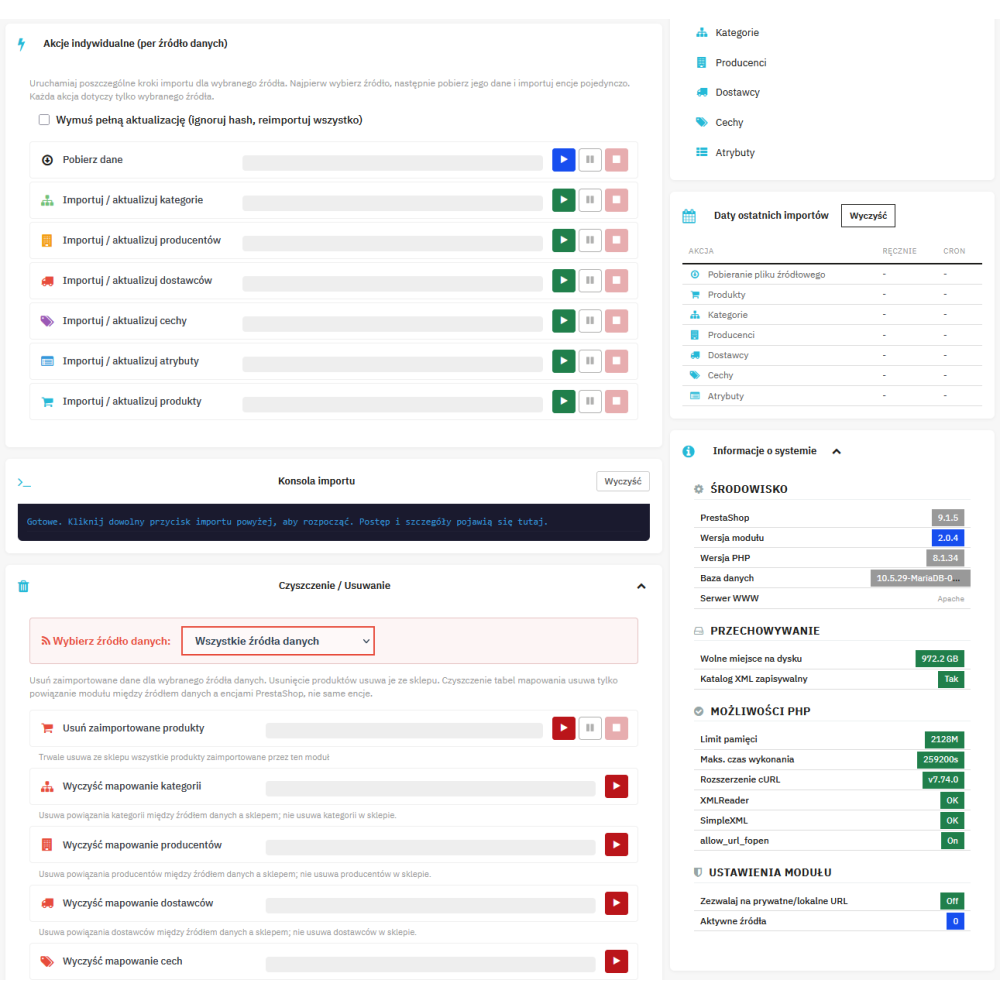
  • Step-by-step import in the panel: separate operations for downloading XML, preparing categories, manufacturers, suppliers, features, and attributes, and importing products.
  • Batch processing: configurable number of products per batch and record reading via XMLReader. This makes it possible to adapt the import process to server resources; execution time also depends on images and data size.
  • Progress, pause, and resume: the panel shows progress and operation counters. Pause allows the current batch to finish and then stops the next ones; saved progress makes it possible to resume work.
  • Skipping unchanged records: the importer compares product data hashes. Forced update allows records to be processed again also after settings changes, despite unchanged XML.
  • Quick update: a separate operation downloads data via the adapter and updates prices and quantities of base products already linked to the given source. It does not create new product cards or update descriptions, images, and stock levels of individual combinations.
  • CRON: call URLs with an access key allow operations to be run for the indicated source. The schedule must be configured on the server or in an external service, taking into account data downloading and processing of subsequent batches.
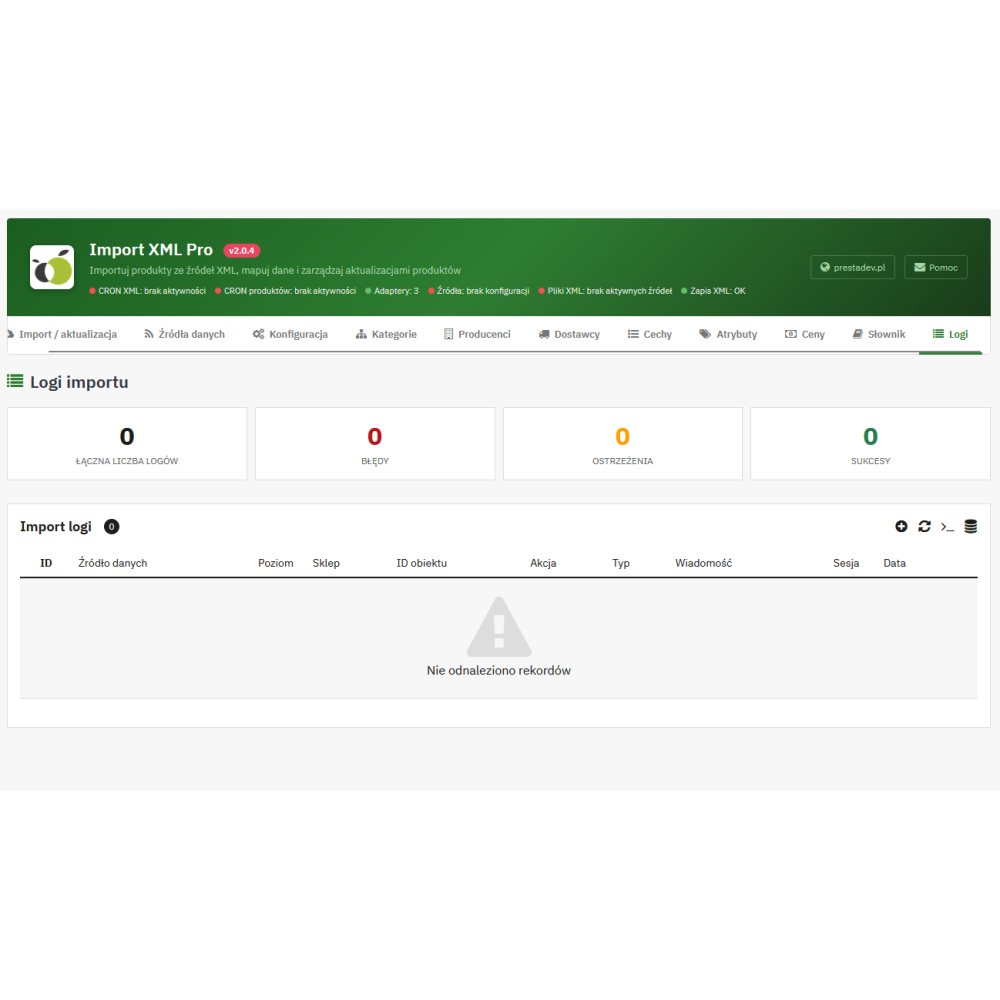
  • History and log export: session records, operation summaries, warnings and errors, entry filtering, and log export to CSV.
  • Selection of target stores: the configuration allows you to indicate the stores in a multistore installation to which products should be sent. Some product data and settings remain shared according to their scope in PrestaShop and the module.

Benefits for store operations

  • Less manual rewriting: catalog data, images, and availability are transferred to product cards as part of the configured import.
  • Control over your own content: disabling updates of names or descriptions allows selected materials prepared in the store to be preserved during a full import.
  • Repeatable pricing rules: the same price calculation configuration can be used in subsequent source updates.
  • Easier identification of problem causes: progress, summaries, and logs help distinguish added, updated, and skipped records and check import errors.

How to prepare XML import for PrestaShop?

  1. Prepare access to the XML and confirm that its structure and the required fields are supported by the source adapter.
  2. Create a source, configure the connection, and indicate the target stores.
  3. Download the data and prepare links for categories, manufacturers, suppliers, features, and attributes needed for the given catalog.
  4. Set pricing rules, filters, and the scope of data overwriting, then run the product import.
  5. Check the result on product cards and in the logs, then configure recurring calls of the appropriate CRON operations.

Scope of operation and requirements

The source structure requires matching. The XML extension alone does not mean the file is compatible with the importer. A different data layout may require preparing or changing the adapter; the scope of import depends on the fields actually provided by the source. The module is not an importer for XLSX spreadsheets or CSV files.

Full import and quick update have different scopes. Field overwrite switches apply to the full import path. Quick update via the adapter saves the price and quantity of the base product regardless of those switches. Support for multiple sources does not mean automatic summing of their stock levels or selecting the cheapest offer.

The module feeds the product catalog; it does not transfer orders to the wholesaler and does not reserve goods with the supplier. Data freshness depends on XML publication and the frequency of running the import. Descriptions and meta fields are processed according to the data and rules, without AI-generated content.

Product Details

Prestashop 9.x support
Yes
Support for Prestashop 8.x
Yes
Prestashop 1.7.x support
Yes
Prestashop 1.6.x support
Yes
Module translations
PL, ENG
Free support
Yes
Free updates (1 year)
Yes
Easy Installation
Yes
Requires engine modification
No
IMPORTELUMAXML-FULL

FAQ

Find answers to the most common questions about this product.

The Pro wholesaler import creates and updates products in PrestaShop based on the supplier's XML data. It enables handling multiple sources, catalog mapping, price recalculation, stock updates, importing images, features and combinations, and monitoring operations in the panel. The scope of available data depends on the file and the adapter handling its structure.

How to choose the right size of a dog harness? To choose the right size of a dog harness, first measure your dog's chest circumference at its widest point and the neck circumference where the harness will sit. Then compare the measurements with the size chart available in the product description. It is important that the harness fits snugly, but does not restrict movement or cause discomfort. If your dog is between sizes, it is usually better to choose the larger size and adjust the straps. Also remember to check whether the harness has adjustment options, which will allow for a better fit to your dog's build.

No. XML defines the data format, but individual sources may organize products, prices, categories, and variants differently. The module requires an adapter tailored to the specific structure. Before configuration, data compatibility must be checked; a new XML layout may require preparing or modifying the adapter.

Yes. For each source, you can save a separate profile with a name, activity status, adapter, and connection settings. Mappings are linked to the source, and selected general settings can be overridden individually. This does not mean automatically merging offers from different suppliers into a single offer.

Access to the XML and an adapter supporting its structure are required. The target stores must be specified, the data must be retrieved, and the necessary mappings for categories, manufacturers, suppliers, features, and attributes must be prepared. Before importing products, filters, pricing rules, and the scope of overwriting existing data must also be determined.

It supports both operations. It can create a product and save its link to the source, or match the record to an existing product card. Subsequent imports use the saved link. Product creation depends, among other things, on required data, filters, and category settings.

You can choose the product reference, EAN-13, UPC, or MPN. MPN is taken into account when the field is available in the supported PrestaShop version. Matching applies to products in the shop context and requires matching values in the catalog and source data.

No. Identifiers must be unique and consistent. When several products in the store have the same value for the selected field, the code logs a warning and uses the first result found. Before starting the mapping, it is worth tidying up duplicate identifiers.

The supported scope includes names, full and short descriptions, prices, quantities, identifiers, weight, dimensions, categories, manufacturer, supplier, images, features, meta fields, and combinations. Not every source provides all of this information. Which fields are included in the import depends on the XML content, the adapter, and the update settings.

Yes. In the full import, you can separately disable updates to the name, full description, and short description. The settings are separated for imported products and products matched to the existing catalog. Disabling description updates is not, however, a general block on all other product fields.

Yes. Products identified by the selected identifier have a separate set of update switches. It includes, among other things, the name, descriptions, price, quantity, activity, categories, images, features, identifiers, dimensions, manufacturer, and supplier. The selected settings can also be additionally overridden for a specific source.

The module retrieves images from the URLs provided by the source and the adapter and assigns them to products. You can disable downloading, set an image limit, and control their updates. During updates, the importer compares the saved URLs with the new list; merely changing the image content under an unchanged URL does not guarantee that it will be downloaded again.

No. Source categories can be manually linked to categories existing in PrestaShop. The module also offers category import into the store and automatic matching by name. Thanks to mapping, the supplier's structure can be assigned to your own assortment division.

Yes, active category mappings participate in the filtering of new products. When active links exist, a new record without a matching active category is skipped. Products previously linked to the source may still be updated despite the lack of such a match, so the category filter is not a general block on synchronizing the existing catalog.

Yes. It provides separate import and mapping screens for manufacturers and suppliers. Source data can be linked to entries in the store or, with the appropriate setting, used to create new entries. Updating the manufacturer and supplier on the product page can be controlled with full import switches.

Two modes are available: replace and merge. Replace removes the product feature assignments currently in place and adds the set from the import. Merge updates the features present in the data and leaves the remaining features unchanged. It is necessary to prepare the appropriate features and their mapping.

Yes, the full import includes support for combinations, provided that the adapter passes the variant data in the required structure. The module uses attribute groups and their values and can save combination identifiers, quantities, impact on price, and weight. Descriptive product features alone do not automatically create combinations.

When a set of combinations is provided, the importer identifies variants by their attributes, updates matching ones, adds new ones, and removes variants not present in that set. There is also an option to delete all existing combinations during the first product match. This mechanism does not guarantee the preservation of variants added manually outside the source.

The rule can add or subtract an amount, multiply the price by a factor, or increase or decrease it by a percentage. Conditions include the input price range, category, manufacturer, and supplier. Rules can apply globally or to a selected source. The percentage increase is a markup on the source price, not a margin calculation as a share of the selling price.

No. The importer selects one matching rule: a lower priority value takes precedence, and if the priority is the same, more specific conditions apply. After this rule is applied, a separate surcharge from the configuration may be added, and then rounding is performed.

Yes. The configured surcharge is treated as a gross amount and converted to net according to the product's tax rate. Then the net or gross price can be rounded to a whole unit. The order of calculations is: price rule, surcharge, and rounding.

This is a pdproductsfaqpro entry field.

You can set the minimum and maximum source price and decide whether to import products without images and with a quantity equal to zero. When adding new products, active category mappings also matter. Skipping a record by the filter does not automatically mean removing its existing listing from the store.

After the full import is completed, the module may leave the product unchanged, disable it, set the base product quantity to zero, or perform both of the latter operations. This applies to products associated with the given source and depends on the configuration. It is not an automatic deletion of product pages or resetting each combination separately.

Quick update via the adapter retrieves data and saves the prices and quantities of base products already linked to the source. It does not create new products, update descriptions and images, or the stock levels of individual combinations. Full import handles a broader set of data and variants. The method of retrieving data in quick mode depends on the adapter.

Not in the same way as a full import. The fast path through the adapter saves the price and quantity of the base product regardless of the full update switches. When running it, it should be treated as a separate synchronization operation for these two values.

Yes, the module provides CRON calls with an access key and source indication. The frequency is configured in the server schedule or an external service. Timeliness depends on the supplier publishing the data, the scheduled calls, and the completion of the import. The module does not provide continuous real-time synchronization.

No. Data retrieval, catalog item preparation, and product import are separate operations. Full product import uses the batch limit and saved progress, so a large catalog may require subsequent calls. The schedule must be adjusted to these stages and the size of the source.

Yes. The panel provides pause, stop, and resume of product import from the saved progress. Pause allows the currently processed batch to be completed and prevents the next ones from starting. Previously saved changes remain in the store; pause does not roll back the import.

The importer reads records using XMLReader and processes products in batches of configurable size. This helps adjust the workflow to the server. It does not mean support for any file size on every hosting environment: the way the adapter downloads and transforms the XML, the number of images, memory, disk space, and time limits also matter.

The module compares the checksum of the XML record data with the value saved during the previous import. If the data is the same, it can skip reprocessing. After changing pricing rules, the dictionary, or import settings, it is possible to force an update, which is also needed when the XML itself has not changed.

The panel shows progress and counters for records added, updated, and skipped. The operation log contains session history, summaries, warnings, and errors. Entries can be filtered, among other things, by source and type of operation, and logs can be exported to CSV.

Yes. The dictionary provides name templates, pairs of searched and replaced fragments, and regular expressions. The transformations cover names, full and short descriptions, as well as meta titles and descriptions. The rules are assigned to a source or a general scope and may take the category into account. The preview shows the result on sample text.

Yes. The configuration includes separate content added before and after the full and short description. It can be set per language and overridden for the selected source. Saving to an existing product card depends on whether updating the given description is enabled.

The module supports the title and meta description provided by the adapter, allows their text to be transformed using a dictionary, and creates a friendly product URL slug from the name. In a full update, saving SEO fields is linked to the name update switch. There is no basis for assuming that the importer will preserve the original URL from the XML or automatically prepare a unique SEO strategy.

No. It can use the language versions provided by the source and the adapter. If translations are missing, the mechanism can duplicate the available content in other store languages. This is not machine translation; the module also does not generate descriptions using AI.

The configuration allows you to indicate the target stores in the PrestaShop multistore installation, and the import uses this list when saving data. This does not mean full independence of all fields and settings: some product information and configuration are shared. The store context is also important when matching existing products.

No. Separate sources have their own mappings and settings, but the code does not include a mechanism for summing supplier stock levels or selecting the cheapest offer. If several sources update the same product and the same fields, a later save may overwrite the values from the previous source.

No. The Pro wholesaler import retrieves and processes catalog data and product availability. It does not send orders to the supplier, does not reserve goods, and does not confirm delivery fulfillment. The availability and delivery time texts saved with the product are store messages.

No. The log is used to analyze the course of the operation and does not constitute a copy of the previous catalog. The module does not provide full restoration of the state from before the import. Stopping the process leaves changes already saved in the products, so restoring the previous data requires an appropriate backup of the store.

Reviews (0)

No reviews