
Shopping Cart

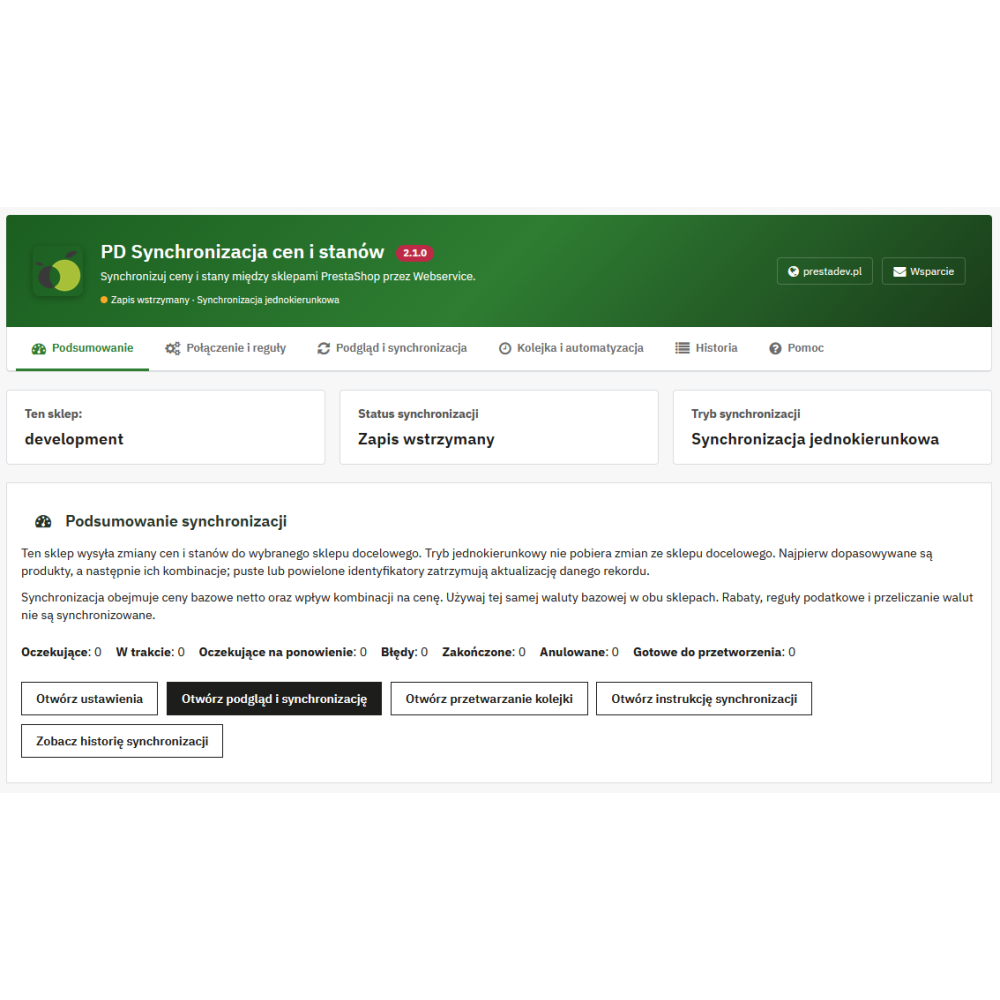







Features and benefits of the module
- price and stock updates after product editing in the source store are updated in the target store
- stock updates after product sales so that stock levels are always synchronized between 2 stores
- the module also supports attribute combinations and updates their stock levels and prices
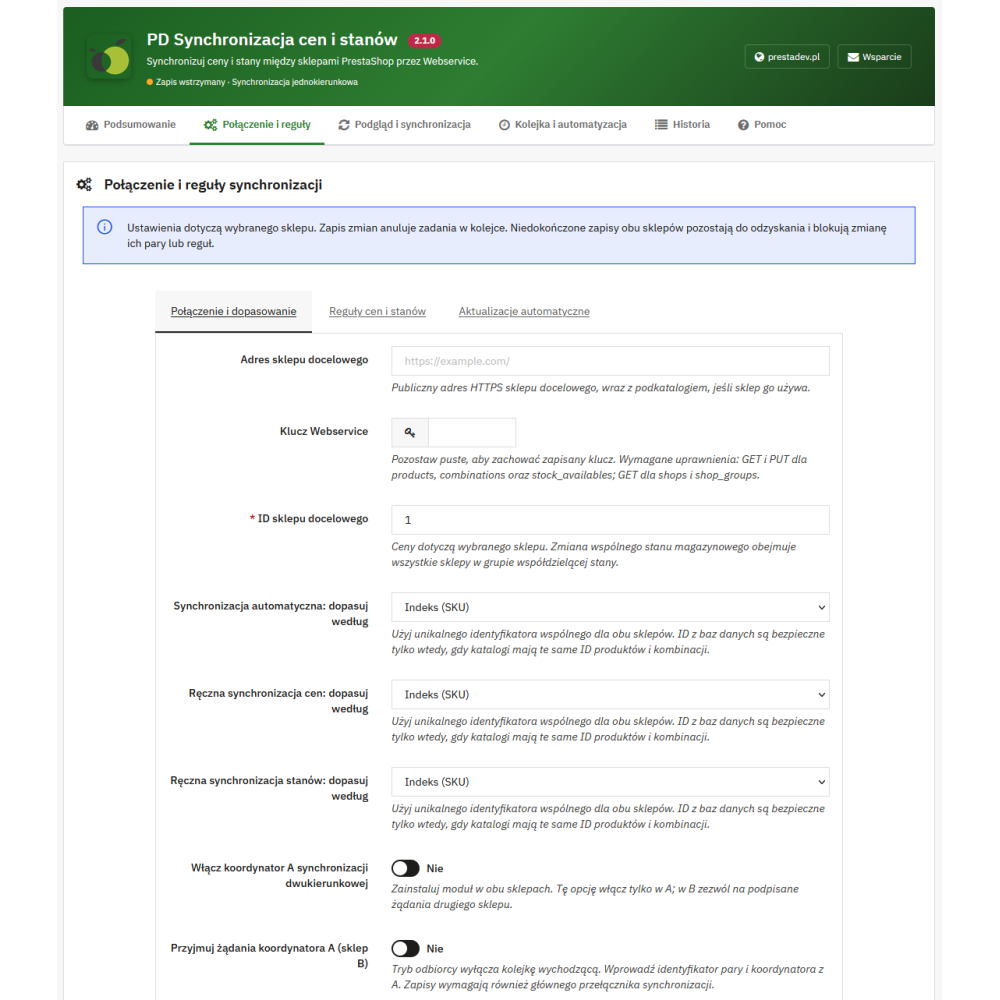
- the ability to choose the product identifier (EAN, UPC, index / reference, product ID / combination ID) products in both stores must have the same selected identifiers so that it is possible to link products between stores
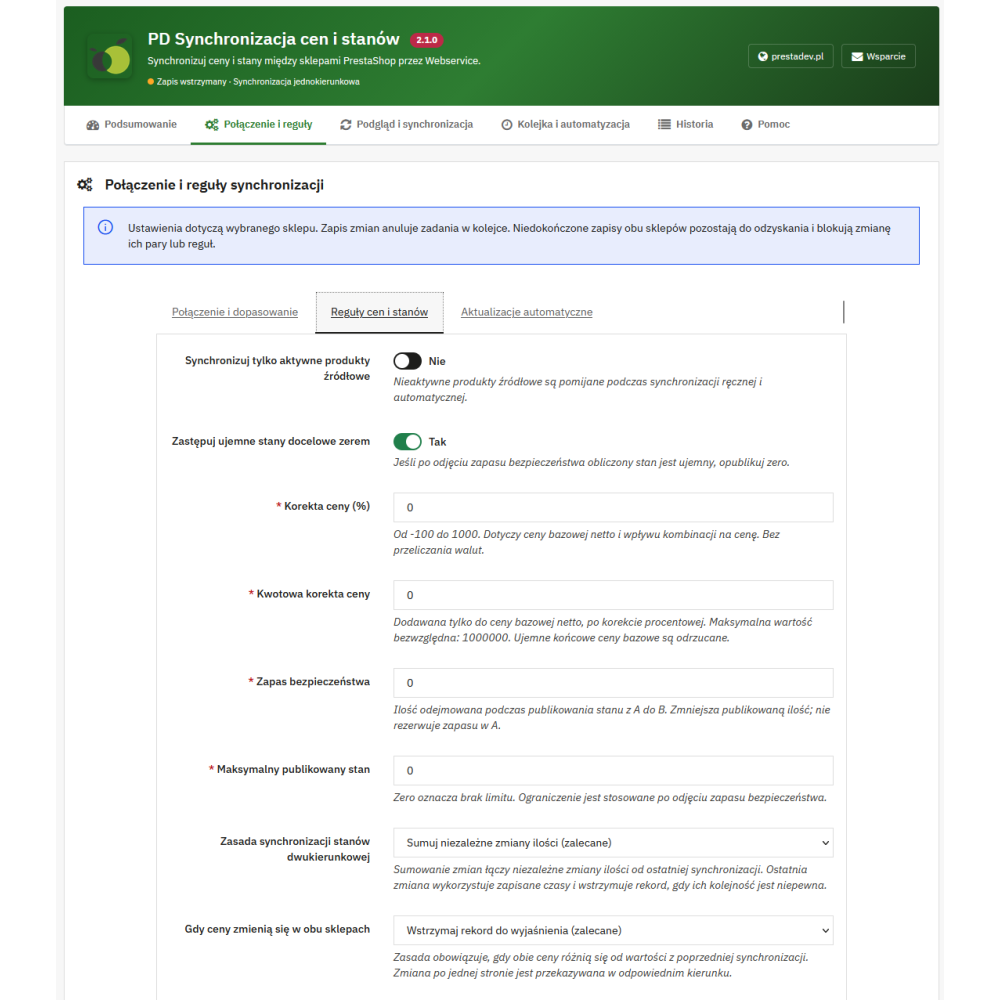
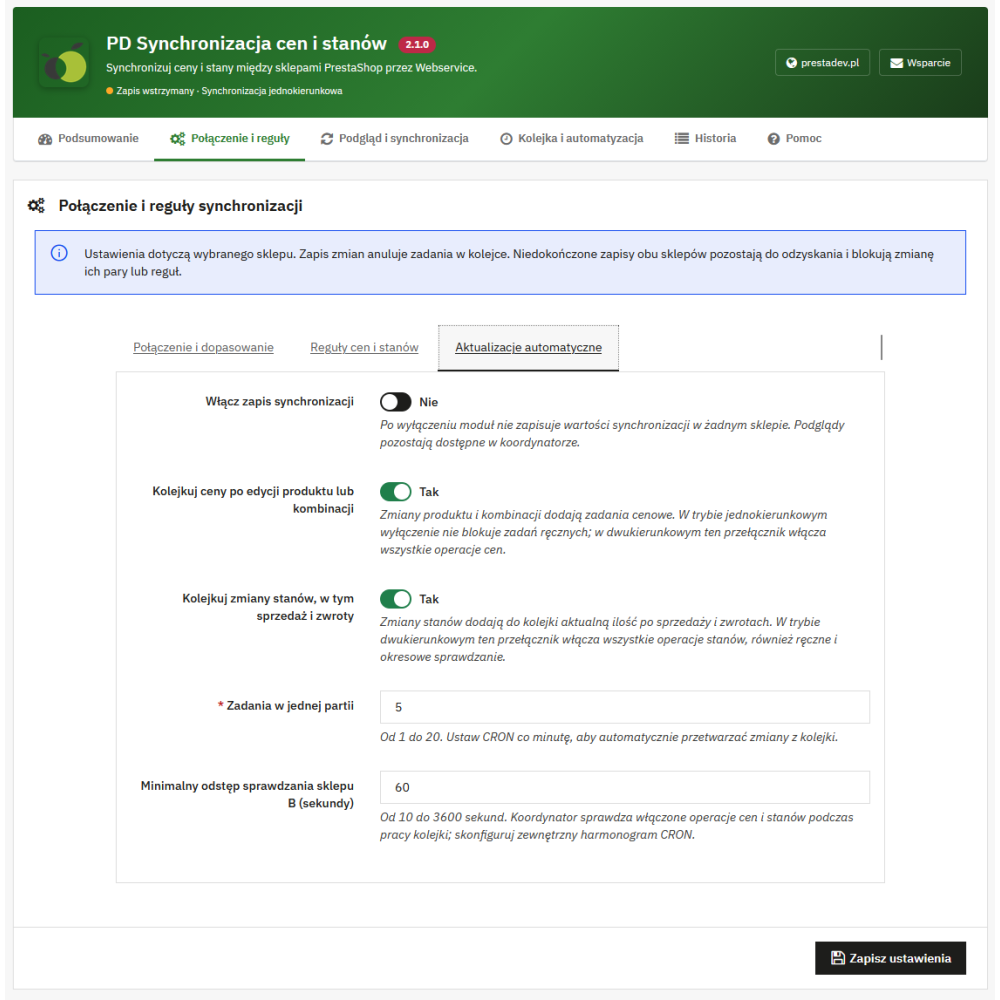
- the ability to enable / disable price and stock updates after product editing as well as stock updates after sales
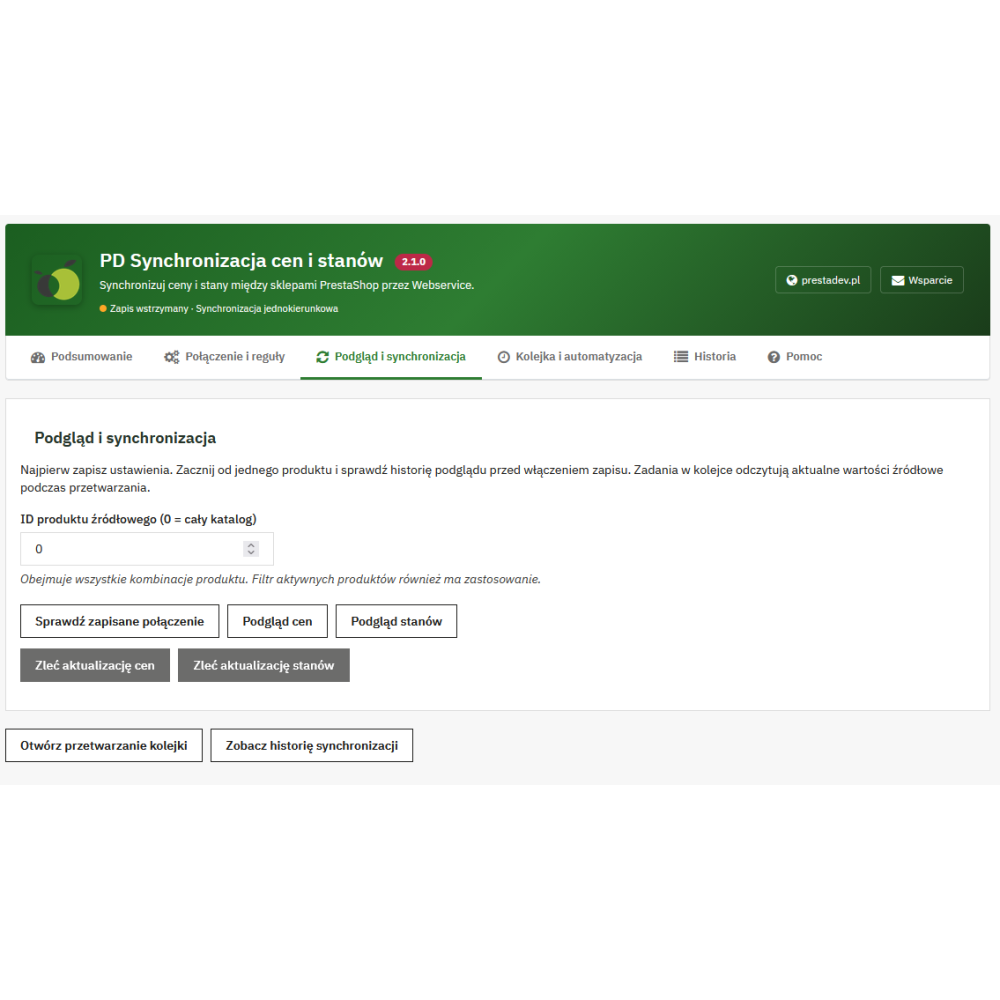
- the ability to synchronize prices and stock levels to the target store using a button together with a form for selecting the source store and product identifier
- the module uses the PrestaShop webservice API (CRUD) so that it works quickly and securely
- warehouse management support
- support for PrestaShop 1.5.x, 1.6.x, 1.7.x
How to configure access to the PrestaShop API in the target store
- Log in to the panel in the target store
- From the top panel menu, select Tools > API
- Click the "Add new API key" button
- Click the "Generate" button to generate a new API key
- In the resources section, select full access to "products, combinations, stock availability"
- After saving, in the configuration section click "Enable PrestaShop API"
How to configure the module in the source / target store?
- Enter the API authorization key generated in the target store
- Enter the API URL of the target store
- Enable the module, then choose whether it should update prices and stock levels
- Select the product identifier that will be responsible for linking products / combinations between stores (only products / combinations with the same identifier will be updated)
- Click the "Save" button and you can start using the module
To update stock levels, warehouse management must be enabled in both stores; the module does not work with advanced warehouse management.
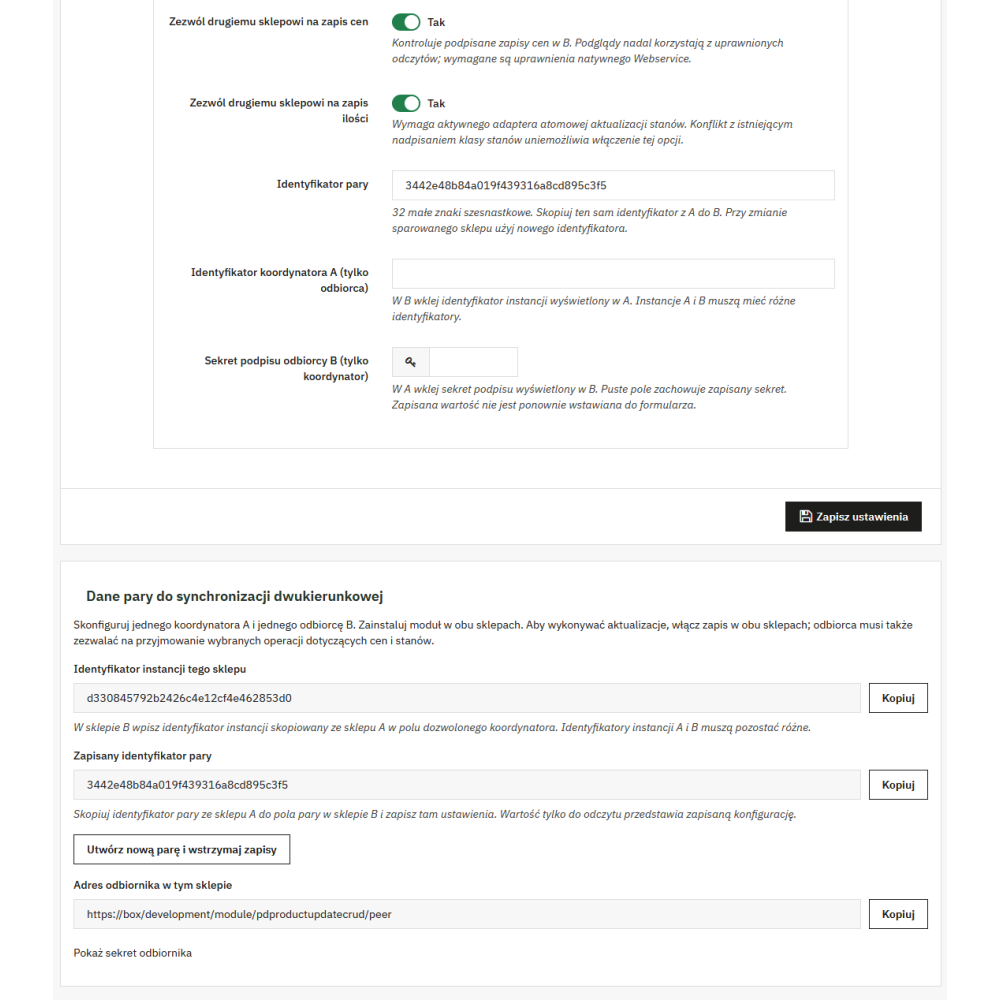
For the module to work bidirectionally, it must be installed on both stores and API access must also be configured in both stores.