
Shopping Cart




Features and benefits of the module
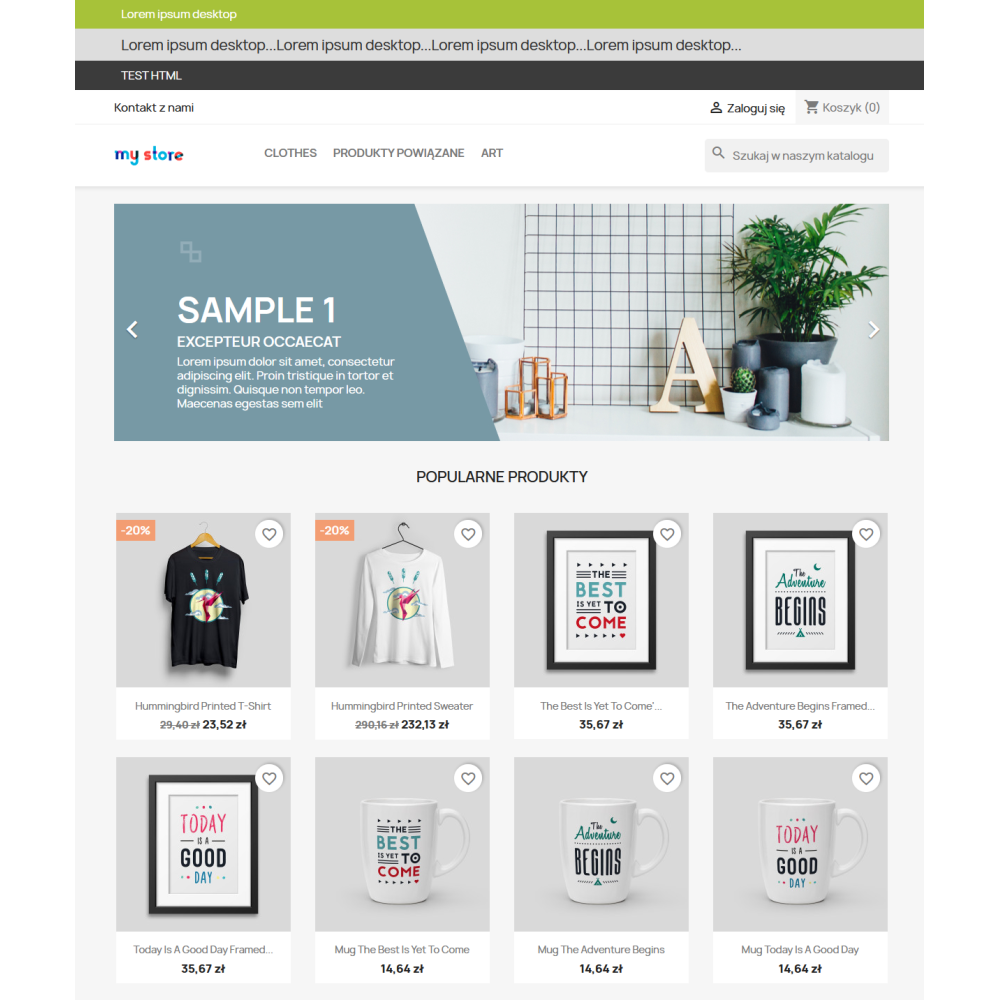
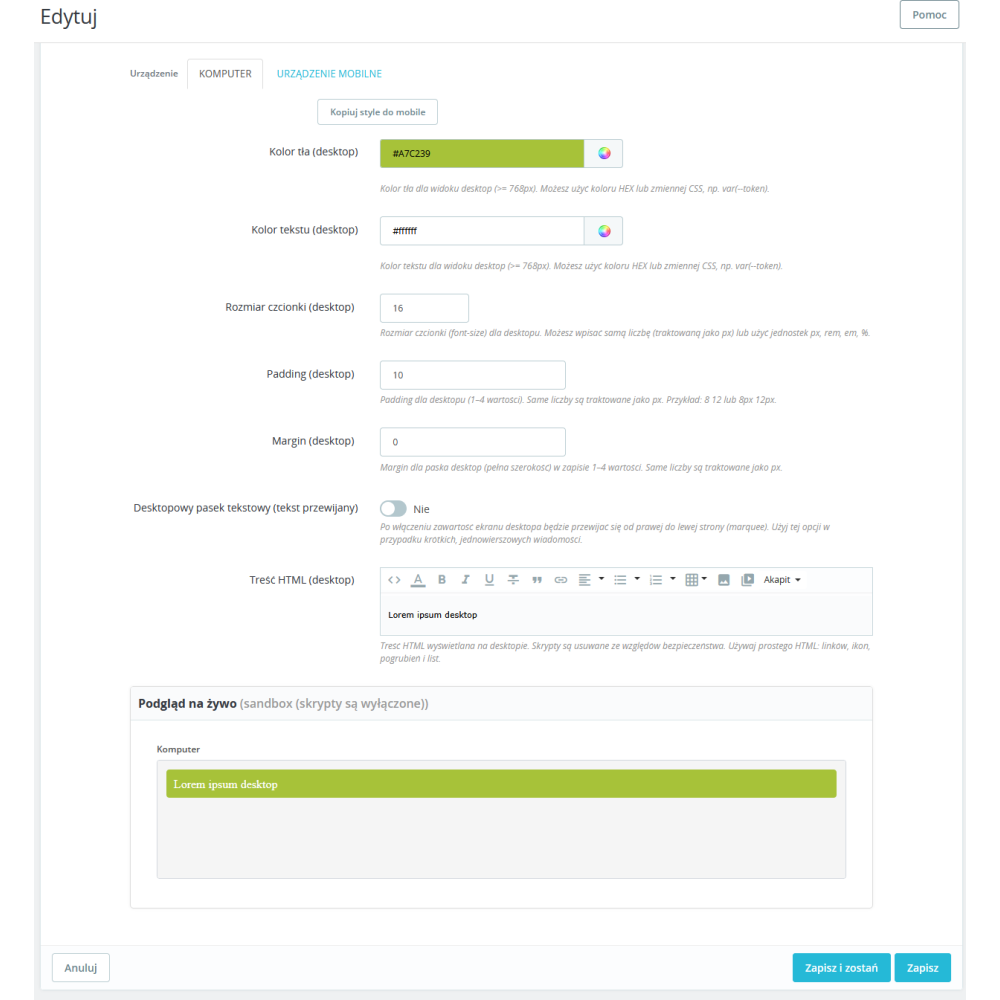
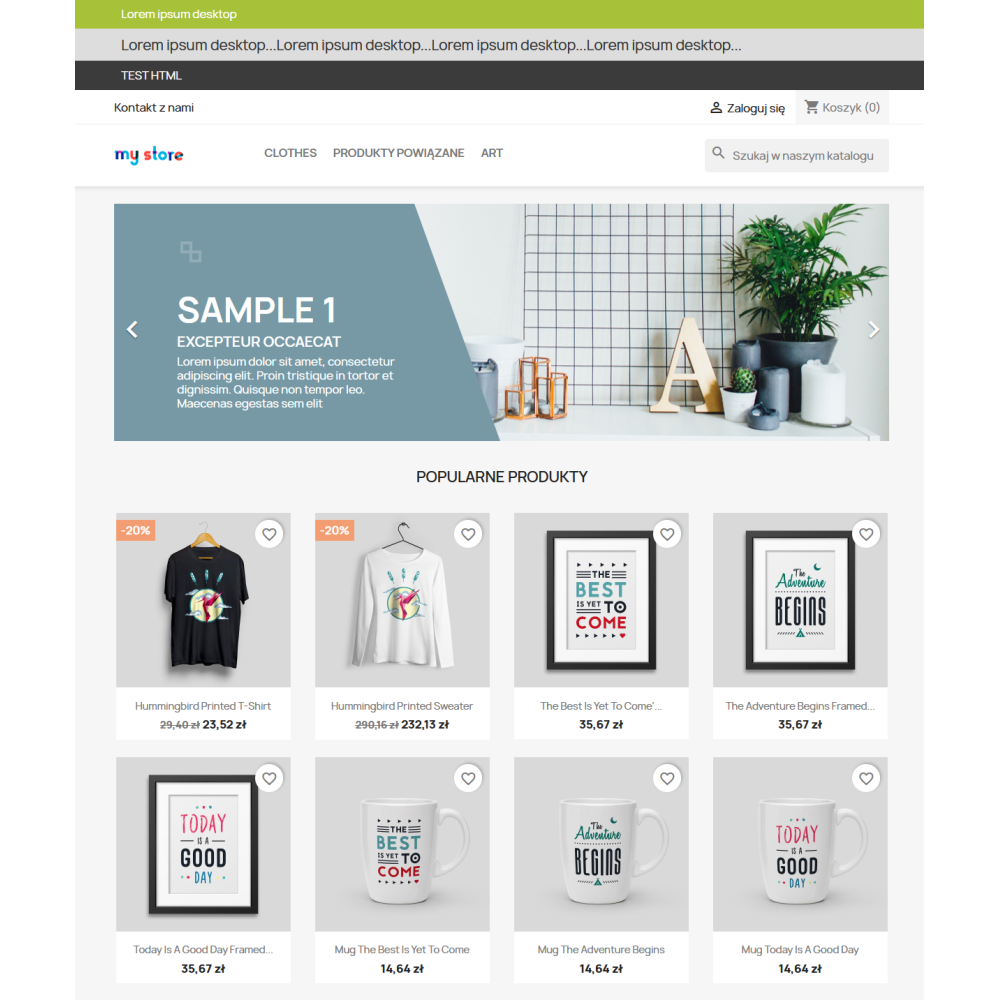
- quickly add information bars without a developer — you create a bar in the panel, enter the content, and immediately see the result in the store.
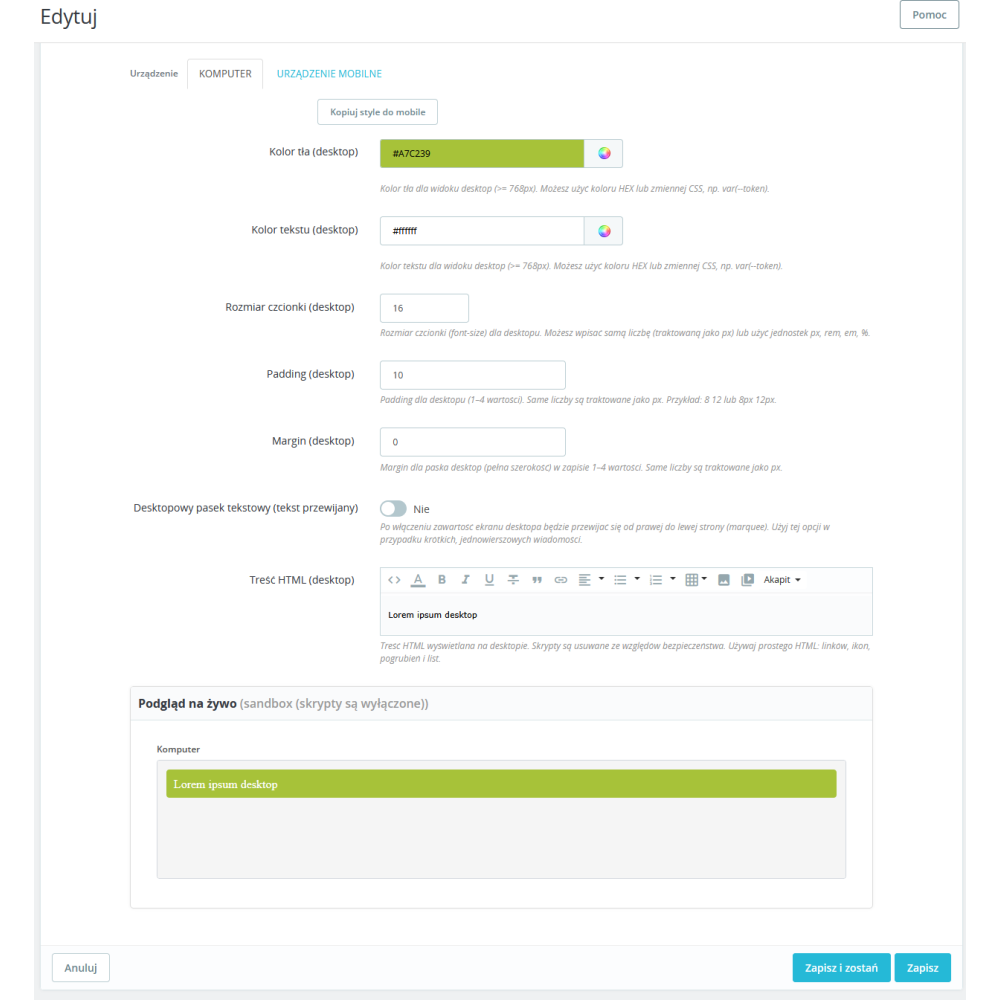
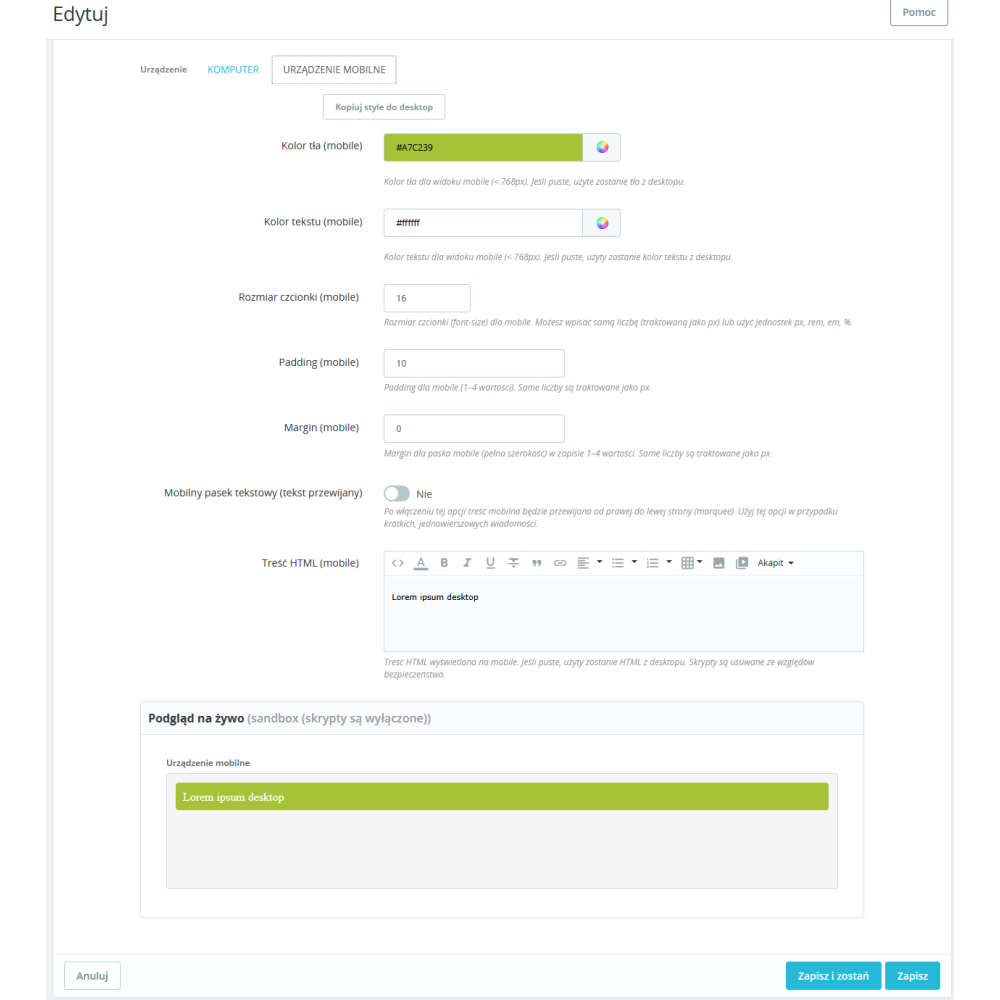
- different content for desktop and mobile — you can prepare a shorter message for phones and a fuller version for computers, without duplicating work.
- marquee mode (scrolling text) — ideal for longer information; the text smoothly moves from right to left and does not break the page layout.
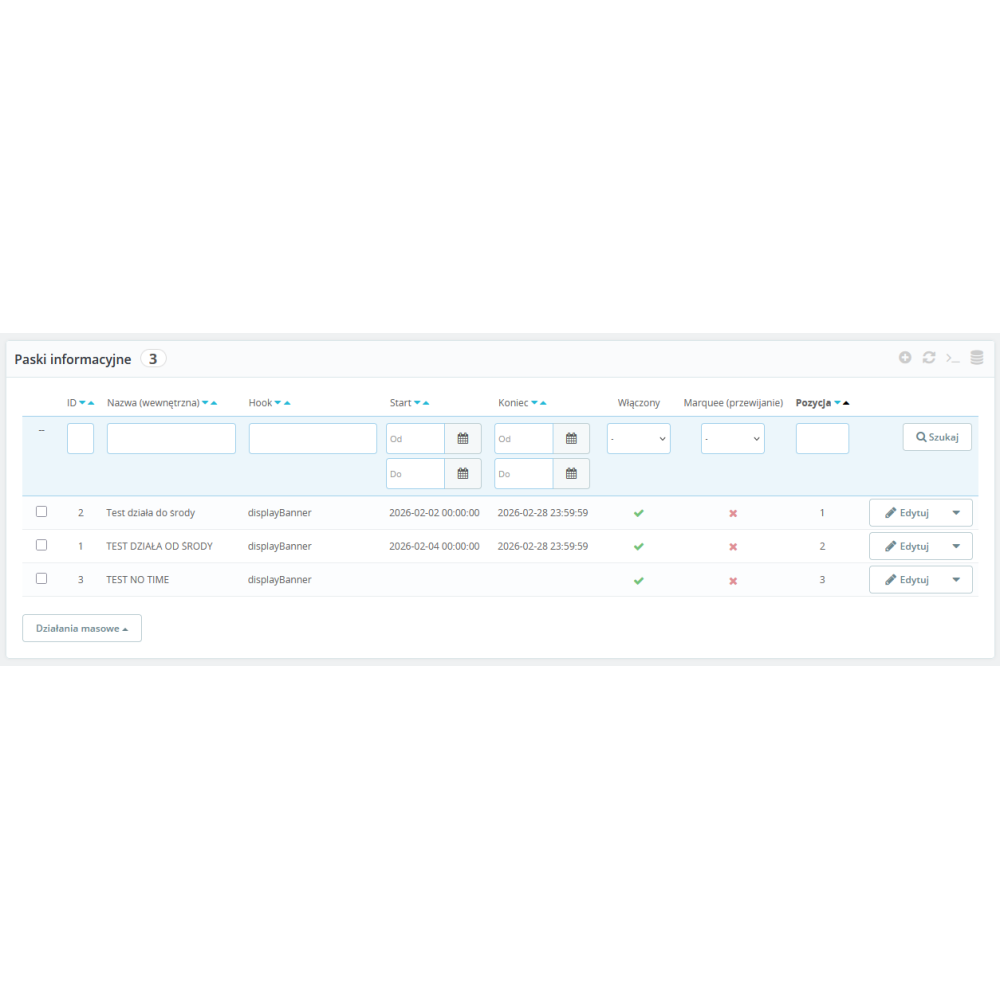
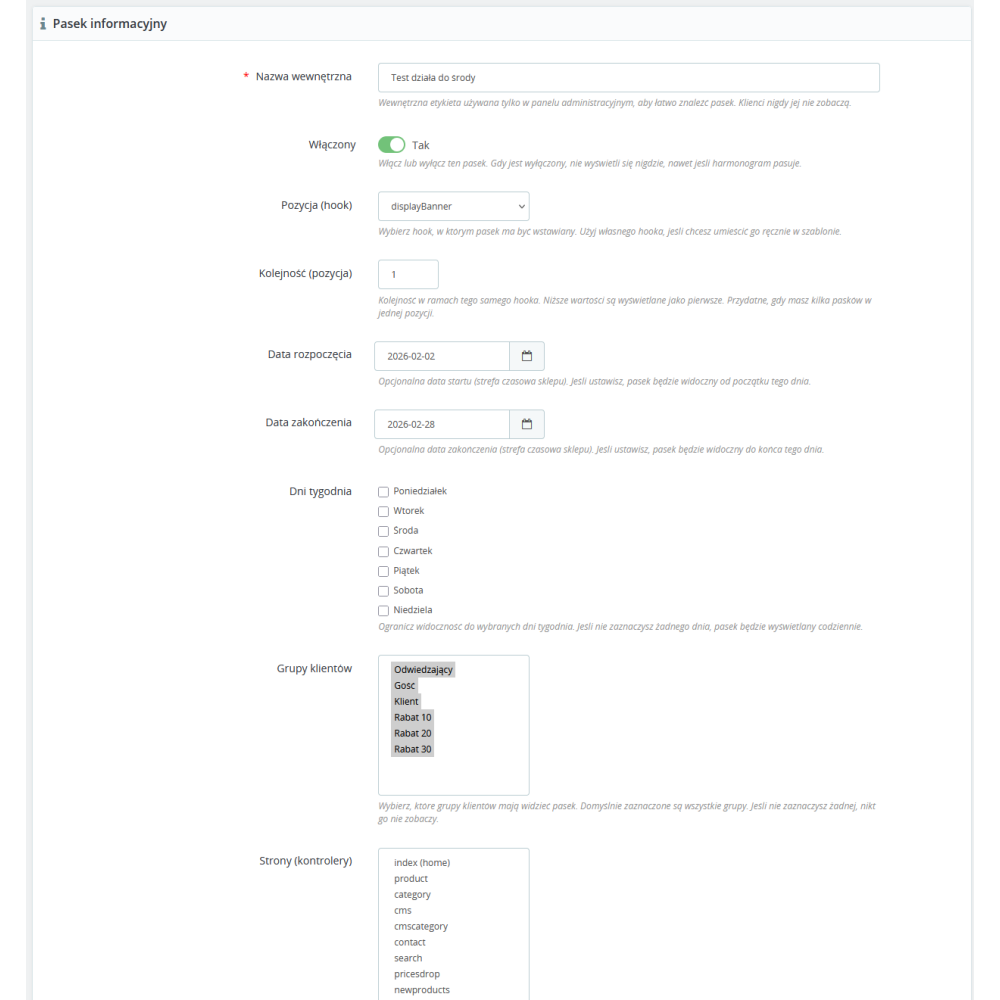
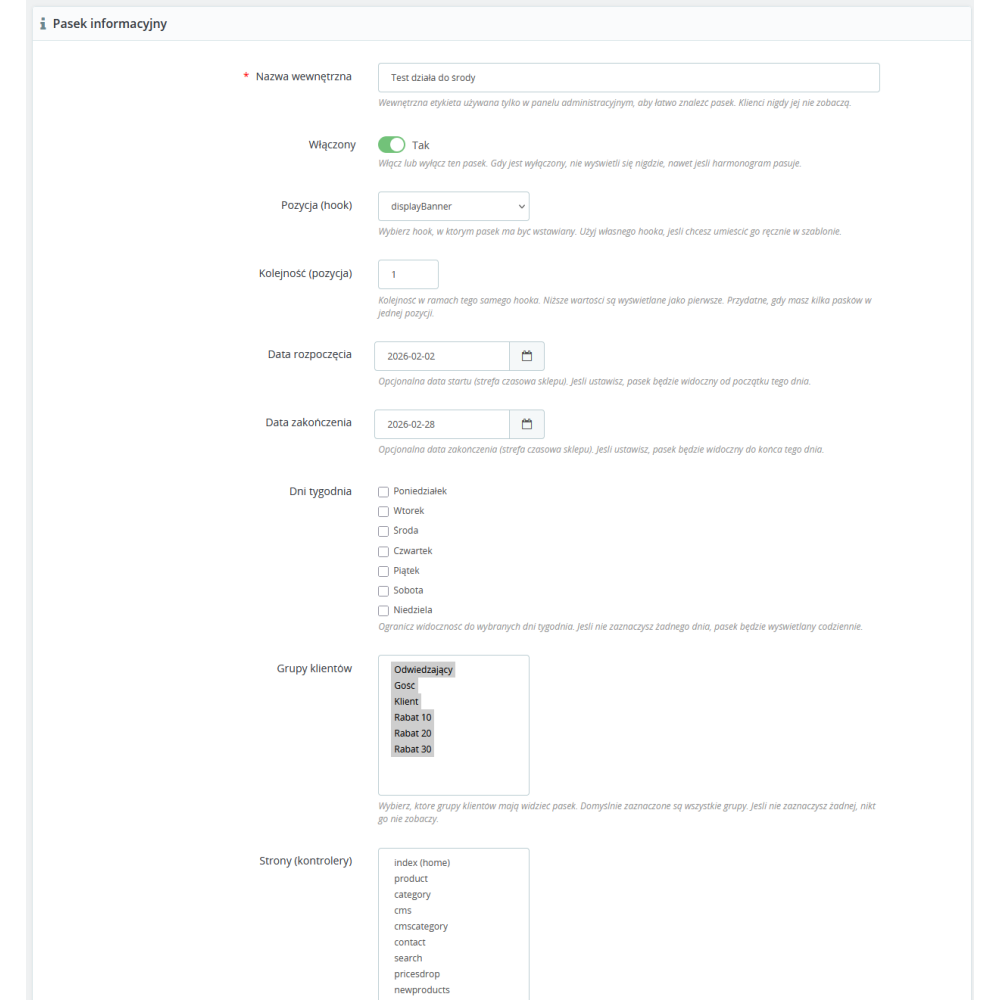
- scheduling display over time — you set the start and end date, and the message will appear and disappear automatically (e.g. seasonal campaigns, weekend promotions, technical maintenance).
- control over order and priorities — you set the position of bars on the list, so the most important messages are always at the top.
- enable/disable with one click — quickly activate or disable a bar without deleting the settings, which is useful for recurring campaigns.
- duplicating bars — you create a copy of an existing bar and change only the details (time-saving for similar campaigns).
- works in multiple store locations (hooks) — you can display bars where they actually make sense (header, product page, cart, etc.).
- clear presentation for customers — messages are visible but not intrusive, so they improve the shopping experience instead of getting in the way.
- security and order in content — you have one place to manage messages, instead of manually editing the theme or adding “patches” in files.
Link to the module demo:
Admin panel demo:
https://moduly-prestashop.eu/paski-info/admin-dev
Front office demo:
https://moduly-prestashop.eu/paski-info