

Google Remarketing Dynamic Pro for PrestaShop 1.5 x and 1.6 x

Google Dynamic Remarketing Pro for PrestaShop

Module version: 1.4.0

PrestaShop compatibility: 1.7.x 8.x 9.x

Module file updated: 04/9/2026 13:00:51

Product data updated: 04/9/2026 13:03:52


5 Reviews

PD Google Dynamic Remarketing Pro — Google Dynamic Remarketing for PrestaShop

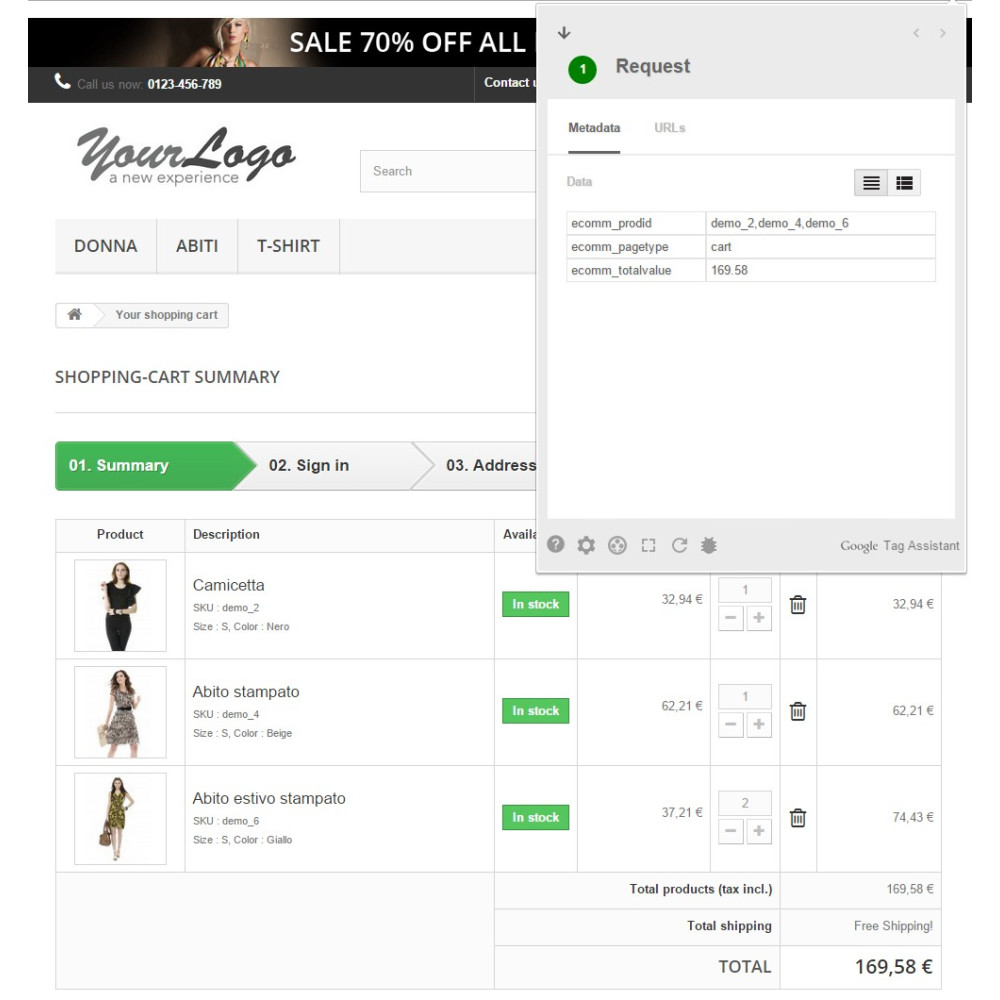
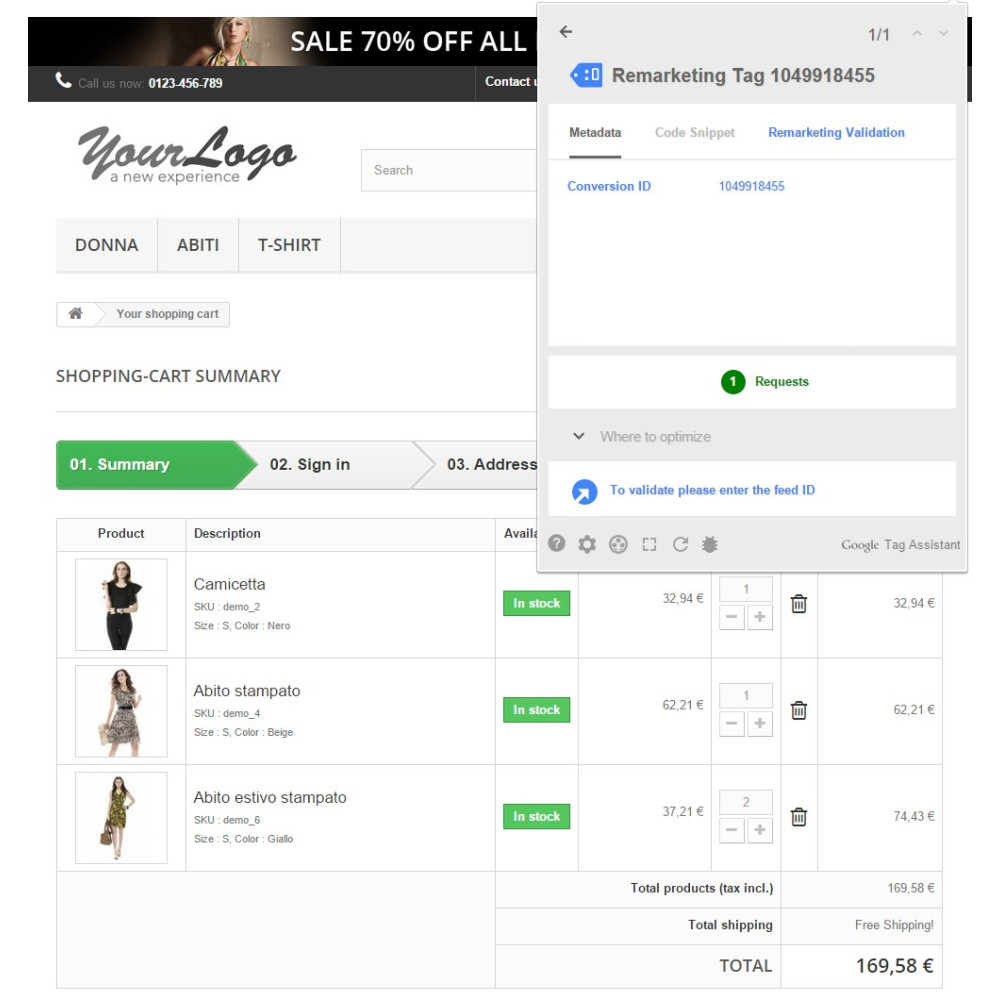
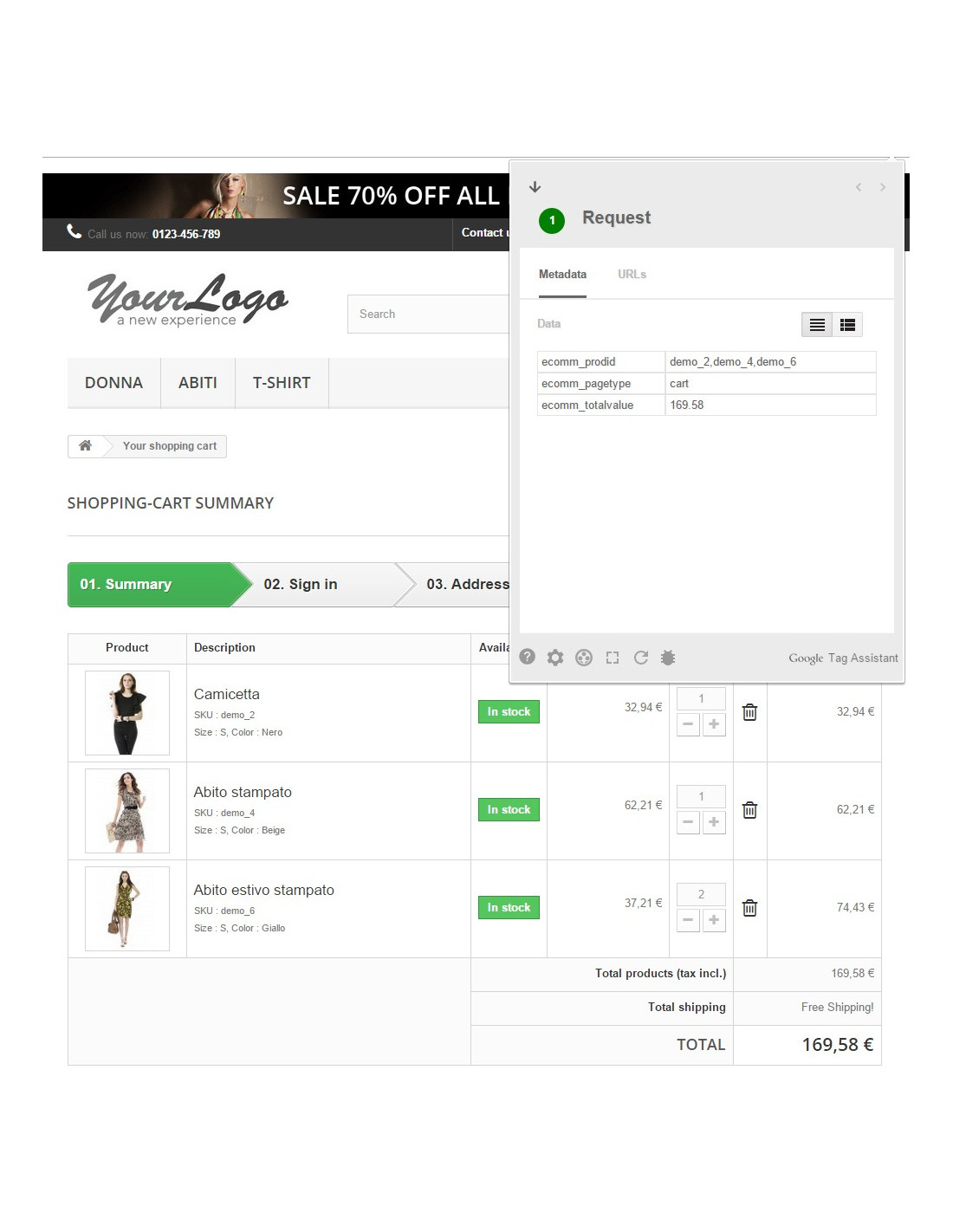
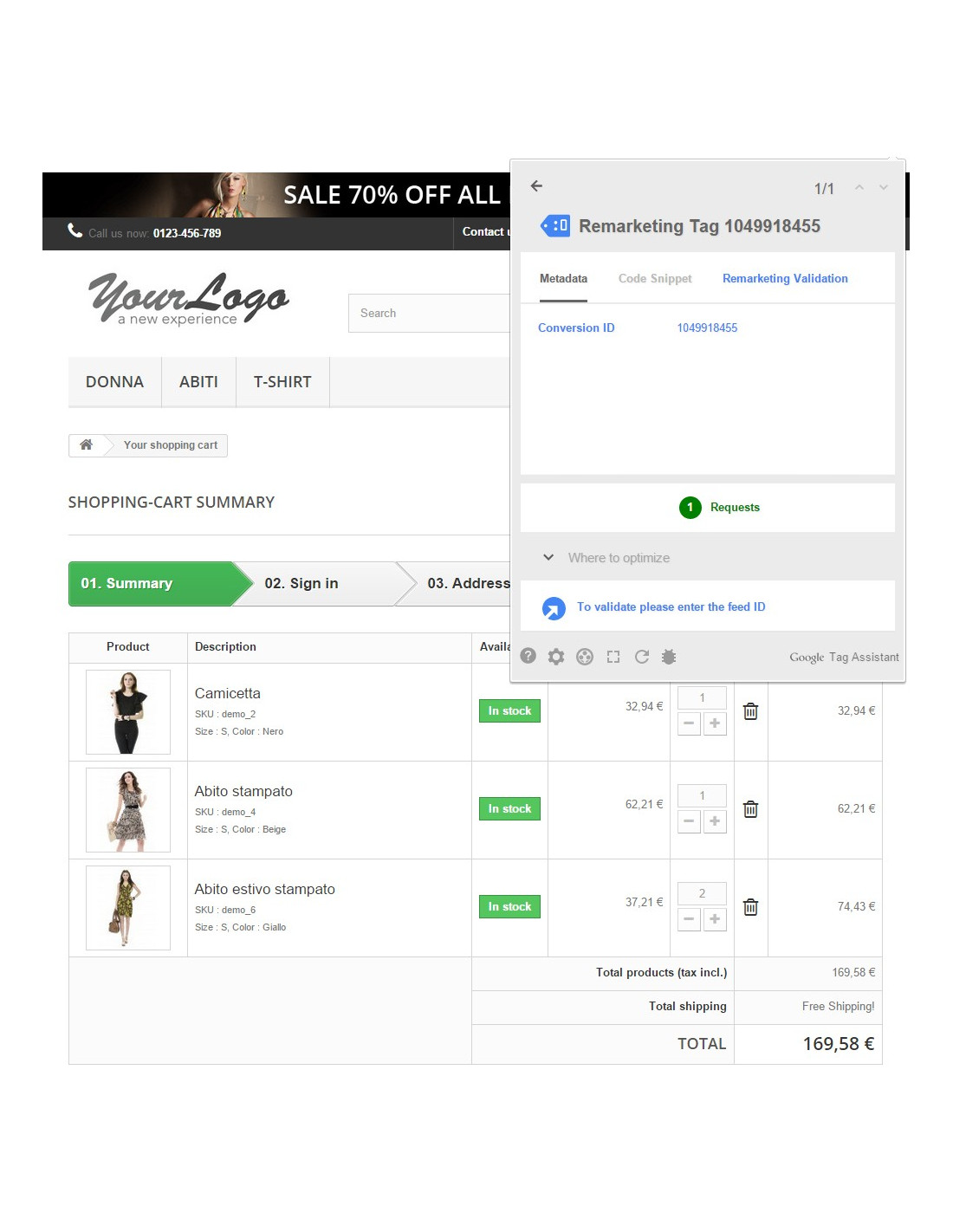
The PD Google Dynamic Remarketing Pro module integrates your PrestaShop store with Google Ads dynamic remarketing, automatically sending product data to Google using the gtag.js tag. This allows Google Ads to display personalised product ads to visitors — exactly the products they viewed, searched for, or added to the cart in your store. It is one of the most effective ways to recover abandoned carts and increase the conversion rate.

License type / update
zł 89.00
zł 72.36no tax
Price history:

Quantity Unit price You Save
2 zł 80.10 zł 17.80
3 zł 75.65 zł 40.05

Description

Automatic e-commerce event tracking

The module supports the complete set of events required by Google Dynamic Remarketing in the retail model. Each event sends a product identifier (items[].id) consistent with the Google Merchant Center feed and the parameter google_business_vertical: 'retail', allowing Google to precisely match ads to products from your catalog.

Google event When it fires Event data
view_item Product page + variant change (AJAX) Product ID, price, business vertical
view_item_list Category, new products, bestsellers, promotions, manufacturer, supplier List of product IDs, total value
view_search_results Search results List of product IDs, total value
add_to_cart Adding a product to the cart (AJAX, without page reload) Product ID with the selected variant, price
purchase Order confirmation List of product IDs, order value, currency

Configurable product identifier

A key Google requirement is that the product identifier in the remarketing tag matches the identifier in the Google Merchant Center feed. The module lets you choose the identifier format from 5 options:

  • Product ID — default id_product from the PrestaShop database
  • Product ID - Attribute ID — format id_product-id_product_attribute (hyphen)
  • Product ID _ Attribute ID — format id_product_id_product_attribute (underscore)
  • Reference — product SKU / catalog number
  • EAN-13 — European barcode

For products with combinations (variants), the module automatically retrieves identifiers specific to the selected combination — if the variant has its own EAN or reference, that identifier will be sent to Google instead of the main product identifier.

Supported listing pages

The module tracks the view_item_list event on all product listing pages in PrestaShop:

  • Category pages
  • Manufacturer pages
  • Supplier pages
  • New products
  • Bestsellers
  • Promotions (price reductions)

On each of these pages, the module first tries to retrieve the product list from data already loaded by PrestaShop (Smarty variables), which eliminates additional SQL queries. If the data is not available (e.g. a custom theme), the module automatically switches to a direct database query as a fallback.

Smart variant and cart tracking

On the product page, when the customer changes a variant (color, size), the module sends an asynchronous AJAX request to the server, retrieves the identifier and price of the specific combination, and then immediately sends an updated view_item event to Google — without reloading the page. Similarly, adding a product to the cart generates an add_to_cart event with the correct variant identifier.

Global Google tag (gtag.js)

The module can automatically load the gtag.js script with the Google Ads conversion ID, while also setting the store currency and country. If you already have Google Tag Manager or another module that loads gtag.js, you can disable this option to avoid tag duplication — remarketing events will still be sent correctly.

Full compatibility

  • PrestaShop 1.7.x – 9.x — one module for all versions
  • PHP 7.0 – 8.5 — no Composer, no external dependencies
  • Multistore — each store can have its own Google Ads conversion ID
  • All themes — Classic, Starter Theme, Hummingbird, and custom themes
  • Multilingual support — configuration panel in Polish and English

Why it is worth it

  • One click — full integration — enter the Google Conversion ID, save, and you're done; all events work automatically on every store page
  • Google Merchant Center compliance — the product identifier in the tag matches the identifier in the feed, enabling dynamic product ads with correct images and prices
  • Real-time variant tracking — changing the color, size, or another attribute immediately updates the data in the remarketing tag, without reloading the page
  • Performance — on listing pages, the module uses data already loaded by PrestaShop; zero additional SQL queries in the standard flow
  • Security — AJAX token validation, origin/referer verification, escaping all variables in templates, protection against CSRF and XSS
  • Order owner verification — the purchase event fires only for the customer who placed the order; there is no risk of order data leakage
  • No conflicts — the option to disable the global tag allows coexistence with Google Tag Manager without script duplication
  • Full page coverage — categories, manufacturers, suppliers, new products, bestsellers, promotions, search, products, cart, and order

Requirements

  • PrestaShop 1.7.0 or newer (including 8.x and 9.x)
  • PHP 7.0 or newer
  • Google Ads account with active dynamic remarketing
  • Product feed in Google Merchant Center (for dynamic product ads)

Installation and configuration

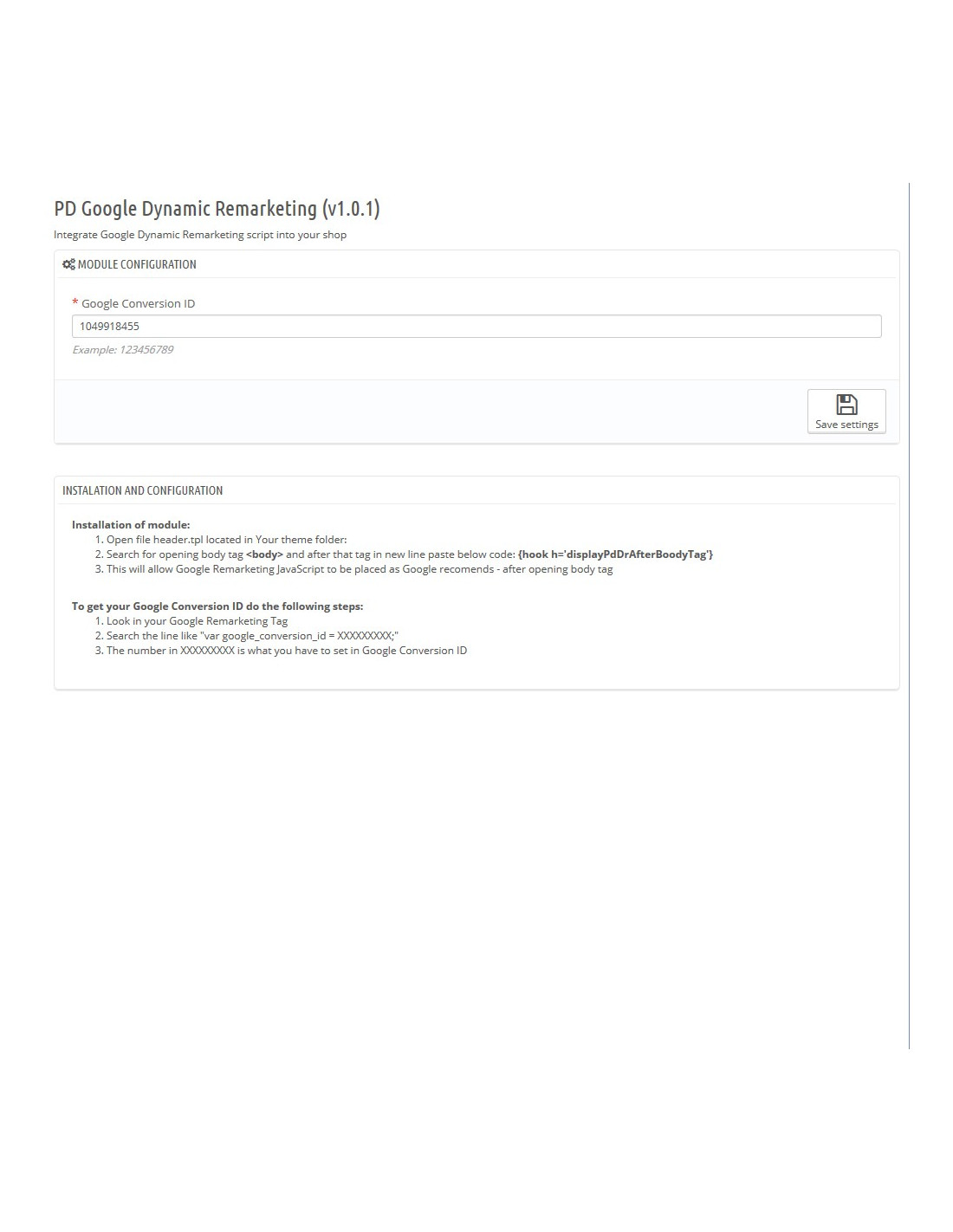
  1. Install the module through the PrestaShop admin panel (Modules → Upload a module)
  2. Go to the module configuration
  3. Paste the Google Ads Conversion ID (format: AW-123456789)
  4. Choose whether the module should load the global gtag.js tag (disable if you have GTM)
  5. Select the product identifier format matching your Google Merchant Center feed
  6. Save — dynamic remarketing starts working immediately on all store pages

Product Details

Prestashop 9.x support
Yes
Support for Prestashop 8.x
Yes
Prestashop 1.7.x support
Yes
Prestashop 1.6.x support
Yes
PrestaShop 1.5x support
Yes
Module translations
EN, ENG
Free support
Yes
Free updates (1 year)
Yes
Easy Installation
Yes
PDRDP-FULL

Changelog

Newest entries first. Click to expand details.

  • przeprowadzono kompleksowa optymalizacje modułu pod względem wydajności na listach produktowych

Reviews (5)

5 Reviews

BDB
Czy będzie aktualizacja do presta 8.x.x ?
By Ola on 08/17/2023

Ciślak
Moduł działa świetnie zgodnie z opisem, instalacja była bezproblemowa !!!!
By Patryk Marek on 10/27/2022

moduł działa świetnie
polecamy, i dziękujemy za tak szybki suport!
By on 10/27/2022

Działa zgodnie z opisem
wsparcie odpisuje w przeciągu godziny także naprawdę warto!!!
By on 10/27/2022

Suport na najwyższym poziomie
były problemy z naszym szablonem ale zostały rozwiązane tego samego dnia co zakupiliśmy moduł....
By on 10/27/2022