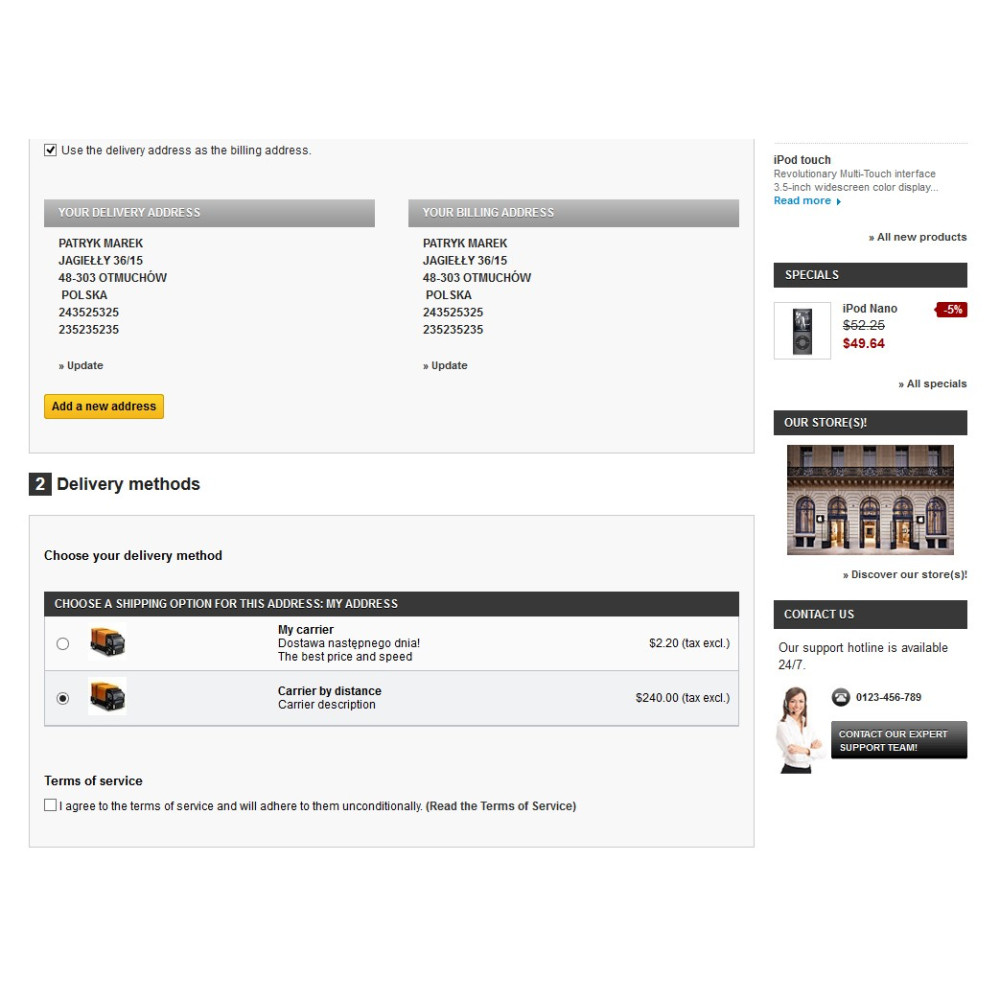



Features and benefits of the delivery module
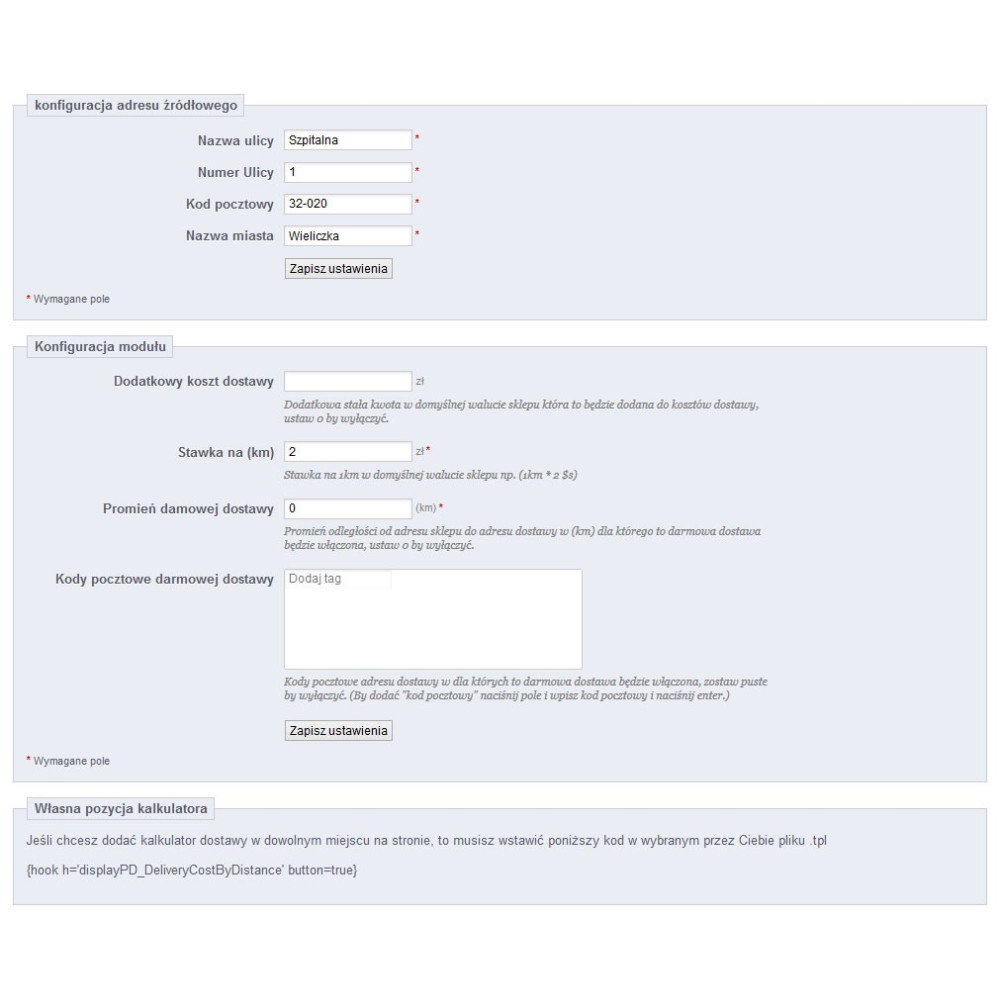
- ability to add a fixed fee
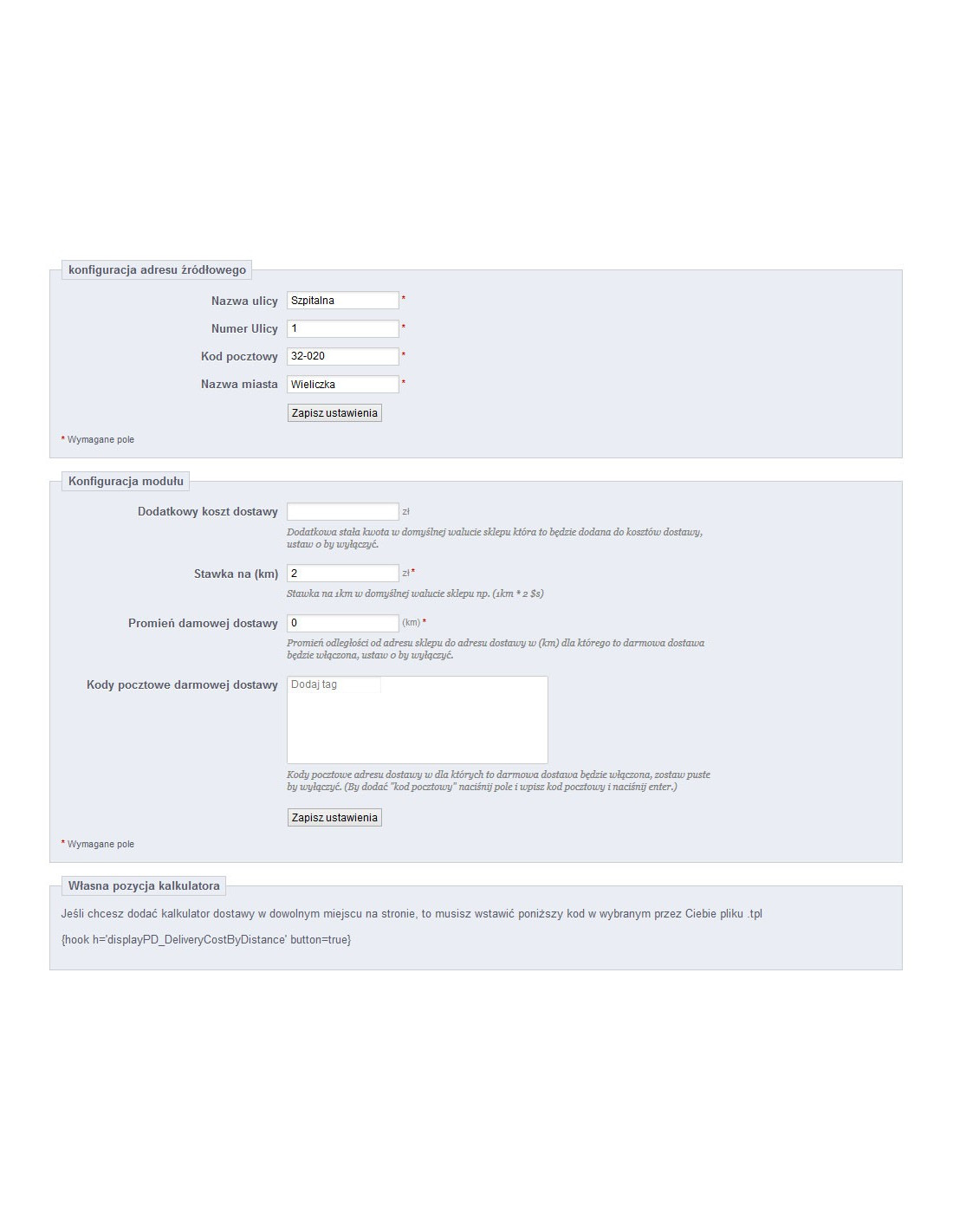
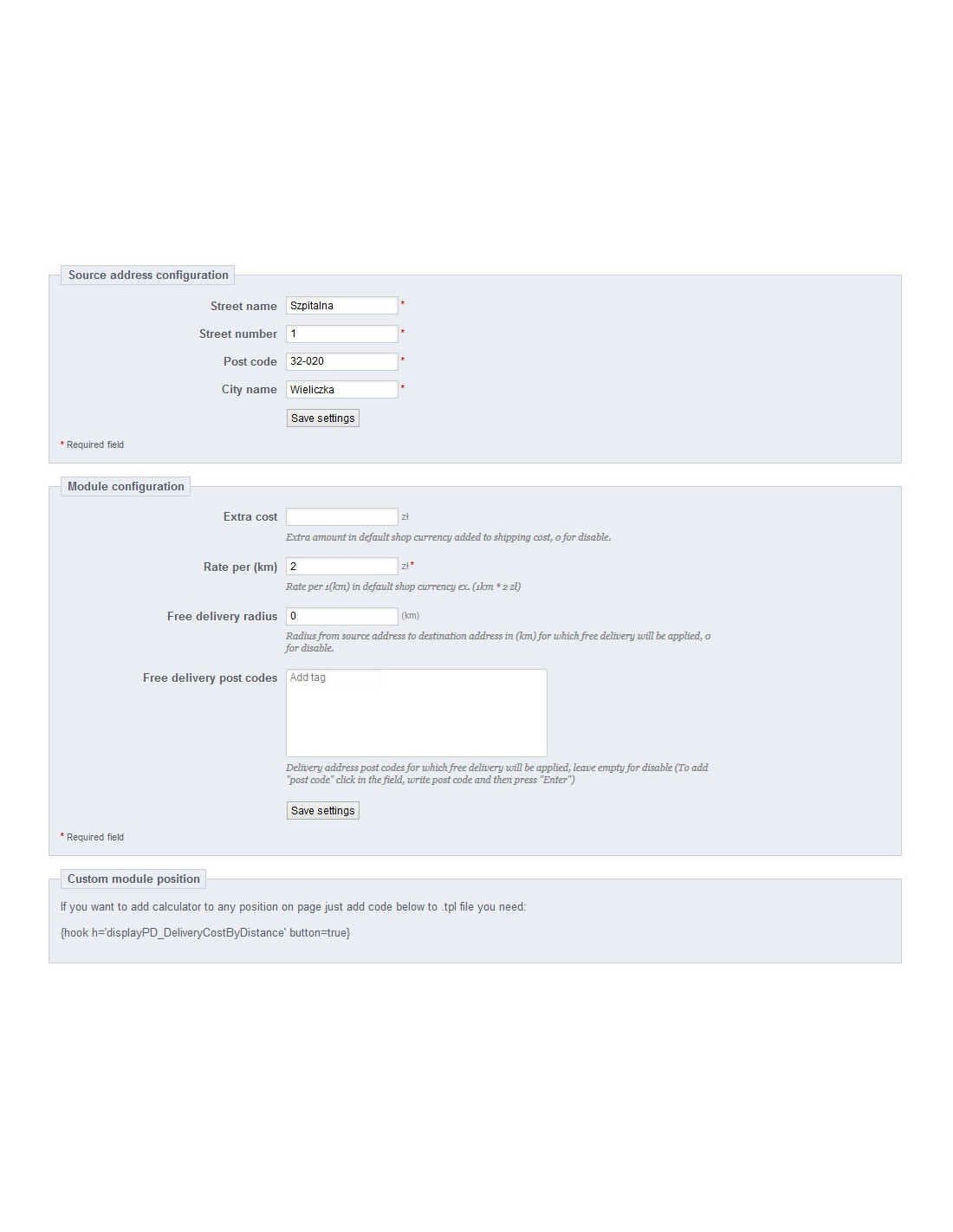
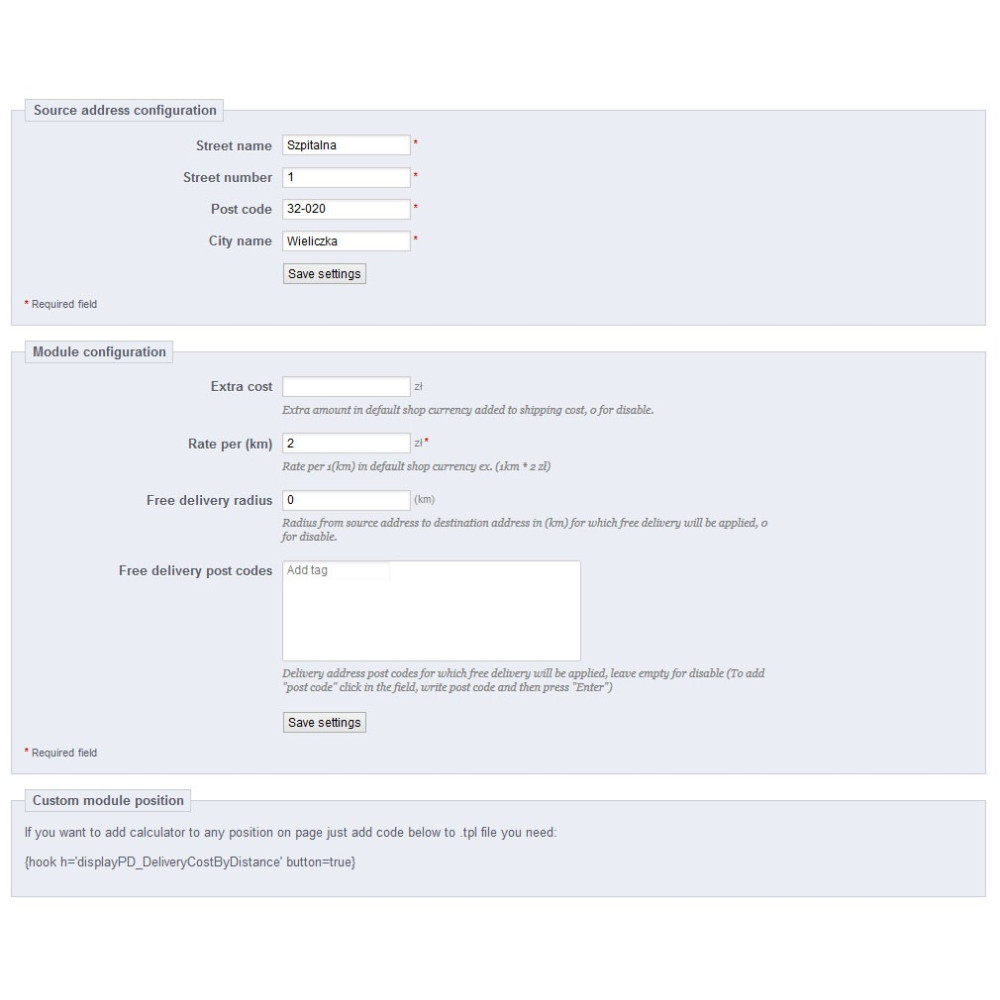
- ability to set free delivery for selected postal codes
- ability to set free delivery within a distance radius from the store address configured in the module settings
- cache added for destination addresses to reduce distance queries to the Google API (while allowing better use of the free API and query limit or the paid API and the costs associated with API queries)
- ability to set the first free kilometers for which no fee will be charged (after that, calculated according to the configured rate per km/mi)
- ability to set a fixed cost value for the first e.g. 20 kilometers (after that, calculated according to the configured rate per km/mi)
- ability to set the maximum supported distance (if exceeded, a message will be shown to the customer)
- free delivery options can be combined, meaning both the distance radius and the postal code are checked at the same time
- ability to set a minimum order value (if it is not reached, the distance-based delivery method will not be shown during the checkout process)
- ability to set a fixed cost value for the first x (e.g. 20) kilometers (after that, calculated according to the configured rate per km/mi in the module settings)
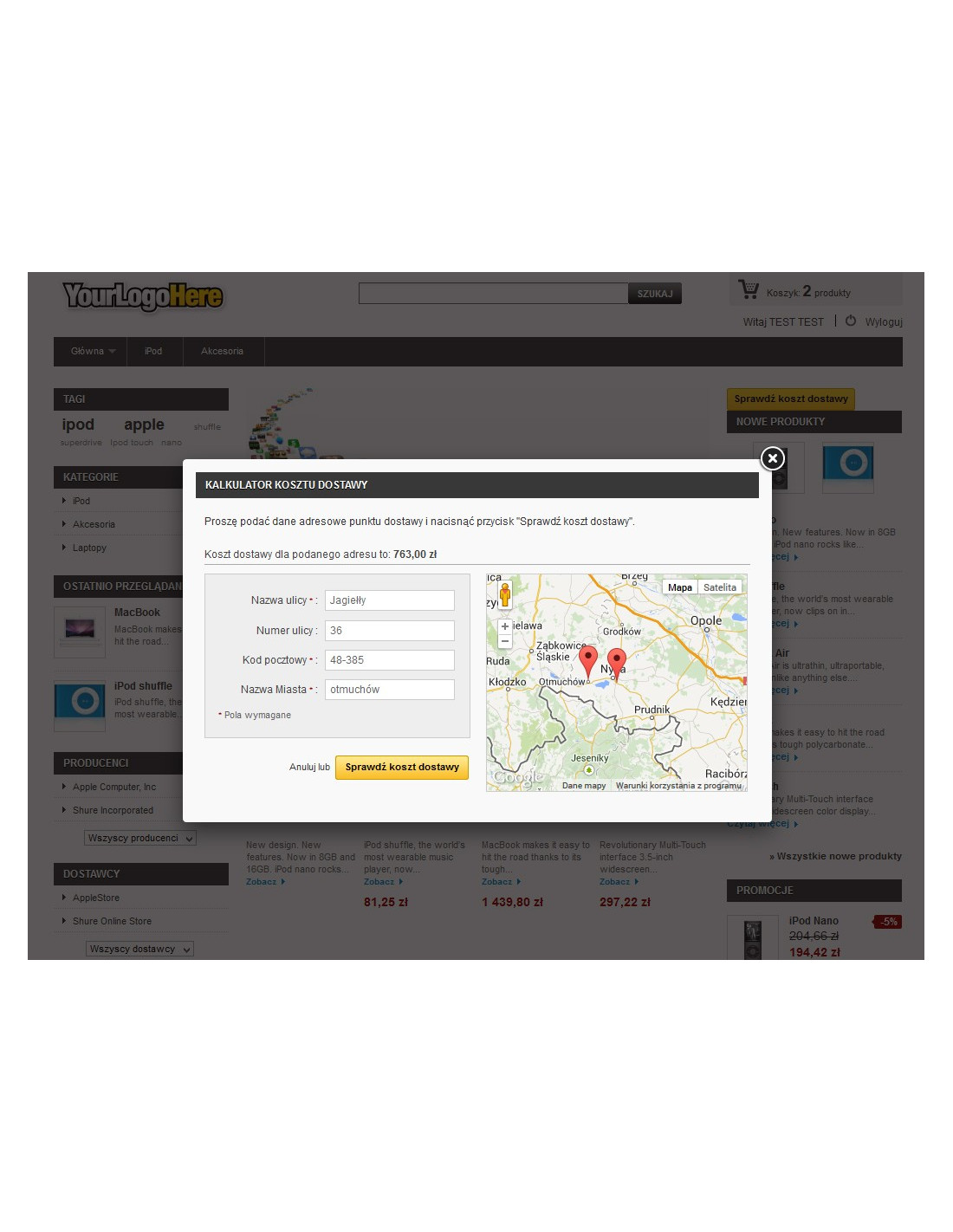
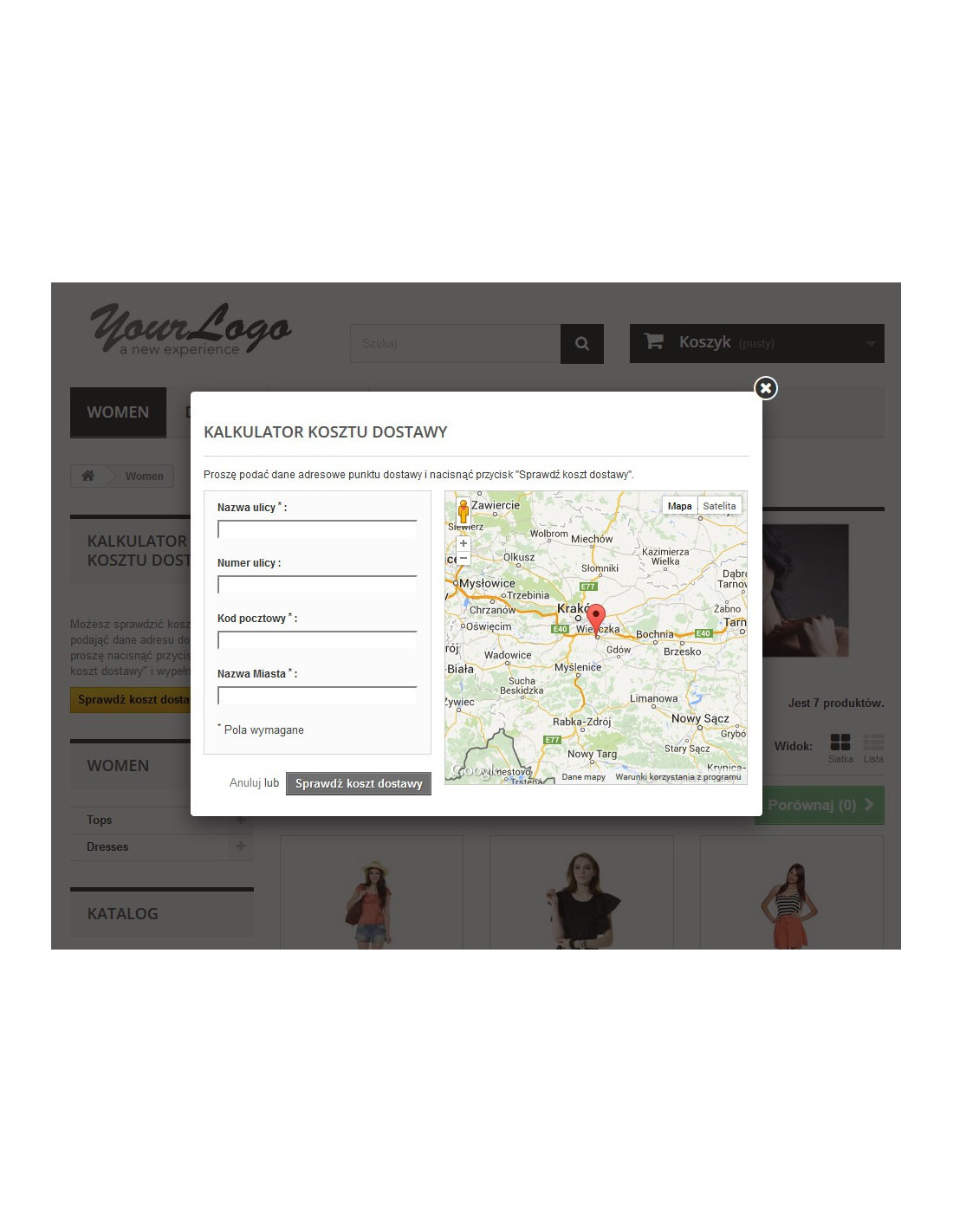
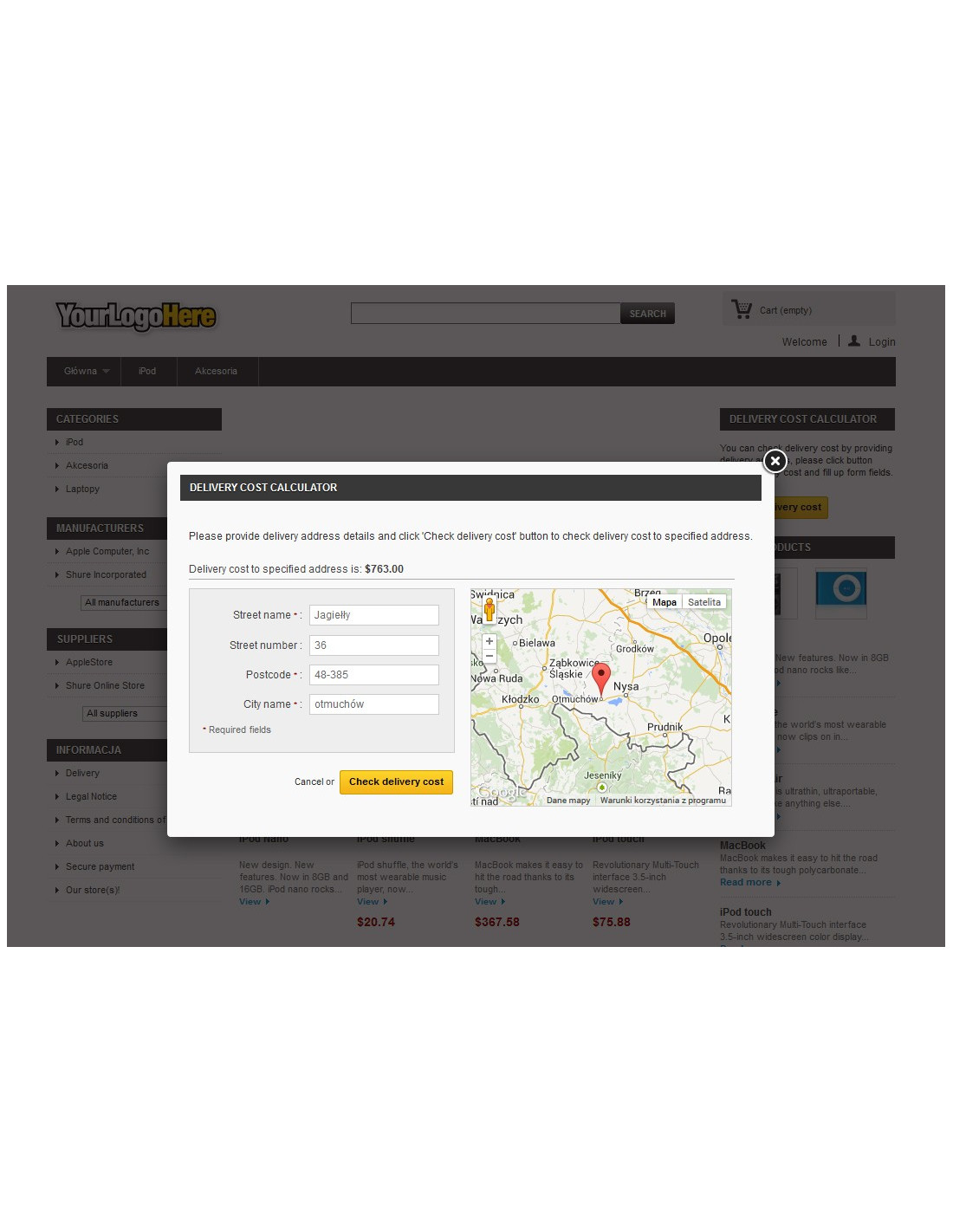
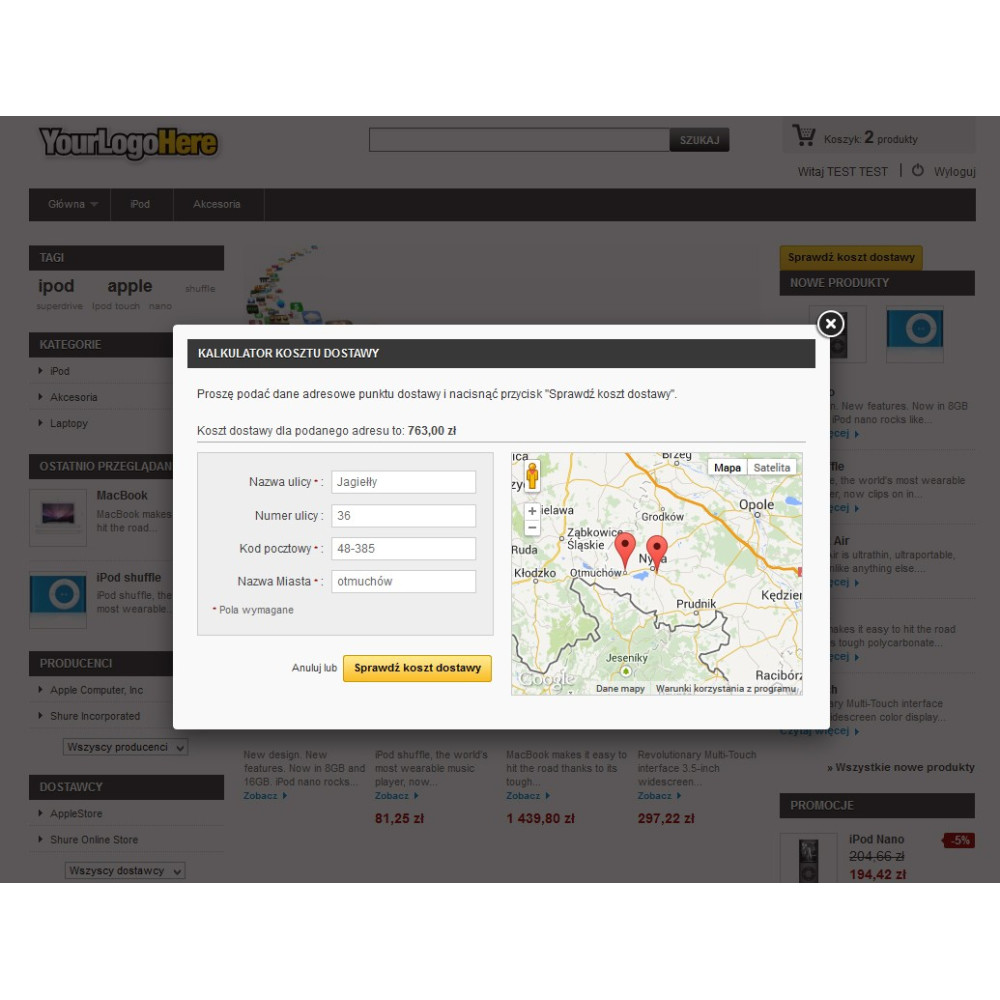
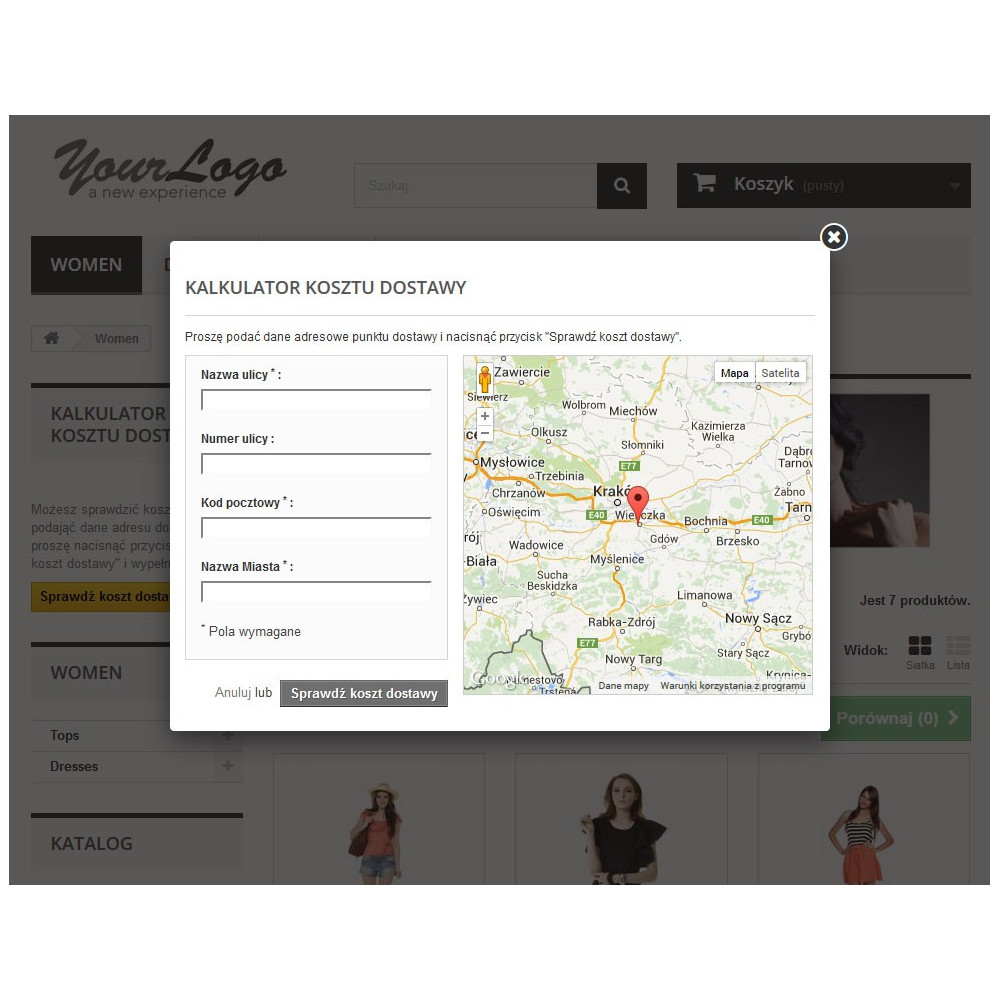
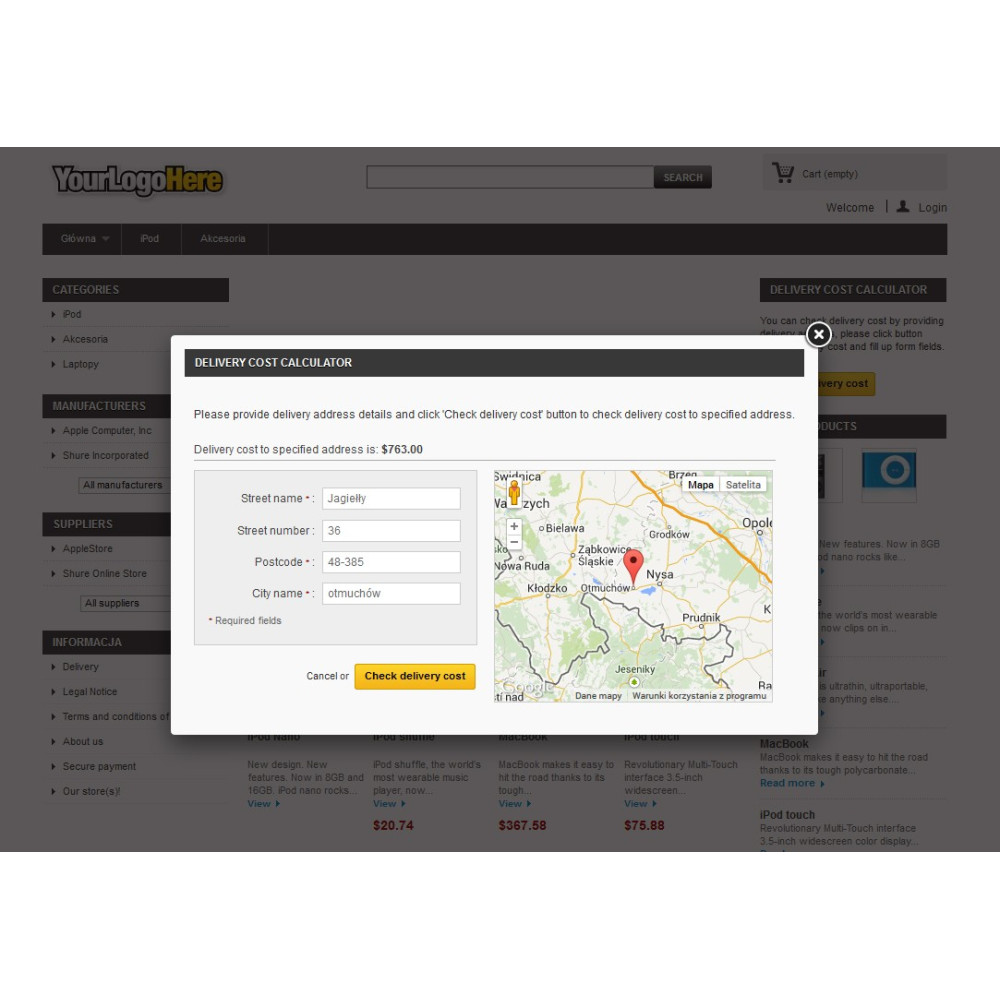
- ability to enable the delivery calculator (can be assigned to the left or right column); additionally, a map with the store address marked, and after entering an address in the calculator to check delivery costs, that point automatically appears on the map
- support for distance units miles / kilometers
- validation of delivery address form fields
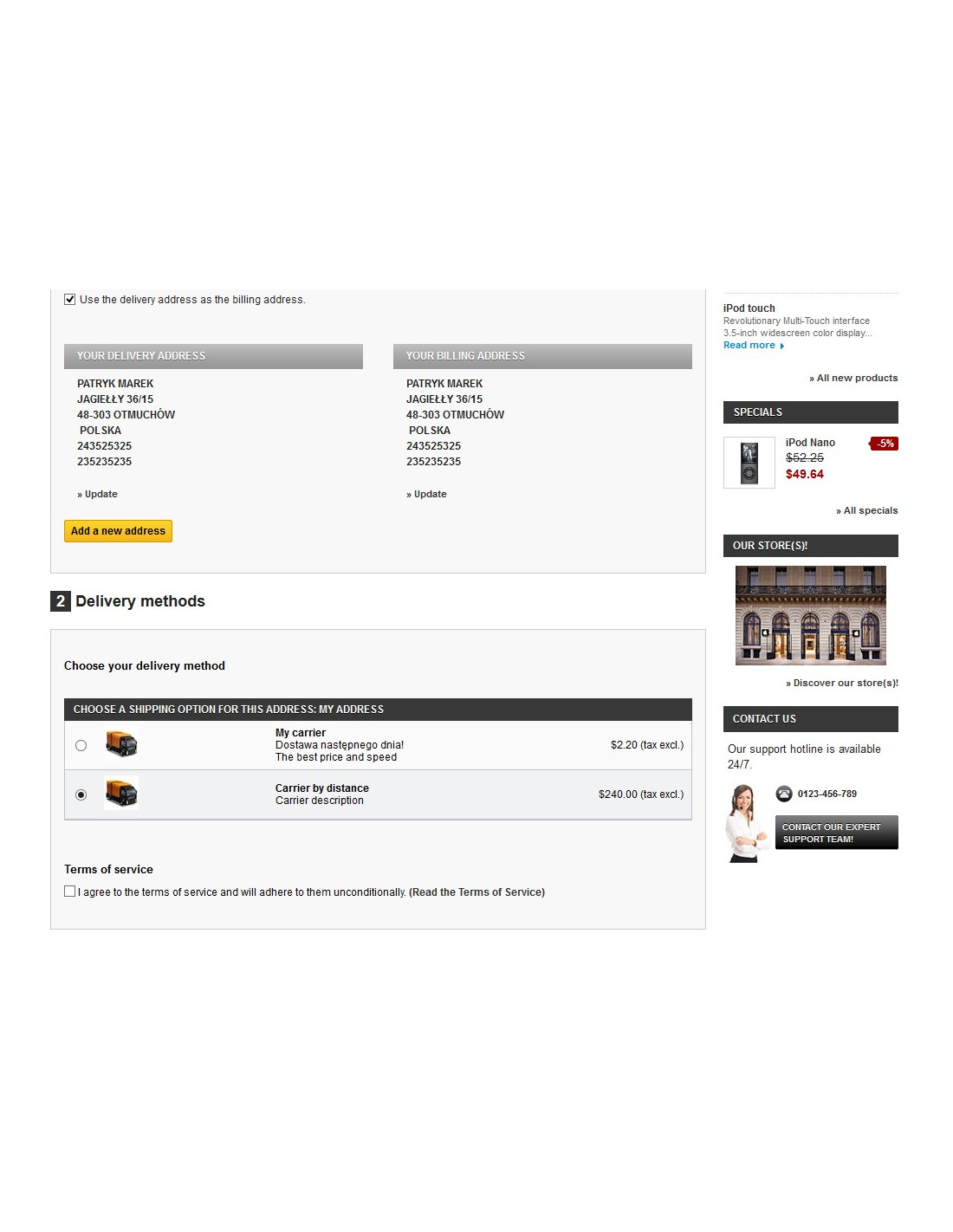
- support for purchases as a guest, in five steps, and on one page
- the module uses the Google Maps API to calculate distance (free or paid)
- ability to add the calculator button in any position (by pasting 1 line of code into any tpl file)
- ability to add additional functionalities or change existing ones according to the customer's wishes.